
https://tryhackme.com/room/malware-sandbox-aoc2025-SD1zn4fZQt
Created by: tryhackme, cmnatic, SecurityNomad
“The town of Wareville remains quiet in the middle of the night. While the residents of Wareville are nicely tucked up in bed, blissfully unaware, the SOC team at The Best Festival Company (TBFC) remain alert, poised and ready for whatever may face them.
Monitoring their screens, armed with a freshly poured mug of hot cocoa, the elves of the SOC watch their dashboards diligently.”
Go ahead and start your machine and read the material while it loads. This room has a Medium difficulty and the Objectives look fun so I bet we are going to learn a lot today!
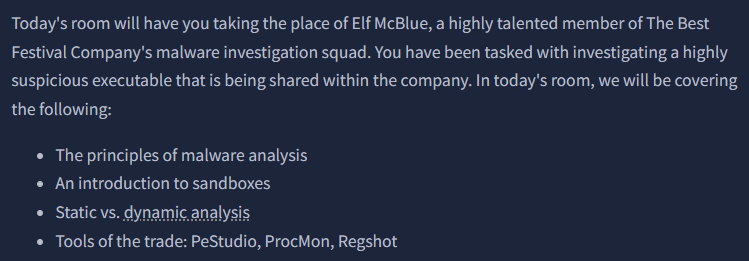

THM does a great job at detailing everything needed to understand the steps and processes to obtain our answers. I would suggest reading the material then going back to the step where we should start opening up PeStudio and launching our executable to get an idea of what is expected.
Per THM Echo, “PeStudio is a static analysis tool designed for examining Windows executable files (PE files). It provides insights into various attributes of the executable, including file checksums, imported/exported functions, and embedded resources. By analyzing these elements, users can identify potential malware characteristics or suspicious behavior without executing the file, making it a valuable asset in malware analysis and reverse engineering.”
“Static analysis: What is the SHA256Sum of the HopHelper.exe?”
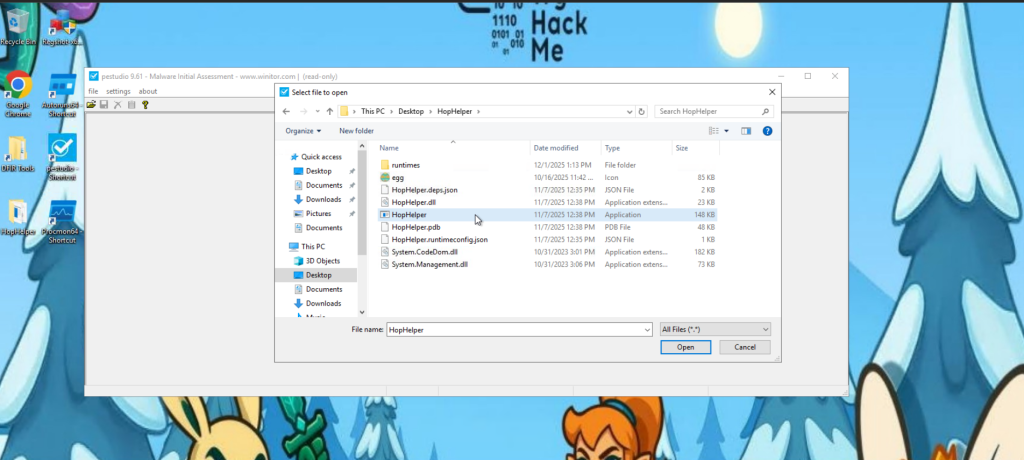
When you see the sha256 hash, make sure you right click > copy value to just obtain the hash to copy and paste over to the THM input box.
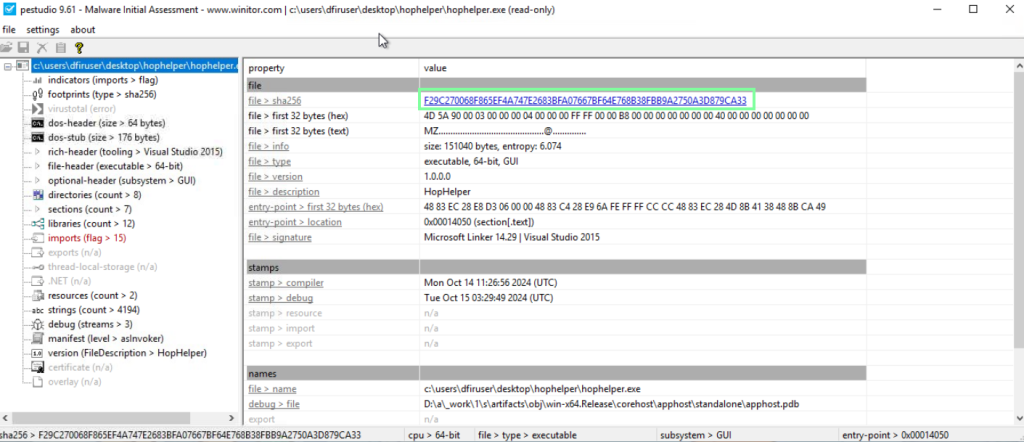
“Static analysis: Within the strings of HopHelper.exe, a flag with the format THM{XXXXX} exists. What is that flag value? Note, this can be found towards the bottom of the strings output.”
Now on to dynamic analysis! “Regshot is a widely used utility, especially when analysing malware on Windows. It works by creating two “snapshots” of the registry—one before the malware is run and another afterwards. The results are then compared to identify any changes.” Take the 1st shot, run the malware as instructed, then run the 2nd shot.
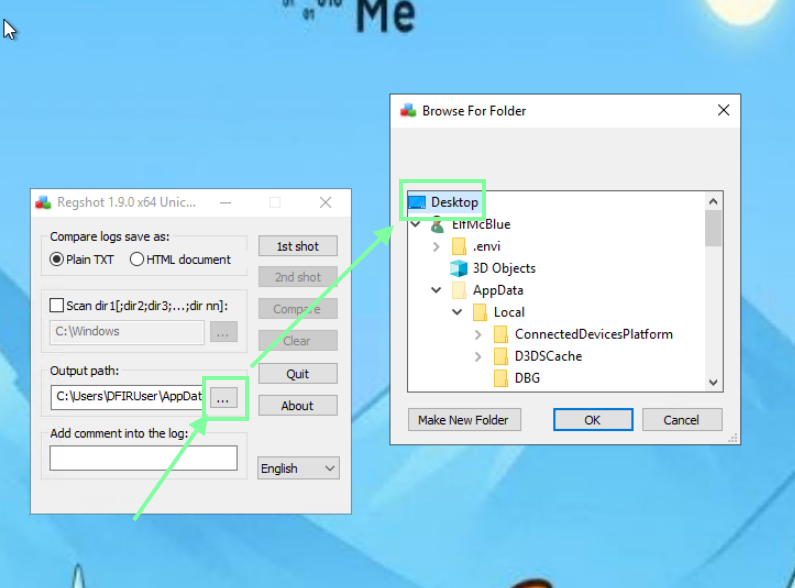
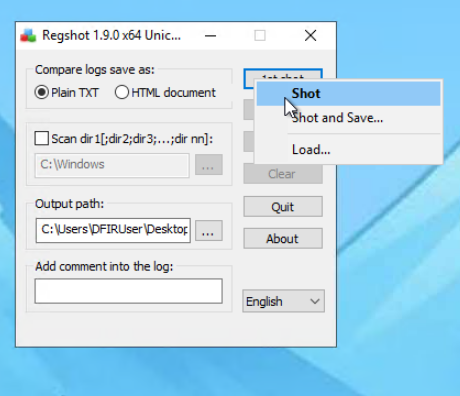
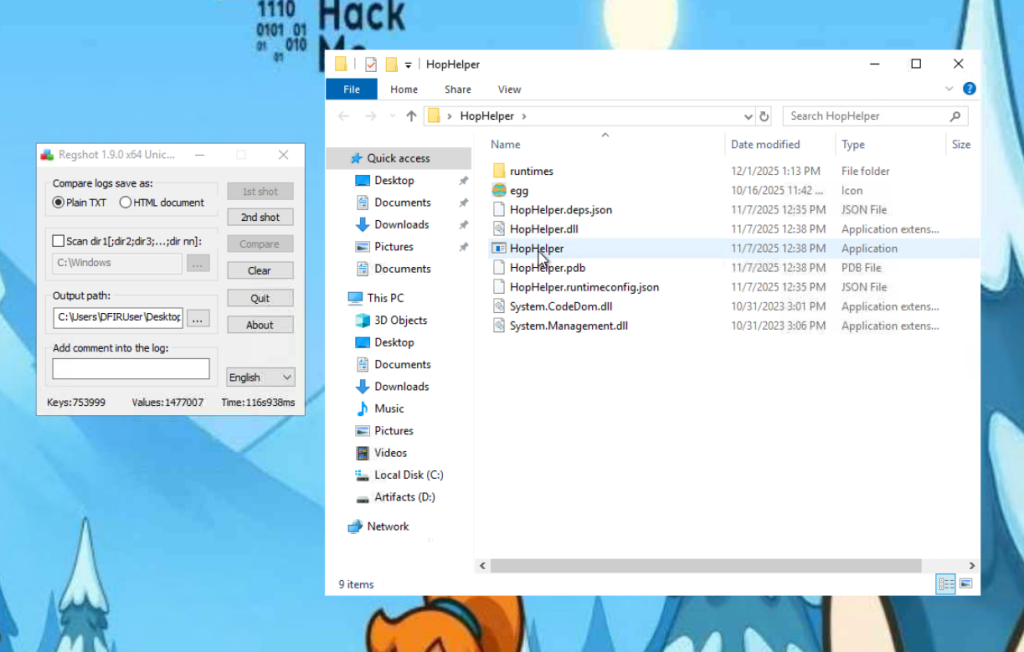
You know when it’s done when the “2nd shot” tab becomes clickable. Now it’s time to run the executable!
Curse you King Malhare!!!
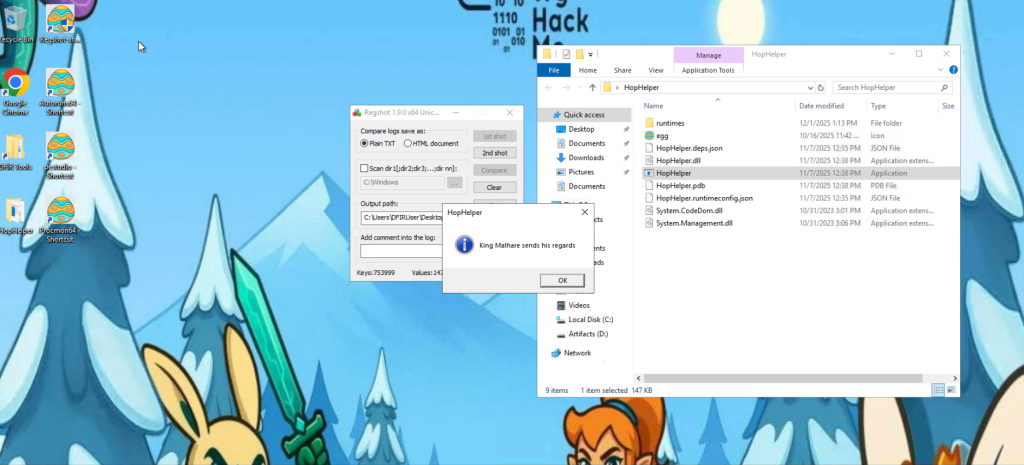
Now we are going to run our 2nd shot to compare it with the first.

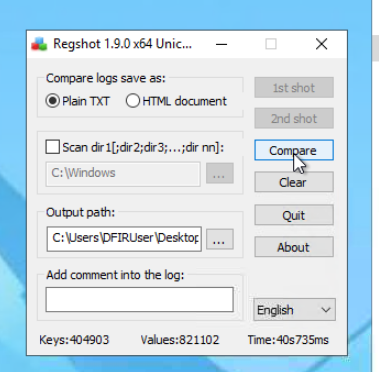
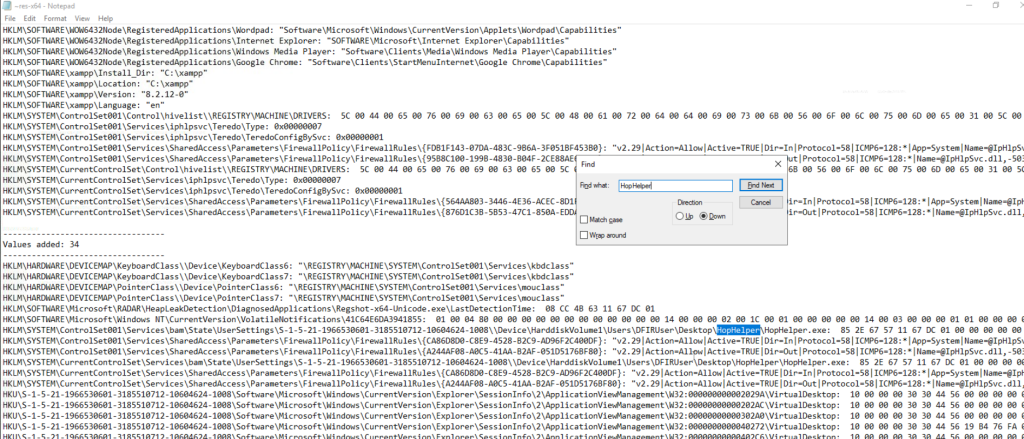
Once it finishes, it will open up a txt file for us. Ctrl + F HopHelper to see what the executable has done to our system. Eventually, you will notice a Run path. This means persistence for the executable, so even if you reboot, it will start back up afterwards! This is also the flag for the question “What registry value has the HopHelper.exe modified for persistence?”
Now on to Procmon! “Next, we will explore using ProcMon (Process Monitor) from the Sysinternals suite to investigate today’s sample. Process Monitor is used to monitor and investigate how processes are interacting with the Windows operating system. It is a powerful tool that allows us to see exactly what a process is doing. For example, reading and writing registry keys, searching for files, or creating network connections.”
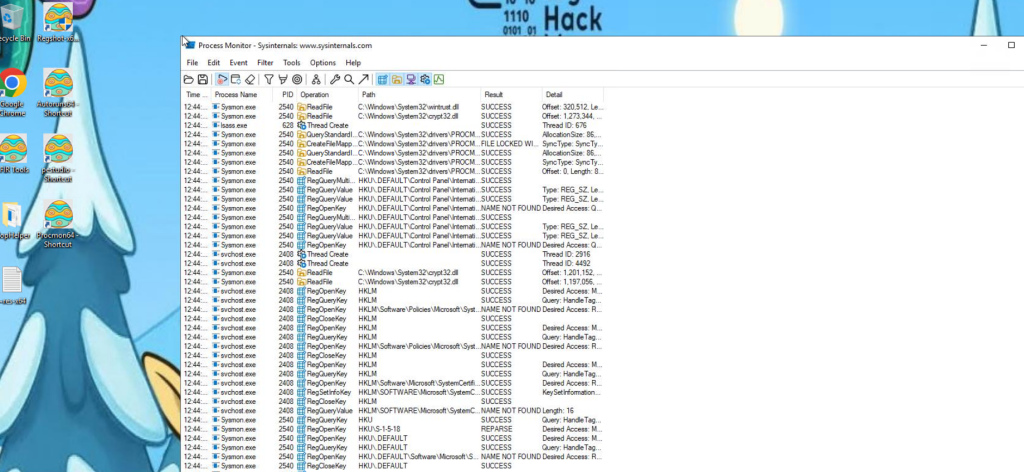
After you open this, re-run the executable file again, then stop the monitoring of procmon.

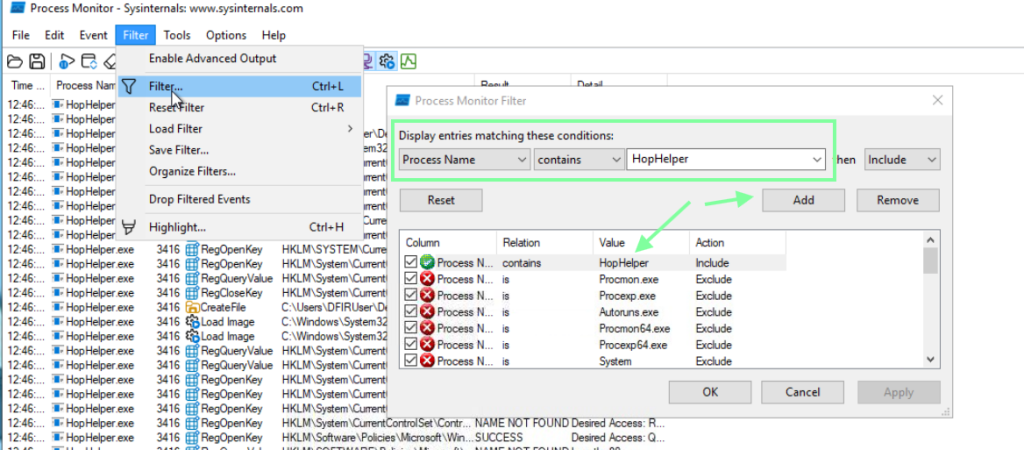
We are still getting a lot of results, so let’s add another filter.

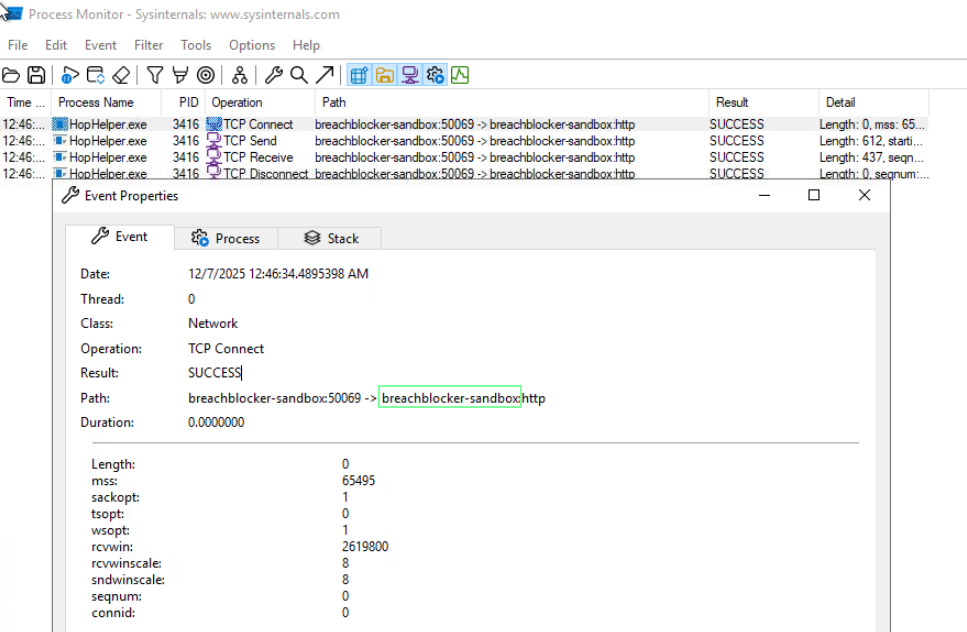
We now see the filtered results, and it’s not good news. Sinister activity is afoot!
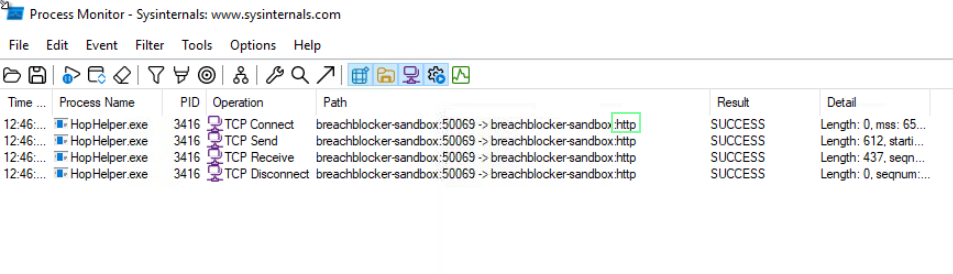
For the bonus question regarding the web panel. Copy and paste this in Chrome as http://breachblocker-sandbox/.

So that’s that! THM links to other rooms I’ll definitely check out later: https://tryhackme.com/room/staticanalysis1 and https://tryhackme.com/room/basicdynamicanalysis.