
https://tryhackme.com/room/idor-aoc2025-zl6MywQid9
THM Advent video led by David Ackerman if needed: https://www.youtube.com/watch?v=geNAA2g-ZnY
Created by: tryhackme, am03bam4n, tgreenMWR, Gensane, krotovolb
“The elves of Wareville are on high alert since McSkidy went missing. Recently, the support team has been receiving many calls from parents who can’t activate vouchers on the TryPresentMe website. They also mentioned they are receiving many targeted phishing emails containing information that is not public. The support team is wary and has enlisted the help of the TBFC staff. When looking into this peculiar case, they discovered a suspiciously named account named Sir Carrotbane, which has many vouchers assigned to it. For now, they have deleted the account and retrieved the vouchers. But something is going on. Can you help the TBFC staff investigate the TryPresentMe website and fix the vulnerabilities?”
What is IDOR? Well, per THM, “Insecure Direct Object Reference and is a type of access control vulnerability. Web applications often use references to determine what data to return when you make a request. However, if the web server doesn’t perform checks to ensure you are allowed to view that data before sending it, it can lead to serious sensitive information disclosure”. Right off the bat, we get our first answer.

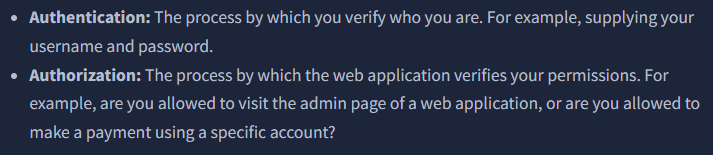
THM expands on the context of IDOR. While you read that, launch your VM, and when that gets done, launch your target machine. Some highlights include(which also includes one of our answers!):

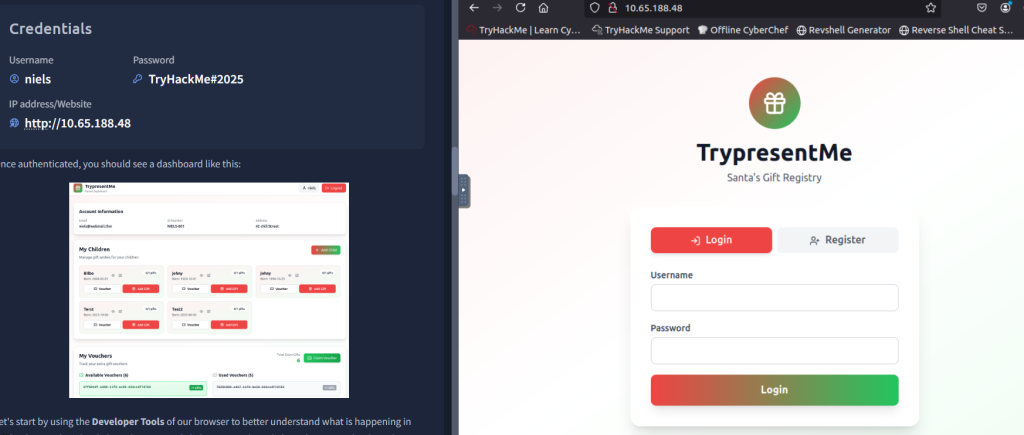
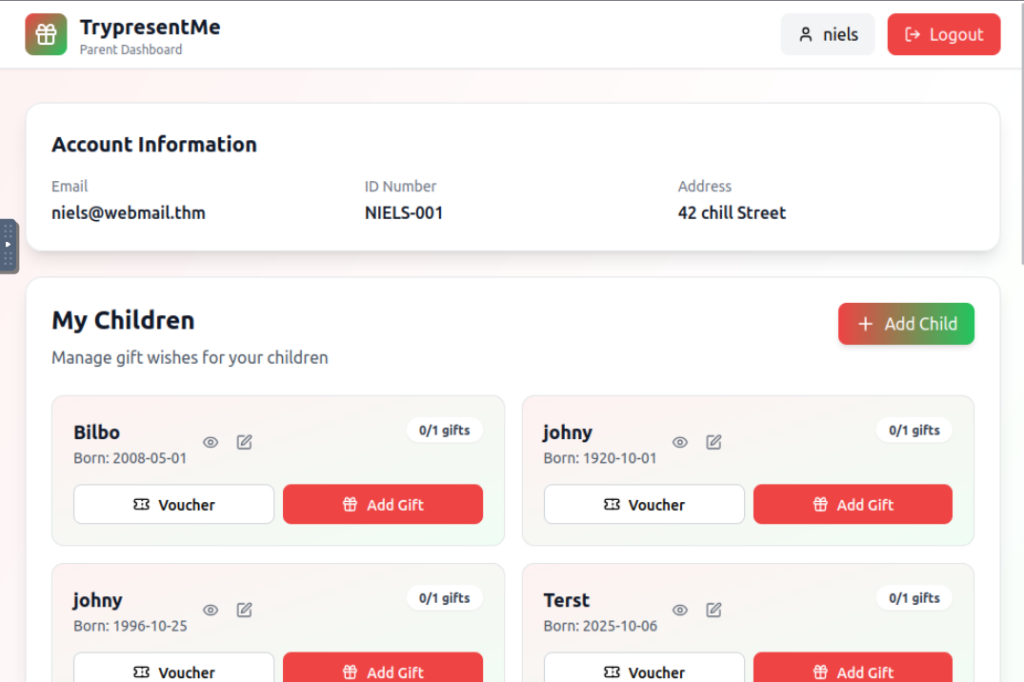
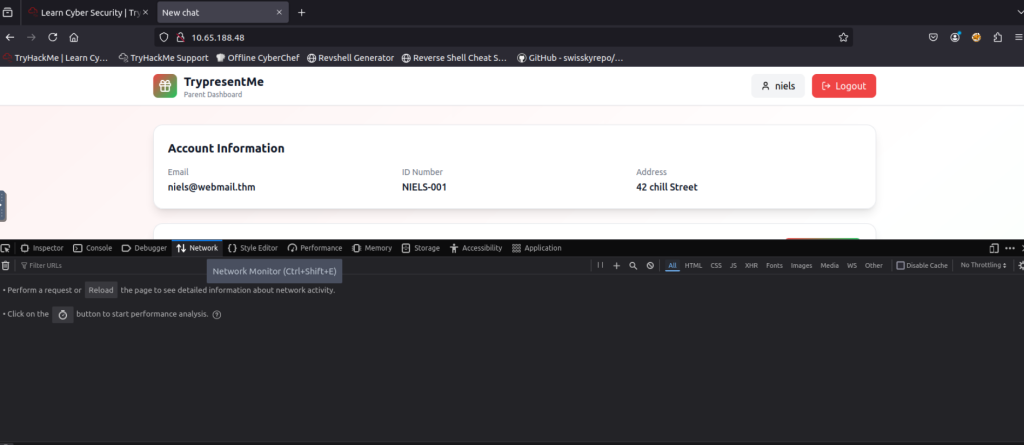
We are logged into one of the accounts. Now, THM wants us to use the developer tools to see the backend of the web page.
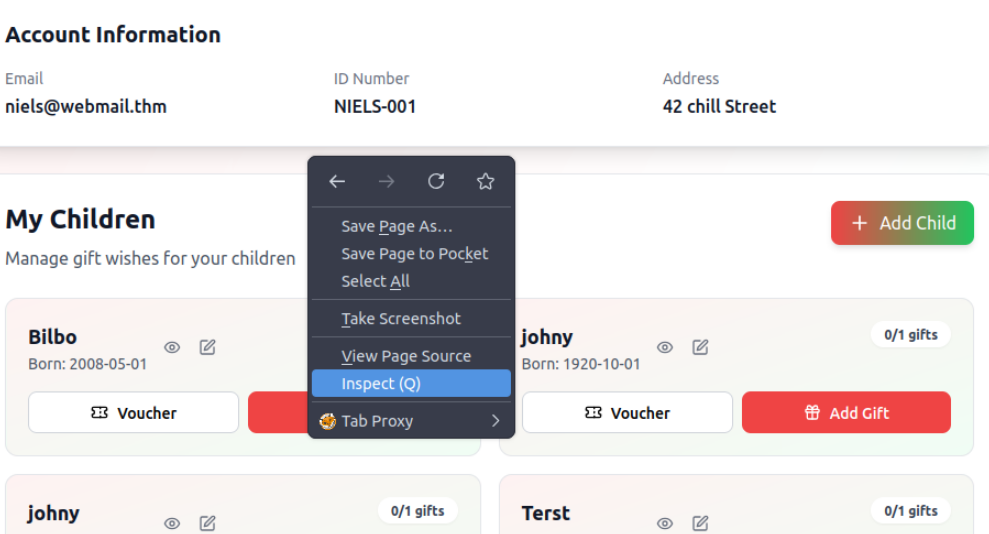
At this point, I would recommend making your VM full-screen rather than split-screen to better view the information. After you click Inspect, click Network and then reload the page. After you reload, the Network panel is populated with some information for us.

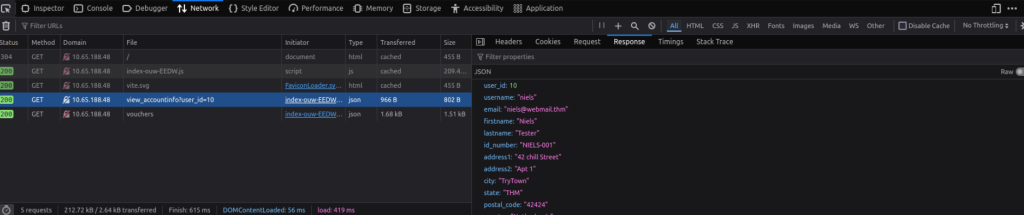
Clicking on the user_id=10 row shows information about the user we are currently logged in as.
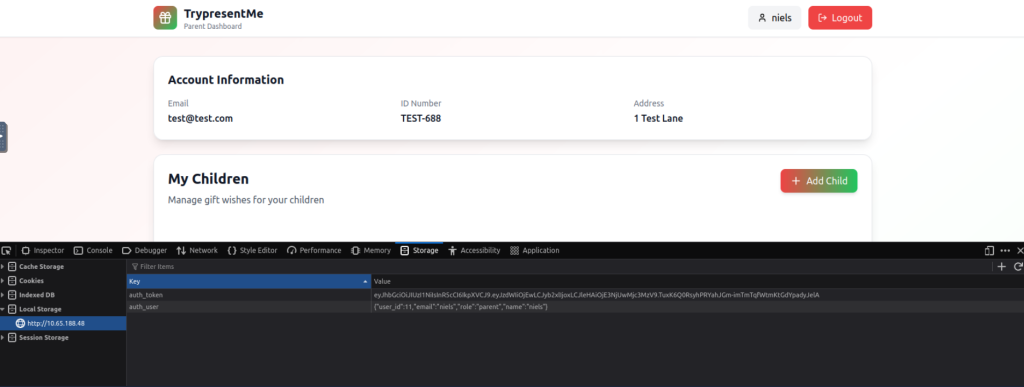
Now THM wants us to see if we can change the value of this.

Once you change that value, refresh the site. Now we are showing as a test user!
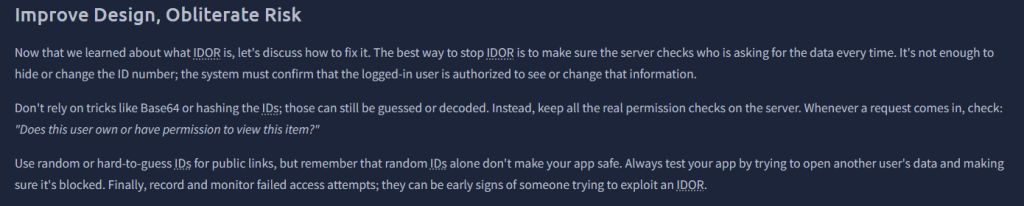
After you do this, THM wants us to switch back to the value of 10 to continue the lab, so make sure to do that, and then refresh the page again. After you do so, THM will instruct and show you other ways to perform these attacks that are a little more advanced than just changing the value. They link to two sites: https://hashes.com/en/tools/hash_identifier and https://www.uuidtools.com/decode.
For the question, “Exploiting the IDOR found in the view_accounts parameter, what is the user_id of the parent that has 10 children?”, you are going to need to go back to the Inspect > Storage panel and keep changing the value until you see a funny and obvious user who will have the most children. This really got me, and also user 14, haha.
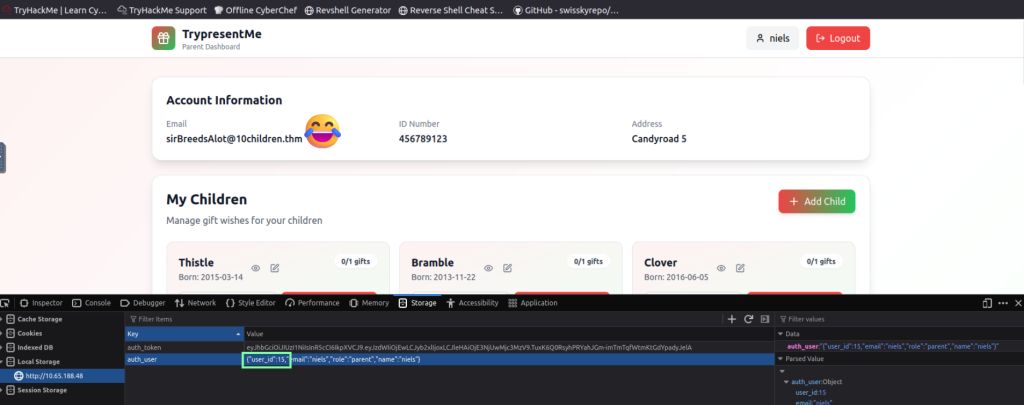
For the bonus question, “Bonus Task: If you want to dive even deeper, use either the base64 or md5 child endpoint and try to find the id_number of the child born on 2019-04-17? To make the iteration faster, consider using something like Burp’s Intruder. If you want to check your answer, click the hint on the question.” We get to experiment with Burp Suite! If you are not familiar with Burp Suite, no worries, it’s not bad at all, and the room does not require too much from us.
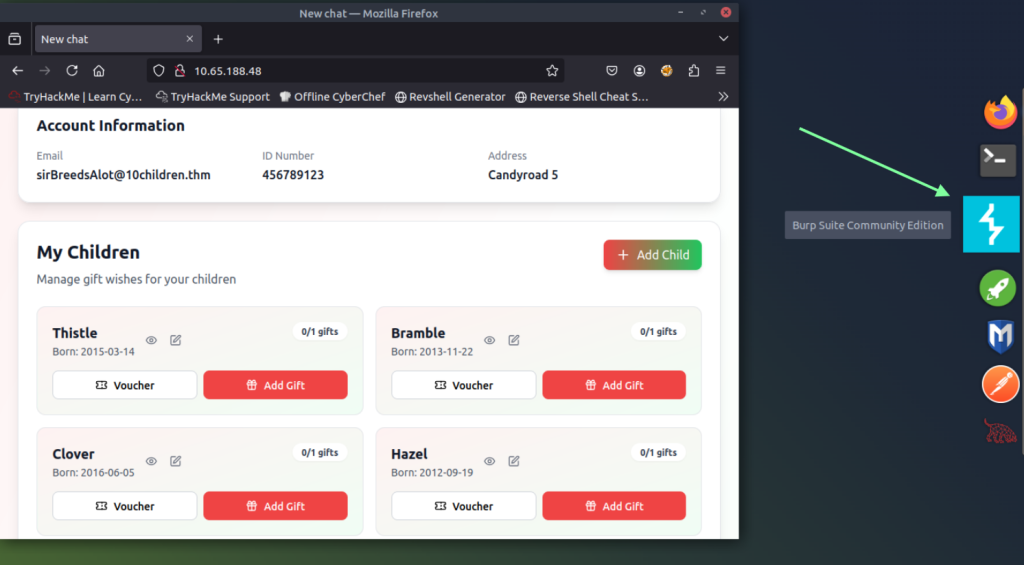
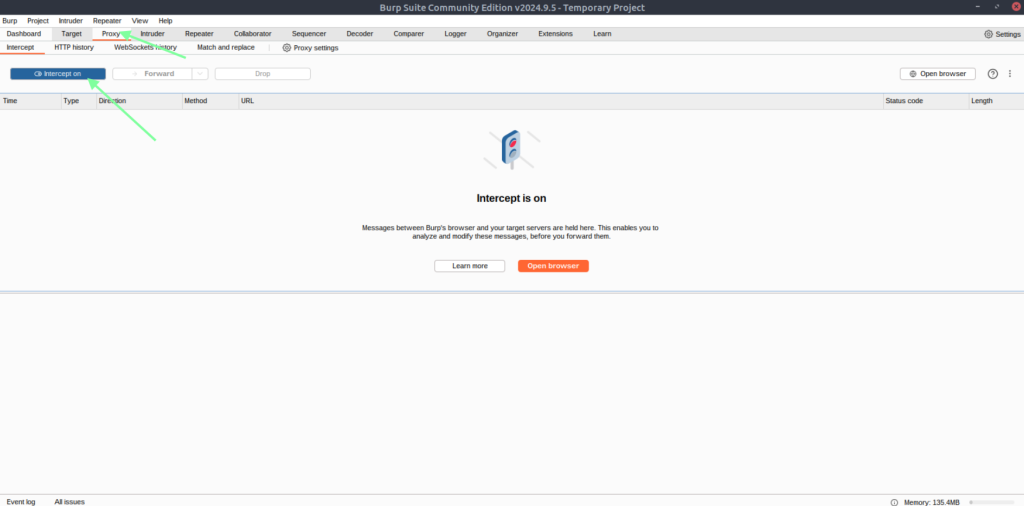
Once this app setup launches, just click Next > “Use Burp defaults” > Start Burp. Once it’s fully launched, verify that intercept is on.
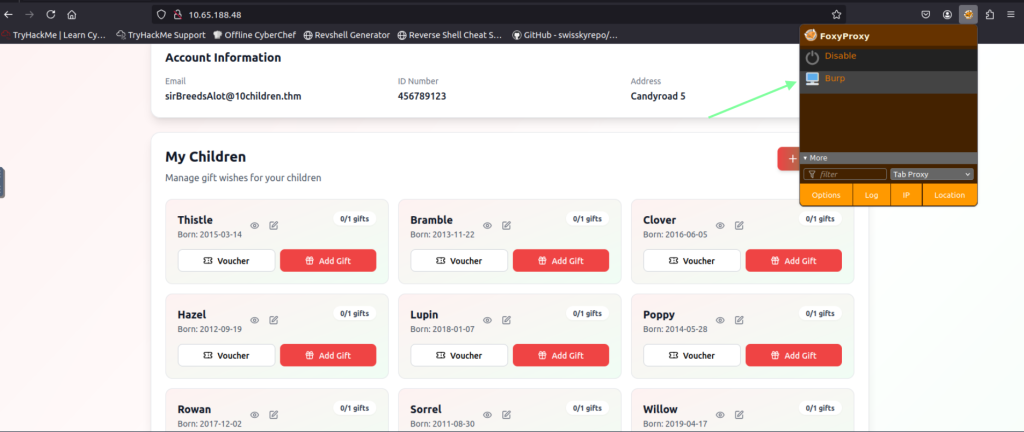
Once that is confirmed, go back to your browser and access the FoxyProxy extension and click on “Burp”. After you do this, refresh the page. It seems hung up(which is really confusing at first), but if you go back to the Burp software, you see that we intercepted the GET request after the refresh went through!
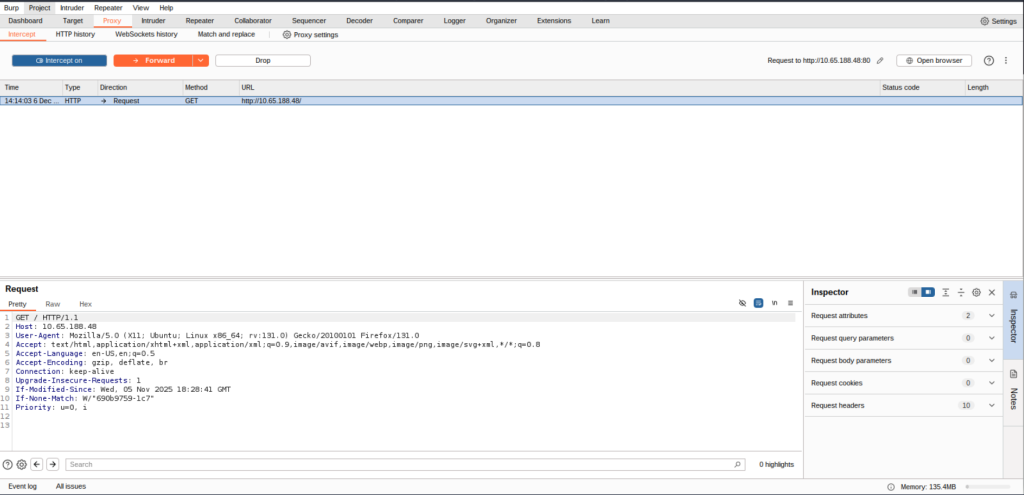
While we are in Burp Suite, let’s configure the software to make this a little easier for us. This will make sure we catch everything we do on our link.
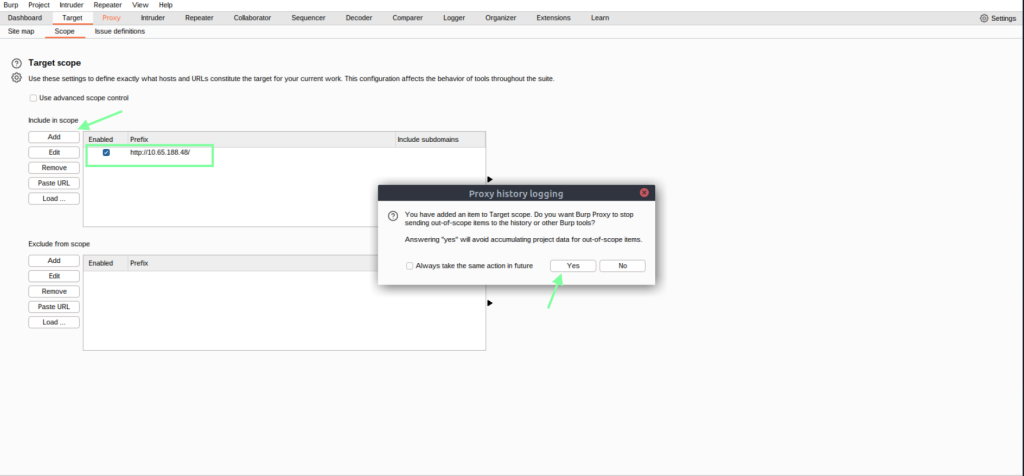
While your FoxyProxy is still doing its thing, in your browser, click on the view details icon. Then go back to your Burp software to verify it responded, and also do a few more things. We are now getting somewhere!
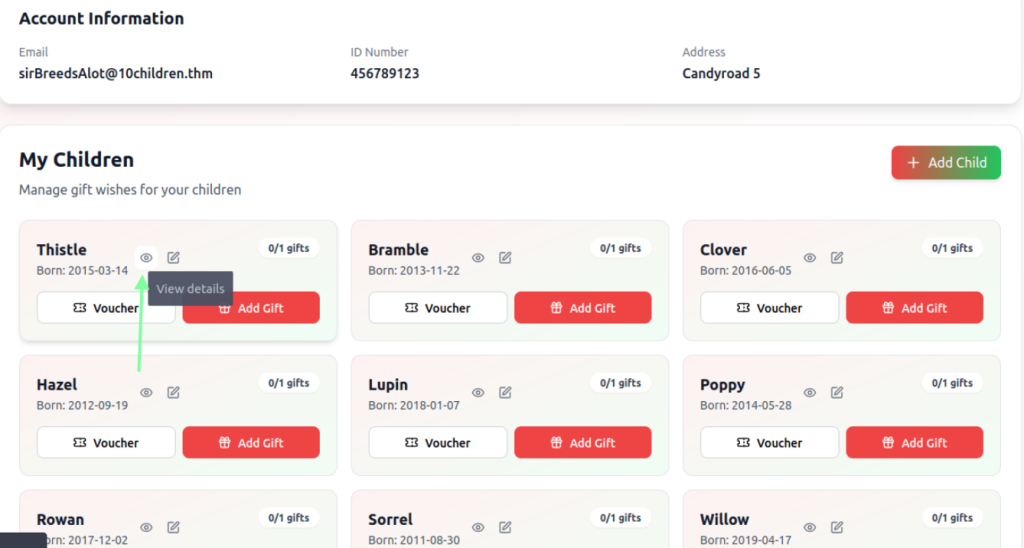

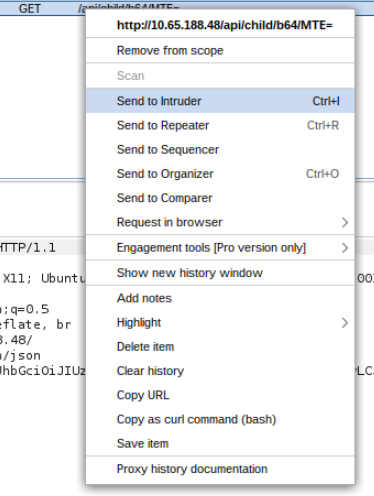

If you copy the MTE= after b64/ and paste it into cyberchef.org, we obtain the child’s number!

Now we need to get a bit more technical in the Burp software. What we will need to do is grab each child listed and click the detail button to obtain their different base64 id. The THM YouTube video walkthrough goes through this if you need assistance(I did because it’s been a while since I’ve used Burp Intruder!). So we already have one value for a child, MTE=, and we know that it’s 11.
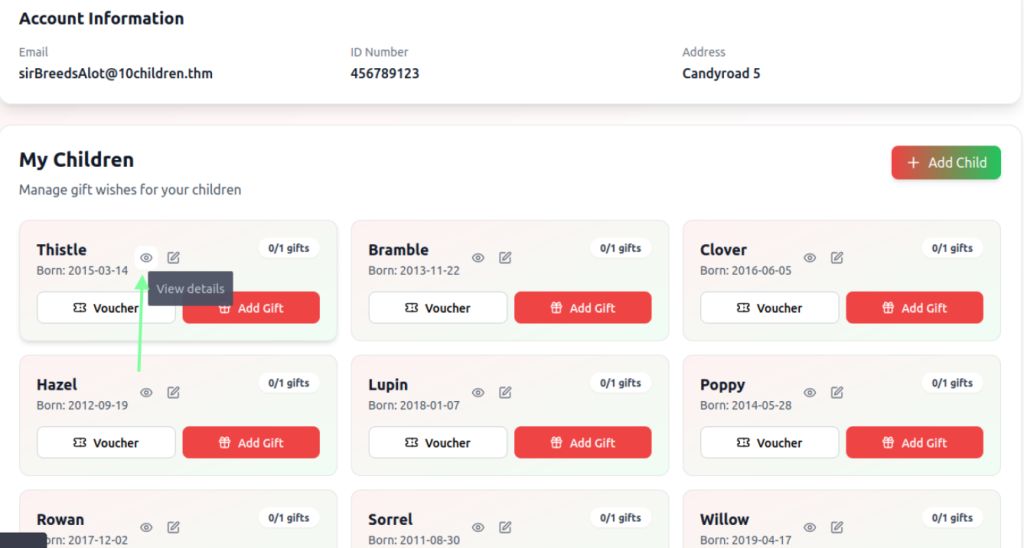
Once you click on each detailed button, go back to your Proxy > HTTP History, and you will see we have more base64 values listed.
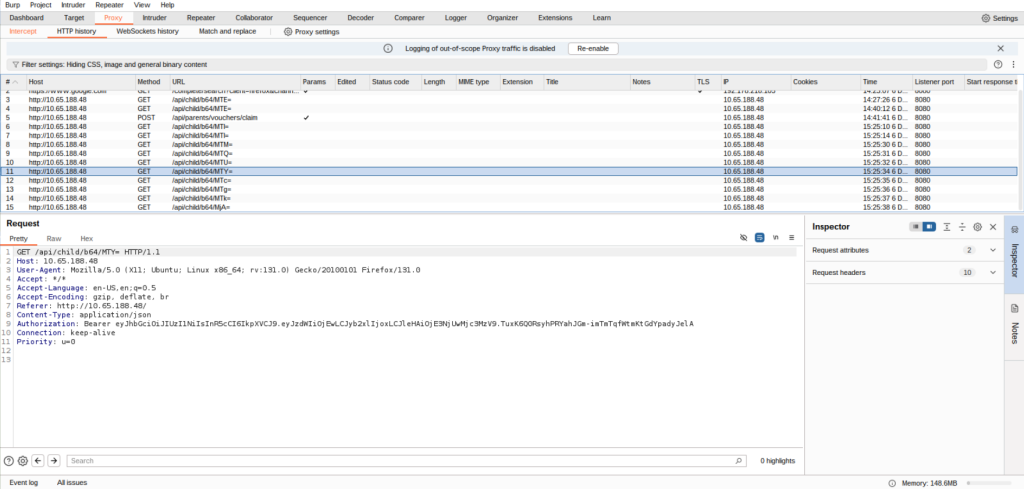
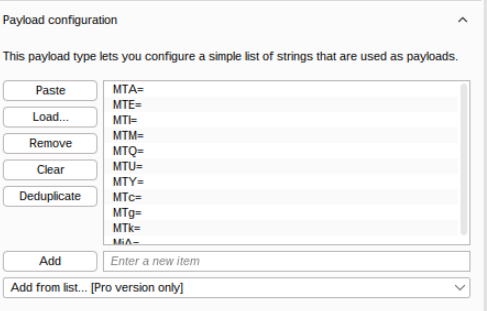
I made a list of the values outside the VM. Then, inside the VM, I copied and pasted it to the clipboard, and then made a nano file called burp_intruder_list in the terminal.


Now we are going back to Burp to upload our payload(our file we just made). Highlight the value and then the Add button to generate the payload panel on the right. Then click load and open the list you just made. This is a pretty cool trick to hasten the Intruder process!
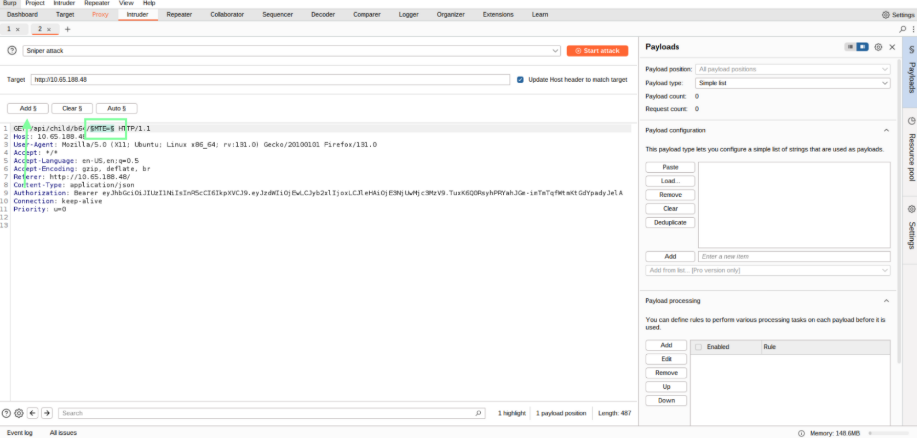
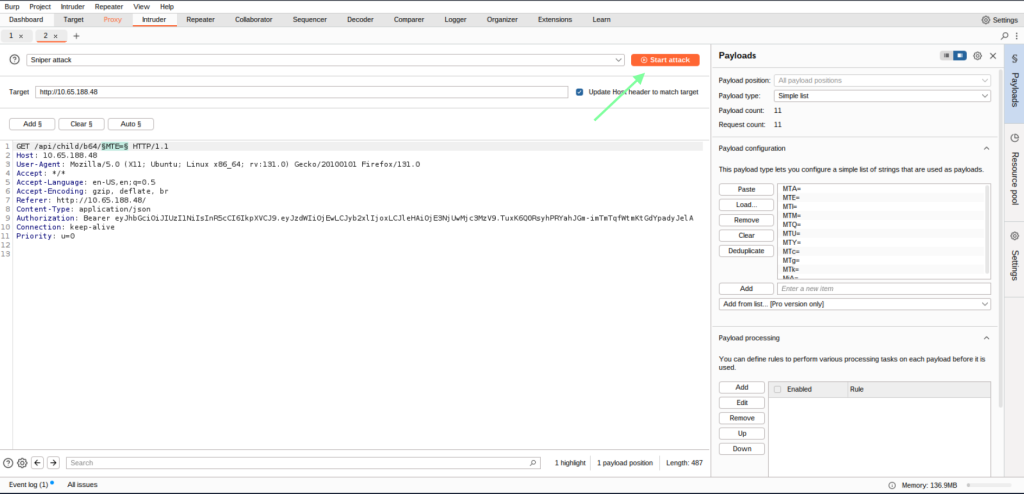
After you click on Attack, another window will pop up. If you happen to minimize it or click off, in order to get back to it, you will need to right-click the Burp software to toggle between the different windows, just FYI.
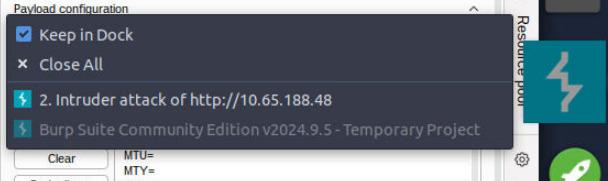
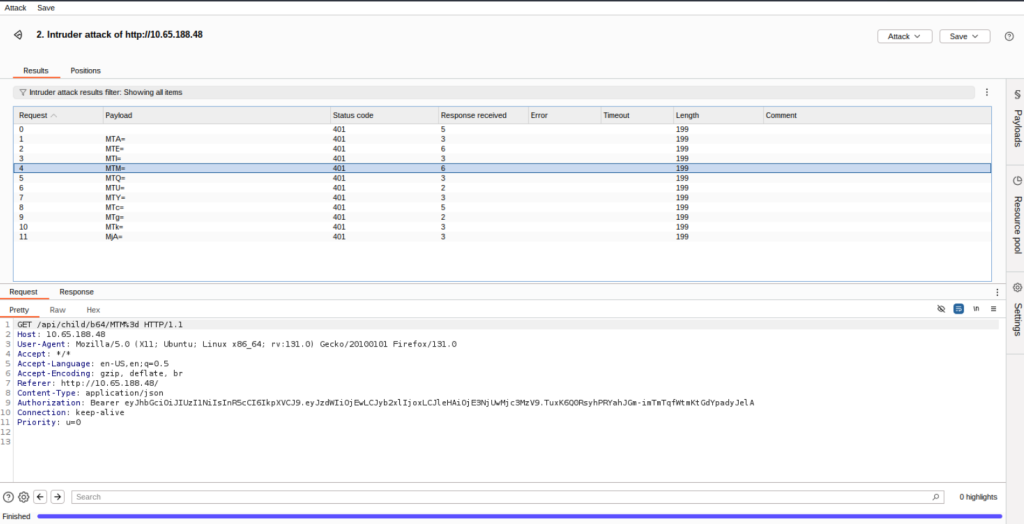
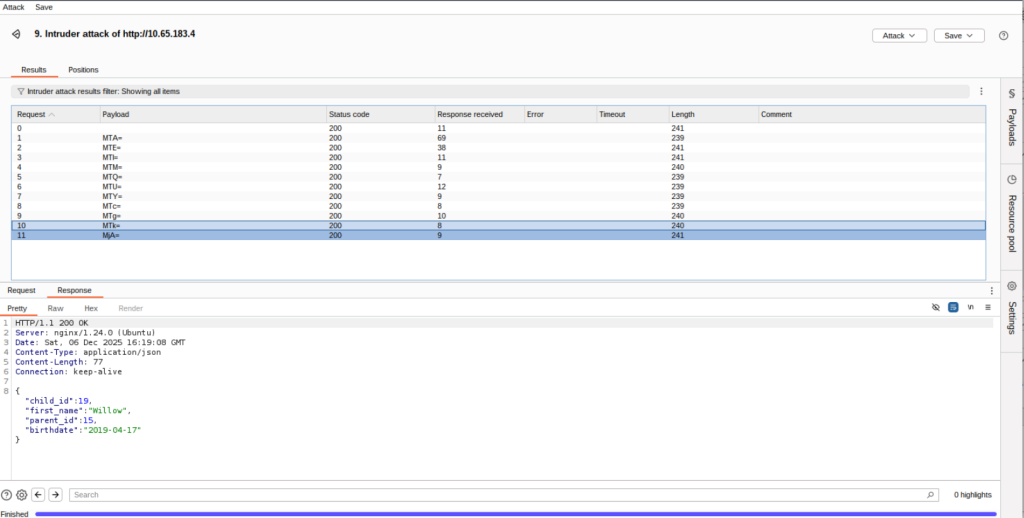
For some reason, I was getting a 401 code no matter what I changed/altered. I ended up disconnecting/reconnecting the target machine, and after that, it took. Sometimes Burp Suite in THM can be finicky like that. If this does happen, don’t forget you will need to sign back in to the new IP as well as disable Burp/re-enable that, as well as mess with your Burp configuration settings again! Happy to see it took this time, and we found the user who has the birthdate that THM inquired about.
Make sure you are at the correct hyperlink, and also turn your FoxyProxy back on if you turned it off.
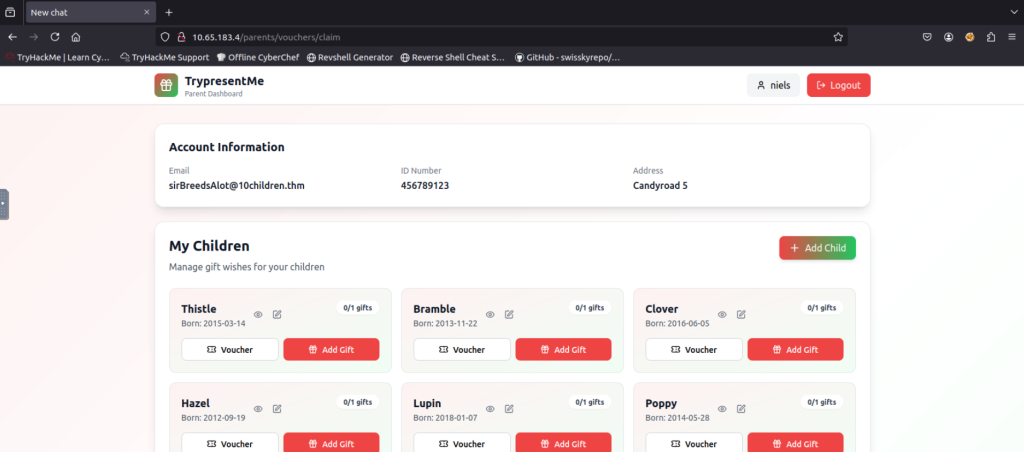
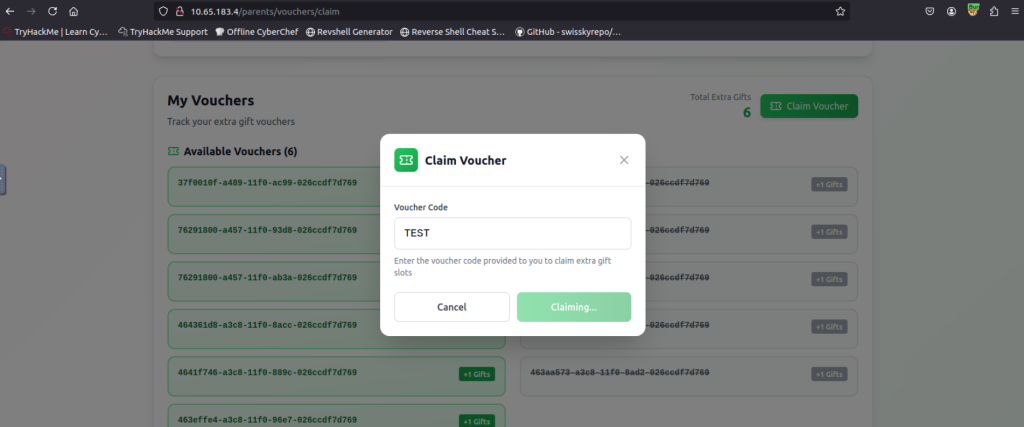
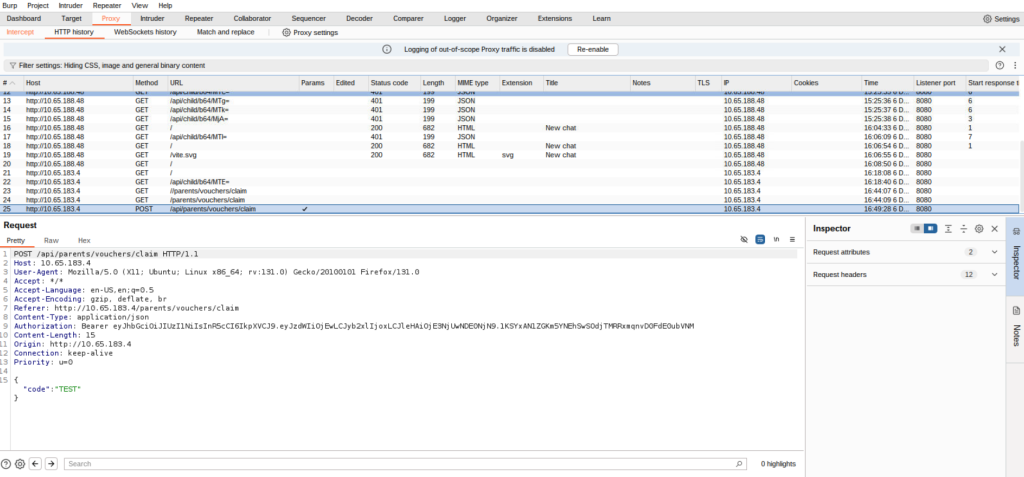
At this point, I would suggest watching the THM video. In order to filter the vouchers, it’s pretty cool how he brute-forces the voucher. I ended up trying DuckDuckGO AI, but I am finding out the best AI for coding is the ones specific to coding. I tried various AI models and ended up using a free run for ChatGPT’s new coding AI. My prompt is below, but I had to prompt it differently to remove the time and date. After that, I ended up getting the correct code and output in the terminal. I did not have to do this, but I wanted to test my ability. The AI could have spit out the codes for me as well, but I wanted to run some Python.
“Hello, I am currently doing a TryHackMe room. I am using Burp Suite for learning purposes. I need to make use of the Intruder ability to make a payload list in order to obtain a voucher that was generated at a specific time and date. I need 240 of them. The question is “find the voucher that is valid on 20 November 2025. Insider information tells you that the voucher was generated exactly on the minute somewhere between 20:00 – 24:00 UTC that day.” An example of one of the vouchers is: 37f0010f-a489-11f0-ac99-026ccdf7d769. This would be in the UUID form of version 1. If you need to make multiple responses to fit the codes, please do so. Thank you.”

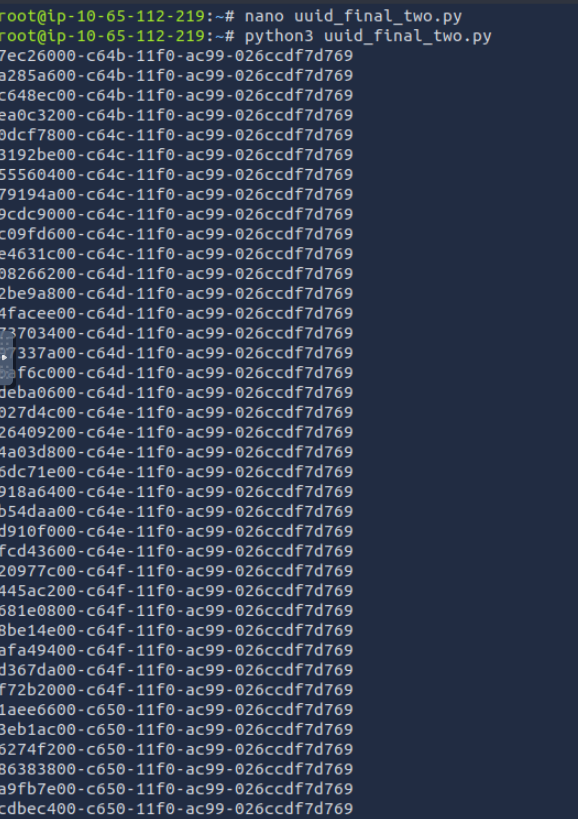
Copy and paste the start your attack!
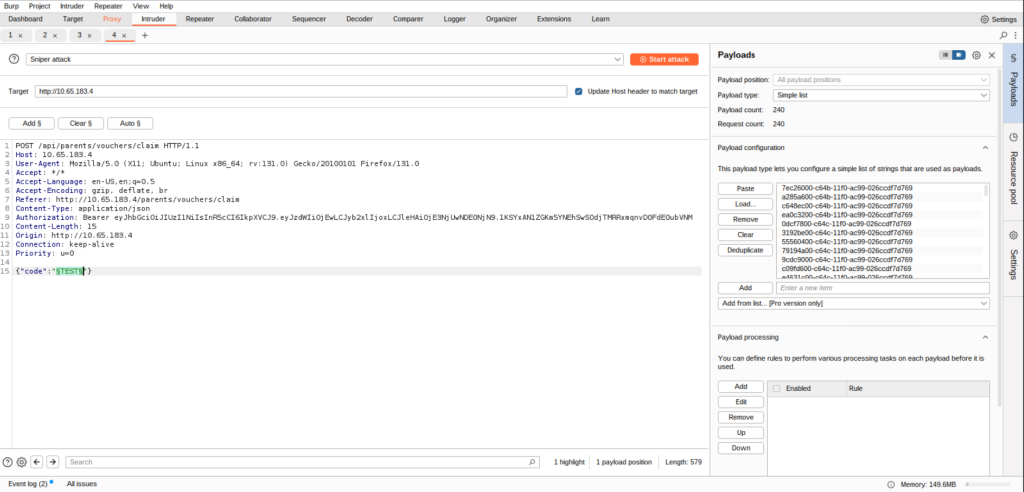
Soooo, after all of that, I never got a 200 response like in the YouTube video. I am betting I would need to reconnect the target machine and set everything back up butttt I’ve already spent more time on this than needed, so I am moving on. However, I did learn a lot, and that’s all that matters. THM links to another room regarding IDOR as well: https://tryhackme.com/room/idor. On to the next THM Advent room!