https://tryhackme.com/room/snappedphishingline
Created by: tryhackme
“Based on real-world occurrences and past analysis, this scenario presents a narrative with invented names, characters, and events.
“Please note: The phishing kit used in this scenario was retrieved from a real-world phishing campaign. Hence, it is advised that interaction with the phishing artefacts be done only inside the attached VM, as it is an isolated environment.”
“As an IT department personnel of SwiftSpend Financial, one of your responsibilities is to support your fellow employees with their technical concerns. While everything seemed ordinary and mundane, this gradually changed when several employees from various departments started reporting an unusual email they had received. Unfortunately, some had already submitted their credentials and could no longer log in.”
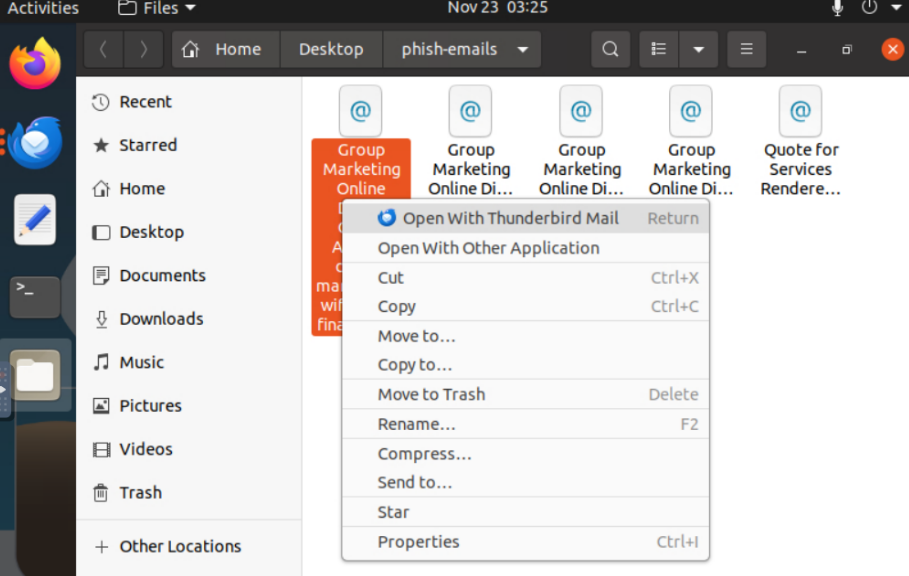
Let’s dive in! Open the file from the desktop and launch it in Thunderbird.
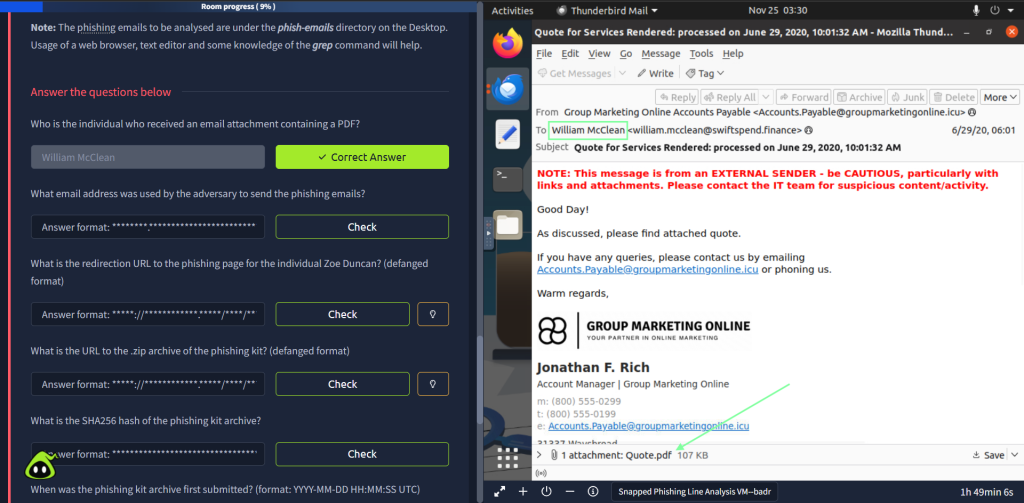
The last email shown, “Quote for Services…” is the one that contains the PDF.
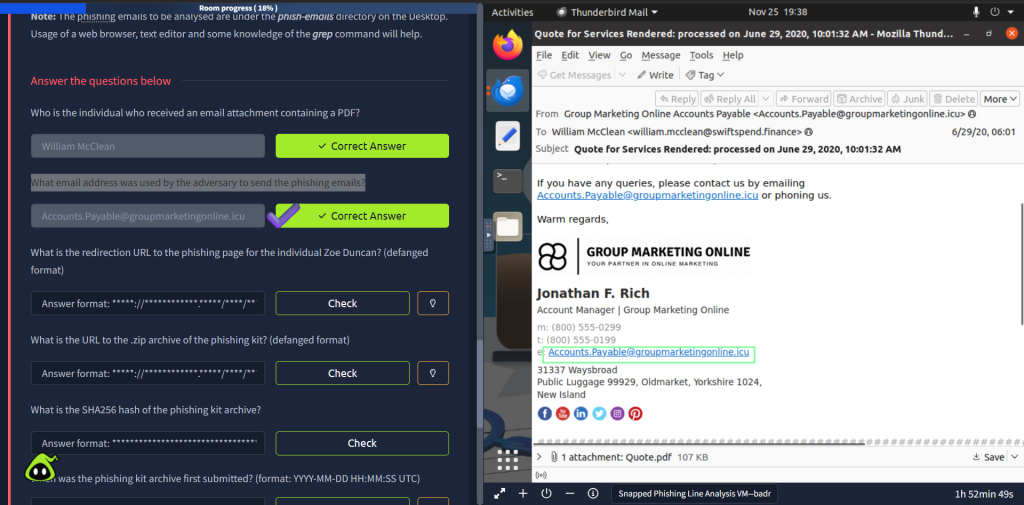
“What email address was used by the adversary to send the phishing emails?”
“What is the redirection URL to the phishing page for the individual Zoe Duncan? (defanged format)”
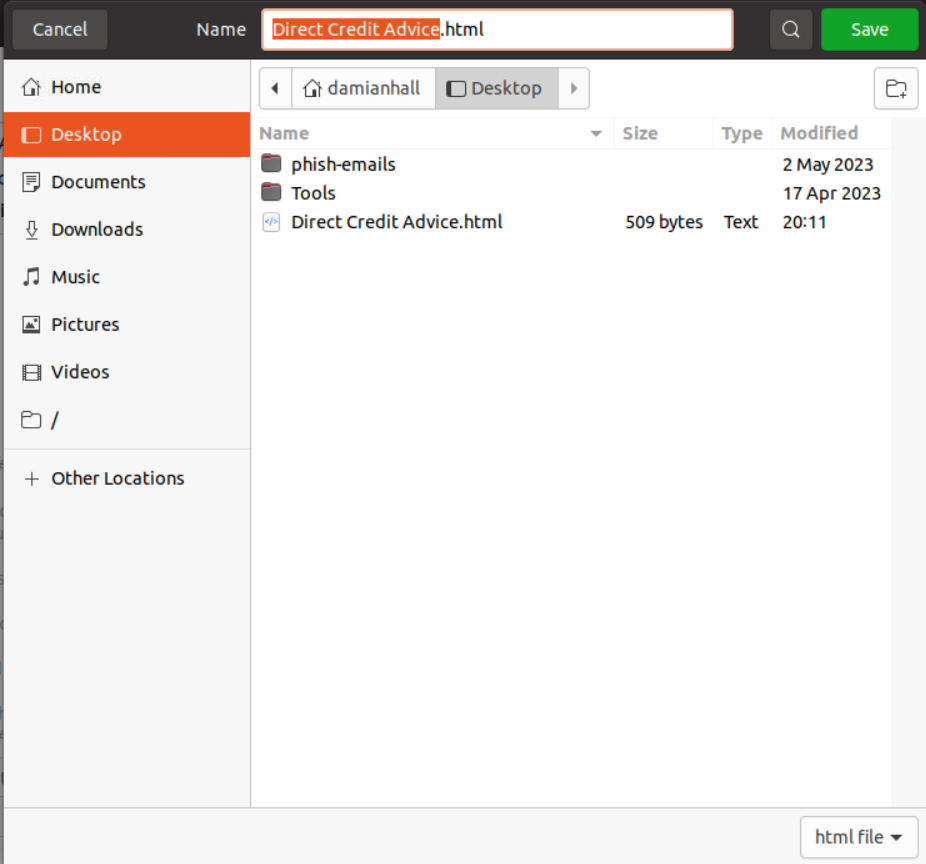
To obtain, click the HTML and have it prompt you to save. Save the file to the desktop. After you do this, open the terminal. From there, cd into Desktop, then nano the file.


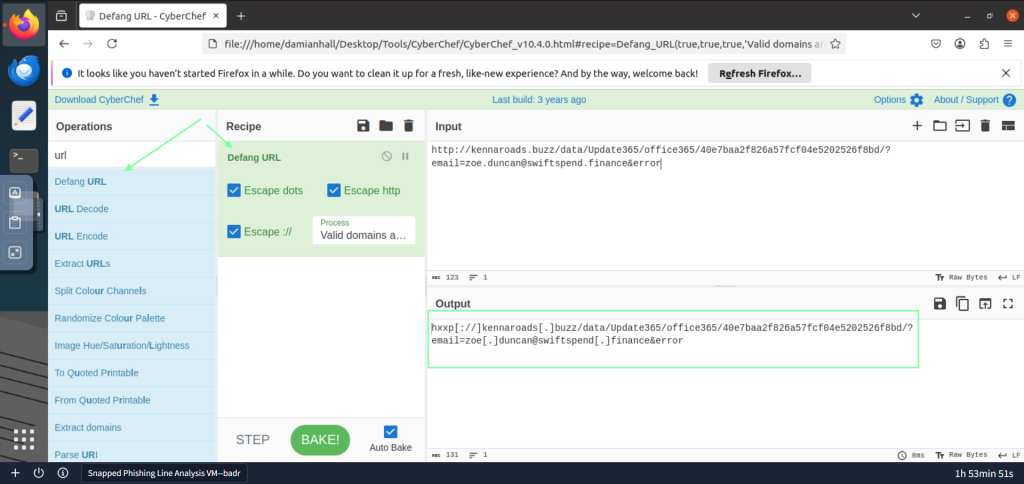
With the URL, it extends out of view, so you might have to copy and paste it into sections to get the full URL, or by another means. After you copy that, go to the Firefox browser in the VM and launch Cyber Chef. Defang the URL.

“What is the URL to the .zip archive of the phishing kit? (defanged format)”
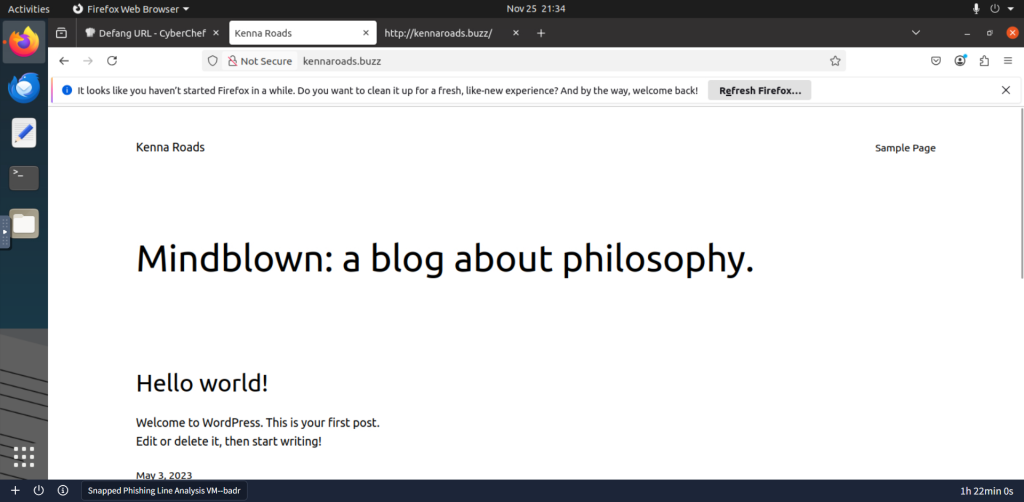
Let’s go to the website that we have obtained. Going to kennaroads.buzz leads us to a blog. In the URL we copied, we have a path to data. Let’s go to that.
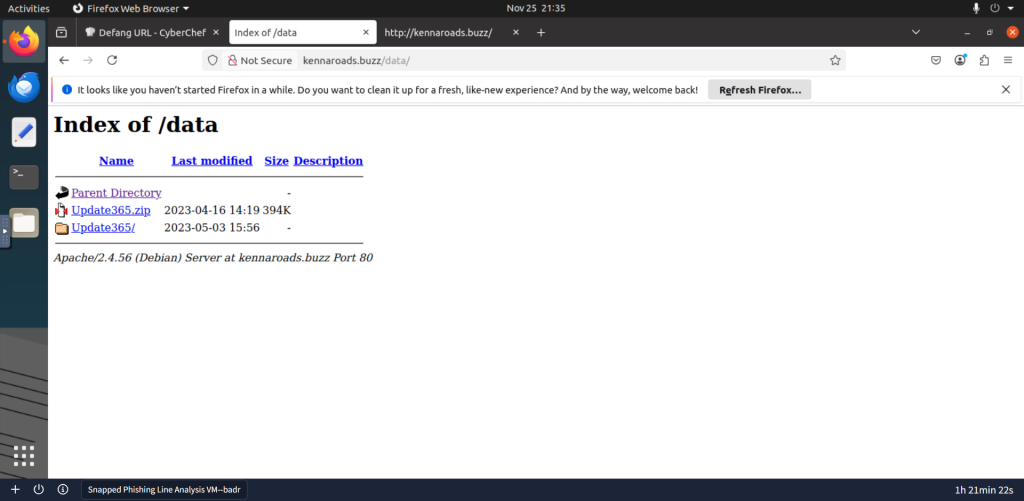
Interesting find! Copy the URL into CyberChef and defang the URL.


For the question, “What is the SHA256 hash of the phishing kit archive?” you will need to download the zip file. After you download it, head back to the terminal. The zip file was automatically downloaded in the Downloads folder, so you will need to cd into that. After you cd into Downloads, we will be using sha256sum.

For the next question, “When was the phishing kit archive first submitted? (format: YYYY-MM-DD HH:MM:SS UTC),” the THM hint suggests we use an open source tool to obtain what we need about the domain. Lets go to virustotal.com and see what that hash we just obtained gives us.
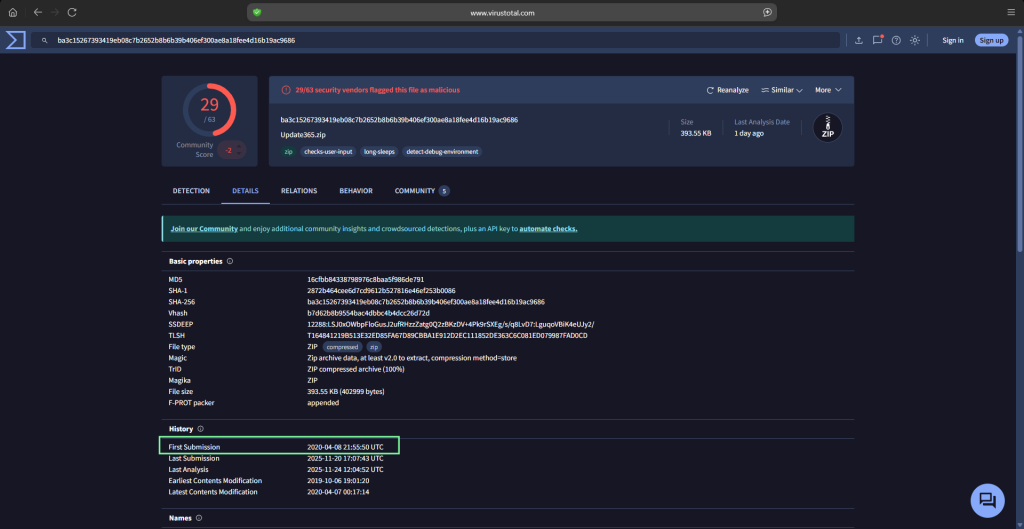
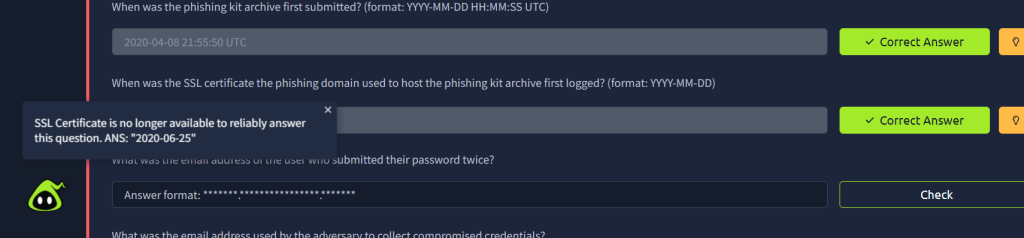
For the next question, “When was the SSL certificate the phishing domain used to host the phishing kit archive first logged? (format: YYYY-MM-DD)”, VirusTotal does not give the correct registration date and https://dmarcian.com/domain-checker/ does not pull up anything at all. After some googling(more than I wanted to tbh), I realized something: it does not exist! The THM tip itself confirms the answer is no longer available and gives it to us.
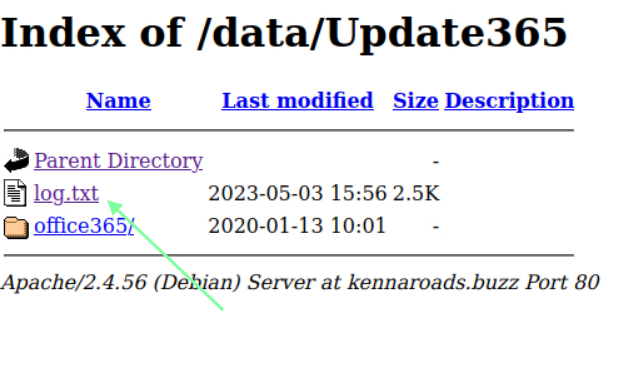
For the question, “What was the email address of the user who submitted their password twice?”, we are going to go back to the URL of kennaroas.buzz/data. In that, we saw a folder. Click on that, then we have access to a log.txt!
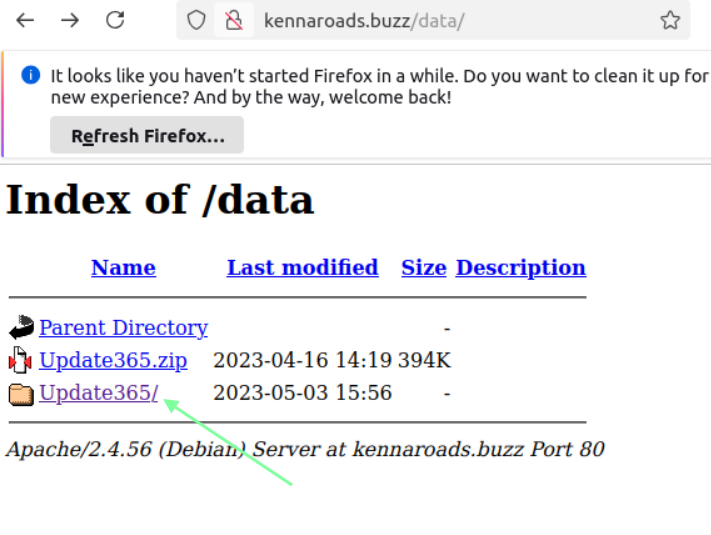
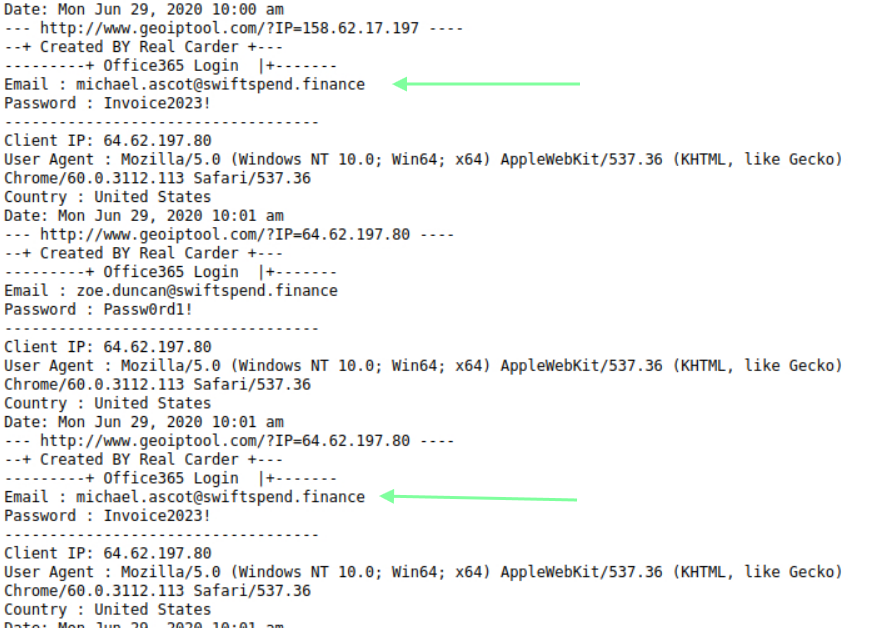
For “What was the email address used by the adversary to collect compromised credentials?”, we are back in the terminal. I had to brush up on my Linux skills to obtain the flag. After you download the zip and confirm it’s in your downloads, head back to the terminal. You will need to unzip the file with “unzip yourfile.zip”. Once it’s unzipped, navigate to the unzipped version and the Office 365 path.
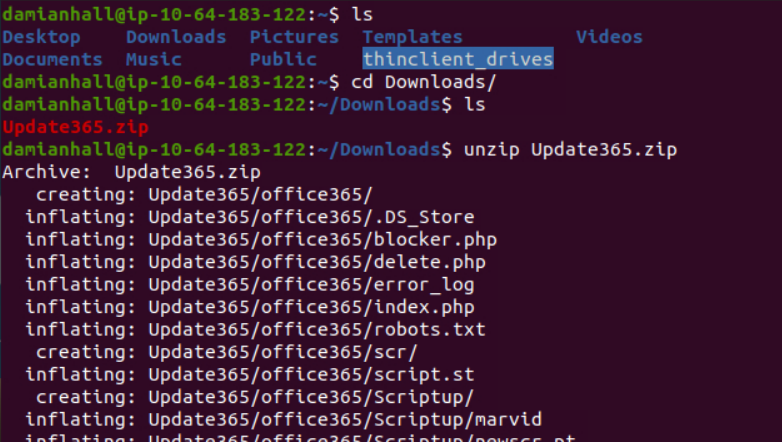
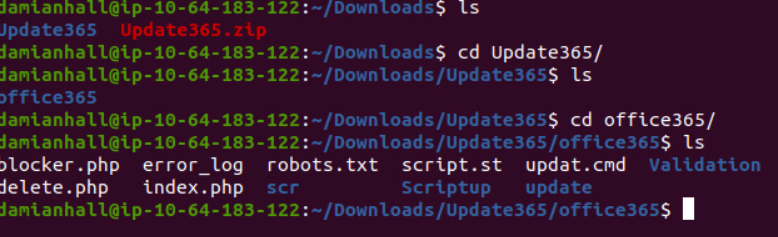
Now that we have obtained our file path, how are we supposed to locate a gmail in the office365 folder with grep? I tried doing grep “@: but that did not work out too well haha. I found this helpful link: https://www.geeksforgeeks.org/linux-unix/extract-emails-from-a-text-file-using-grep-command-in-linux/# that gives us the regex that we can use. I ended up using grep -rEo “[a-zA-Z0-9._%+-]+@[a-zA-Z0-9.-]+.[a-zA-Z]{2,}”.

Doing so, we now notice only 3 different email handles and end up getting our answer for the adversary related to the Gmail question.

Navigating through the folders, I noticed in Validation that their obvious red flags regarding php exe. For the question, “What was the email used by the adversary to collect compromised credentials?” I went through each email to see what was tied to their emails. Regarding credentials, the “resubmit/submit” stood out.

With a lot of other THM rooms, you could find a flag with a grep command; however, no matter where/how I looked, I could not bring anything up in the terminal. I used the THM hint to obtain some guidance.
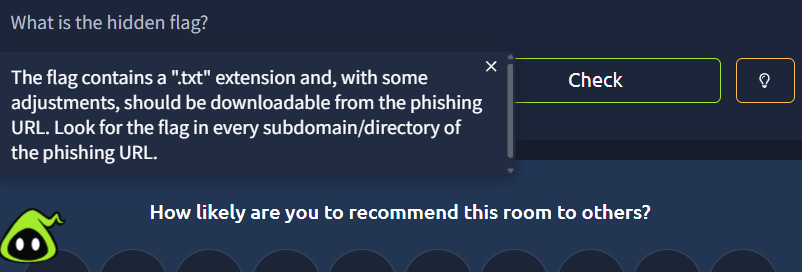
So it looks like we should go to the URL and edit the path.
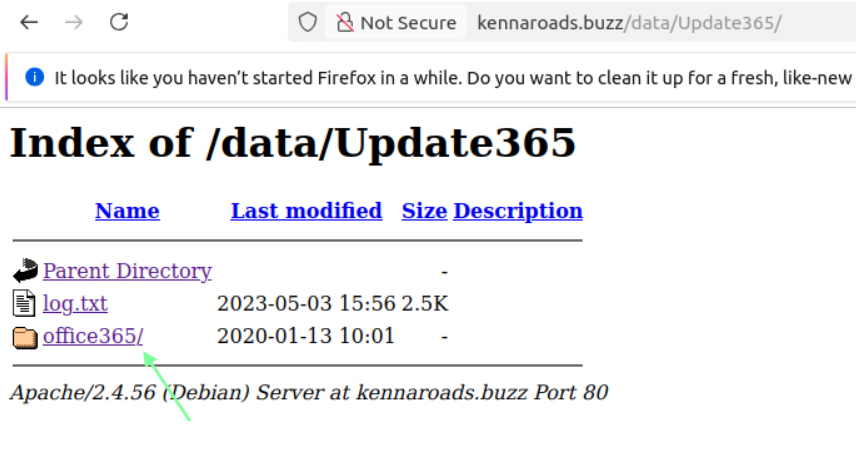
Clicking on office365, we get nothing!
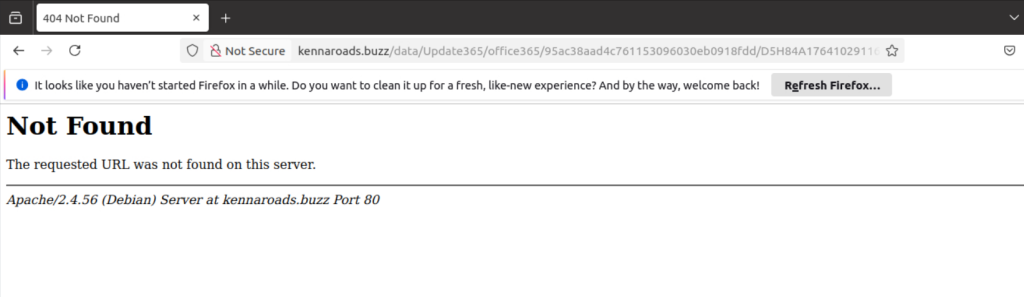
We know that the flag ends in “.txt”, I tried doing *.txt but got nothing. If you have done other THM rooms, you know that a lot of the time they are in a flag.txt file…so let’s try that.
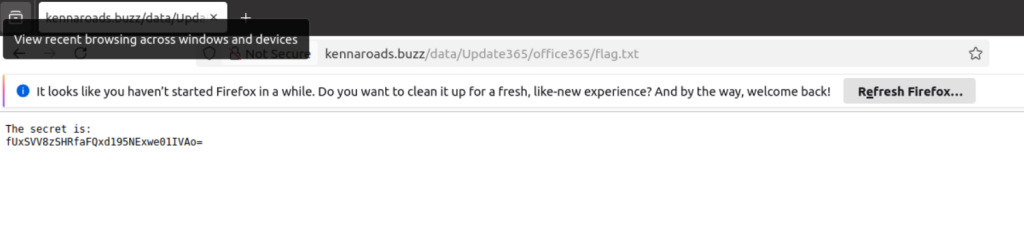
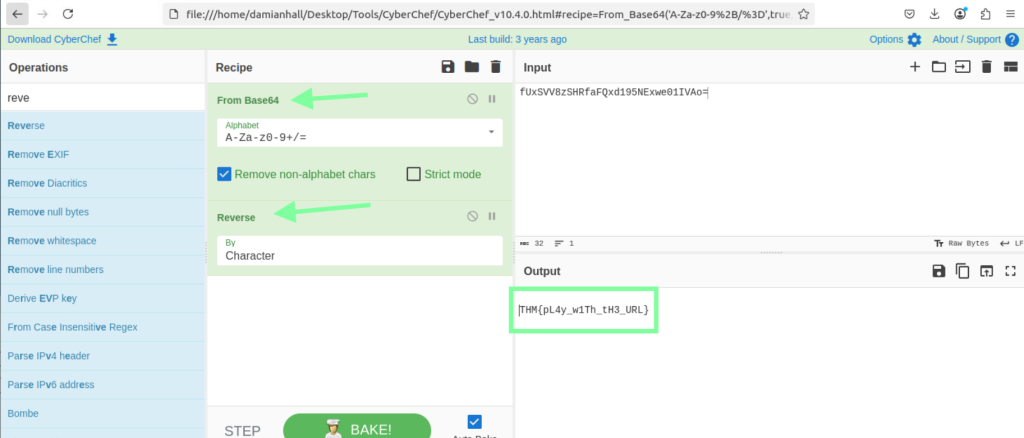
Success! Now that is not the flag itself, so we need to convert it at CyberChef.