
https://tryhackme.com/room/investigatingwithelk101
Created by: tryhackme, Dex01, Ashir.Masood
“In this room, we will learn how the Elastic Stack (ELK) can be used for log analysis and investigations. Although ELK is not a traditional SIEM, many SOC teams use it like one because of its data searching and visualizing capability. We will explore how the components of ELK and learn how log analysis can be performed through it. We will also explore creating visualizations and dashboards in ELK.”

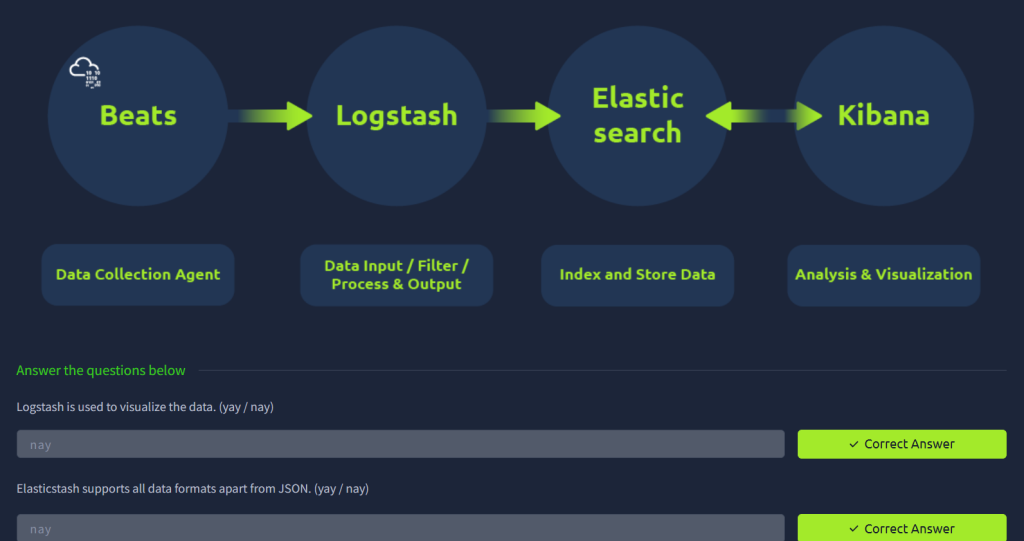
Getting to look at the elastic view!

When applying the dates, make sure you select “Absolute” to edit it to what they request.

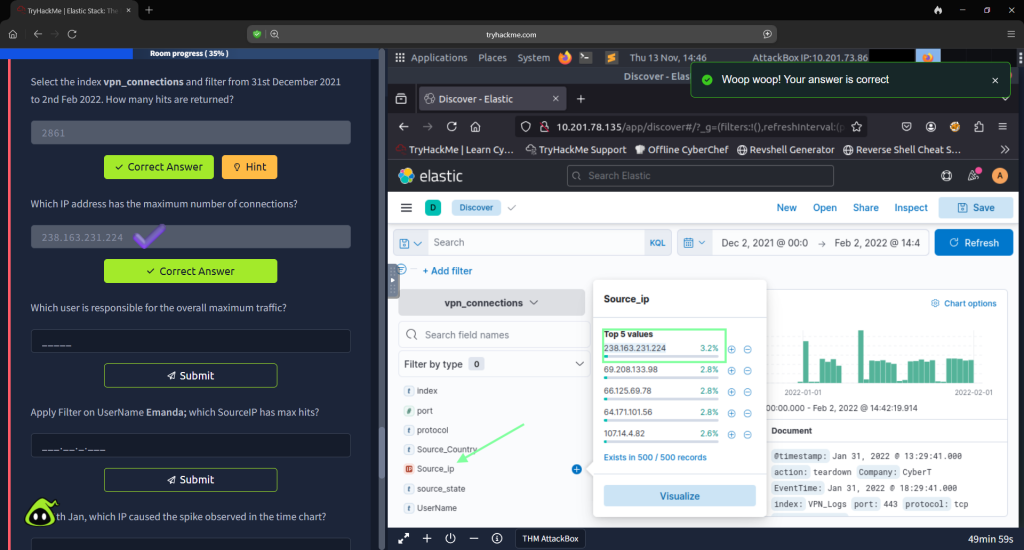
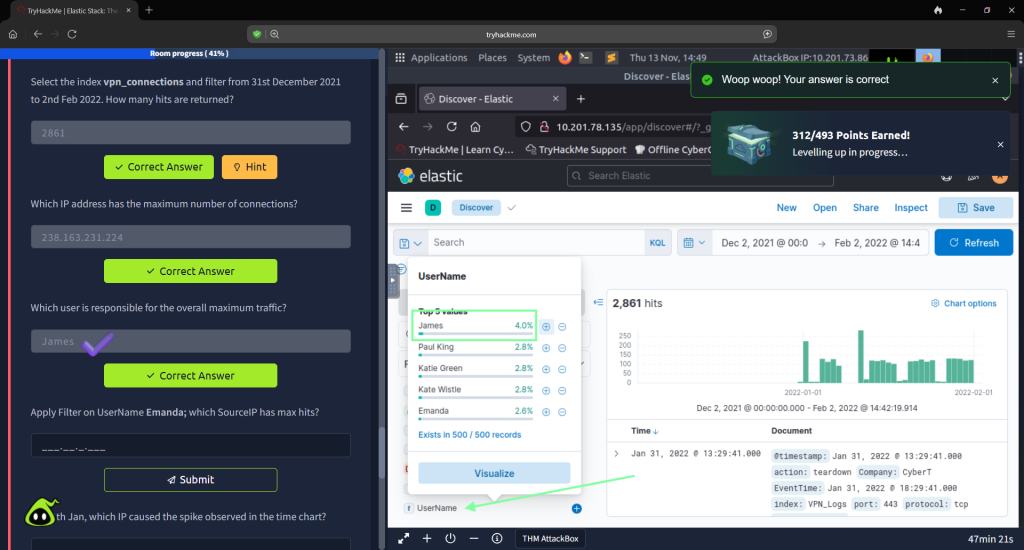


For question, “How many connections were observed from IP 238.163.231.2214, excluding the NY state?” you will need to change the date again for this to the previous filter or else you will not get any results.

In Task 5, “KQLOverview”, THM breaks down the Kibana Query Language, which is the search query language used to search in Elasticsearch. The text string is surrounded by quotes, and logical operators(and, or, not) can be used to narrow down the search. The format itself is Field: Value. If you follow along with the examples that THM provides, you will get the bottom two pretty easily, but then you have to play around with the software a little to obtain the answers.


For the next couple of questions, you are wanting to visualize the view now.
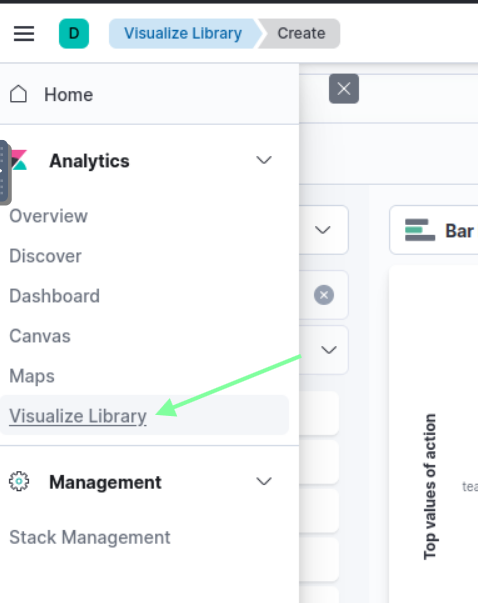


For the next couple of questions, you are wanting to visualize the view now.

The next task, Creating Dashboards, goes over how to create your own dashboard and apply filters. Play around with it to see what you can come up with. This was an engaging room and I enjoyed it.