https://tryhackme.com/room/brim
Created by: tryhackme
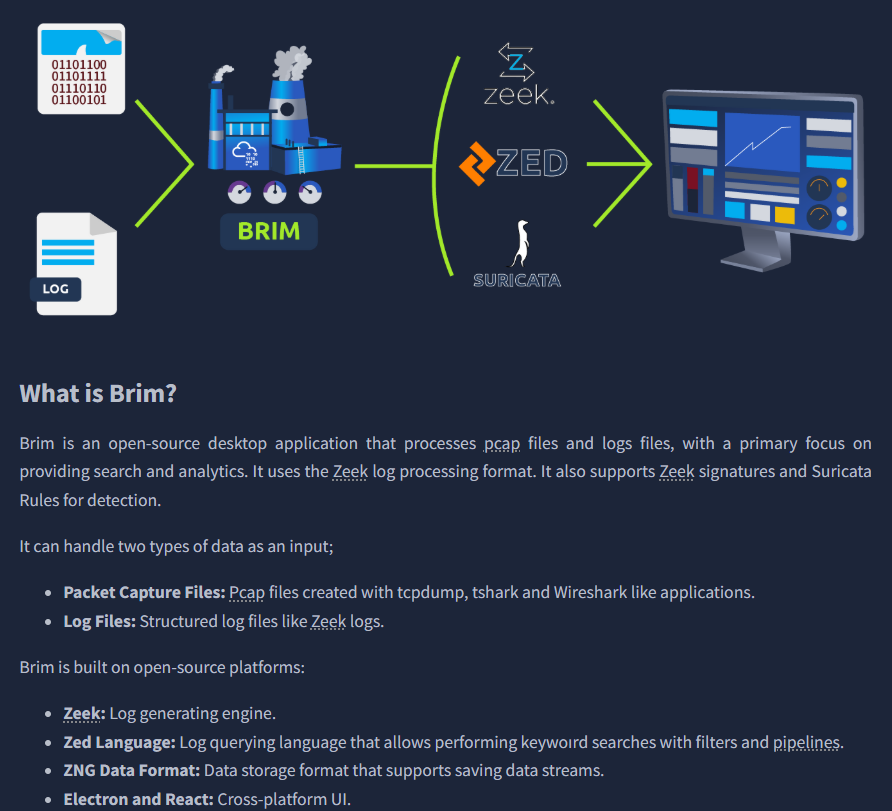

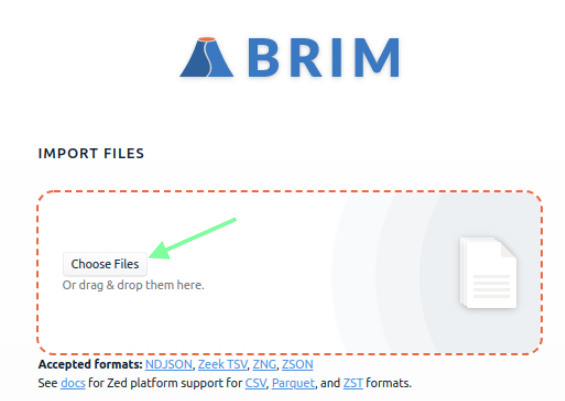

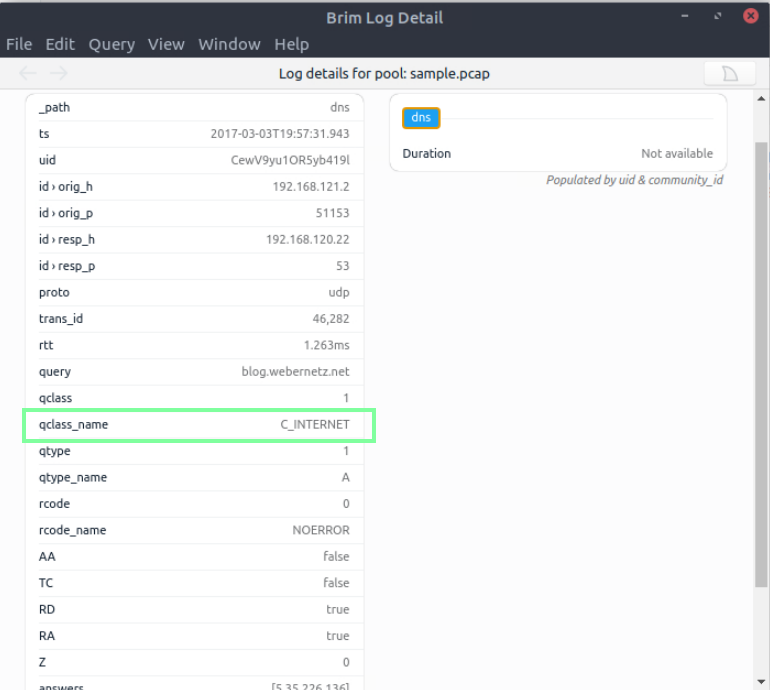
“Process the “sample.pcap” file and look at the details of the first DNS log that appear on the dashboard. What is the “qclass_name”?”
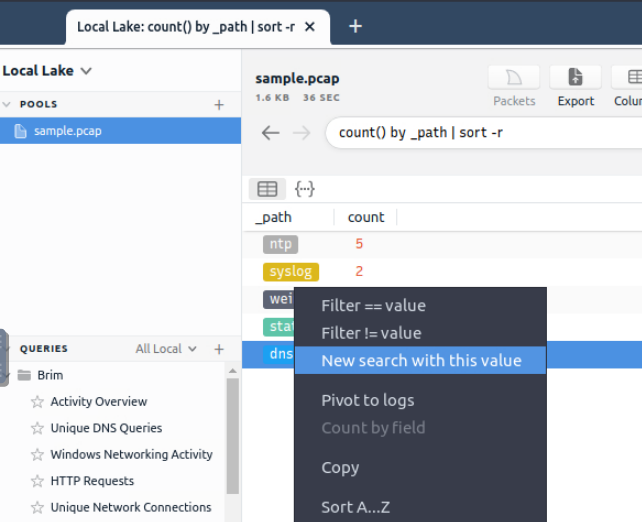
“Double click to bring up an easy to read format of the logs. You can also right click then click “Open Details. “
“Look at the details of the first NTP log that appear on the dashboard. What is the “duration” value?”
I had to reset my VM and relaunch the sample.pcap file as it was not populating the Duration for me. Once I did this, I had more logs and was able to see the duration time as well.

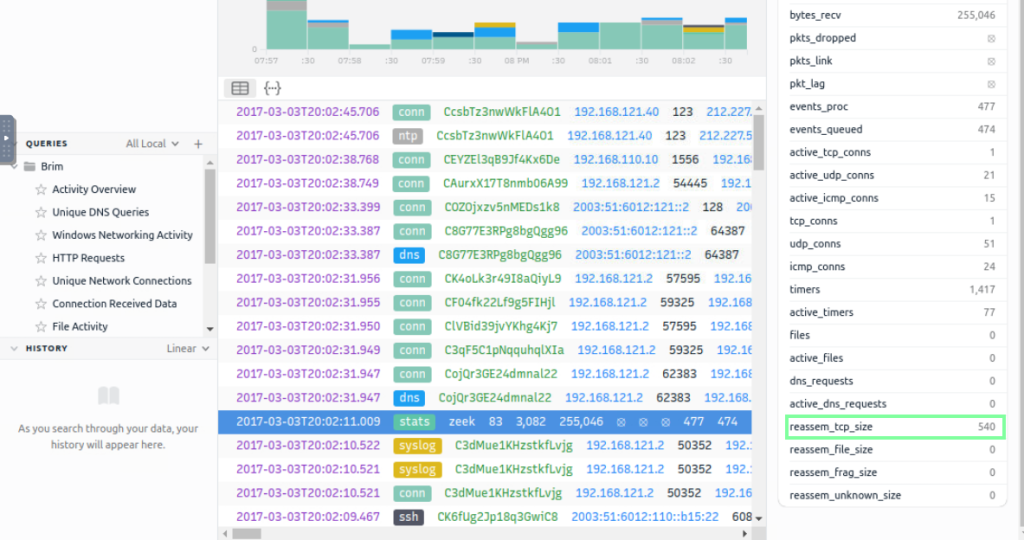
“Look at the details of the STATS packet log that is visible on the dashboard. What is the “reassem_tcp_size”?”
In task 4, Default Queries, various search query filters are shown that can be used with Brim. If you have recently done any of the Zeek rooms, this will be familiar. We will be using a new pcap file, “task4-sample-b.pcap” for this task.
“Investigate the files. What is the name of the detected GIF file?”

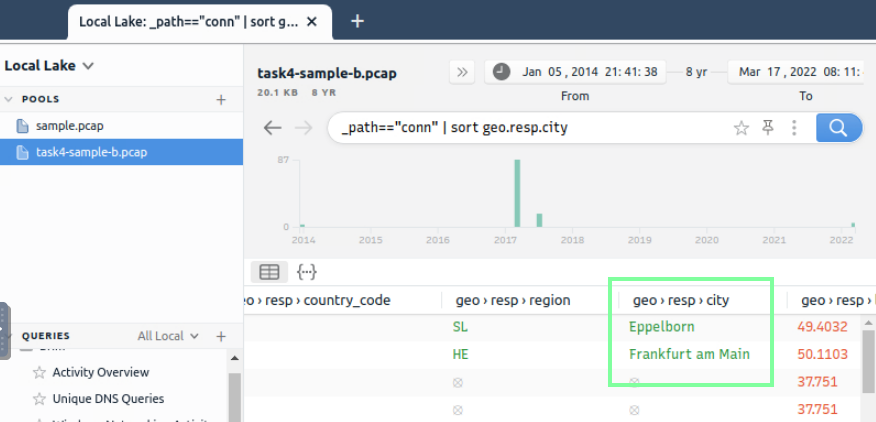
“Investigate the conn logfile. What is the number of the identified city names?”
“Investigate the Suricata alerts. What is the Signature id of the alert category “Potential Corporate Privacy Violation”?”
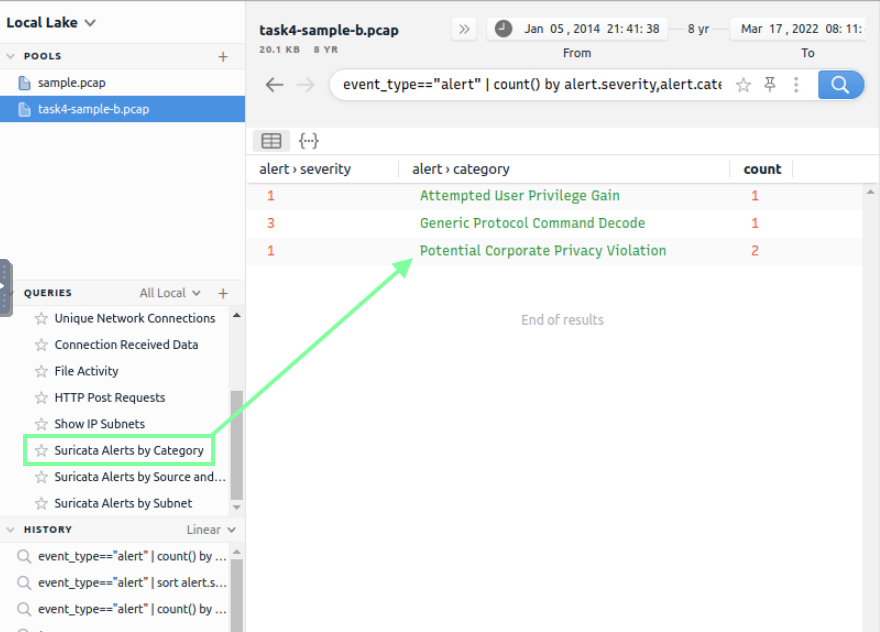
I ended up doing the filter: alert.category==”Potential Corporate Privacy Violation” | sort alert.severity,alert.category

Task 5, Use Cases, goes over examples of search queries that can be used when it comes to traffic analysis. Below are the basics.



On to Task 6, Exercise: Threat Hunting with Brim | Malware C2 Detection! Make sure you open the “task6-malware-c2.pcap” pcap file. THM presents a technical step-by-step investigate of malicious C2 activities. In order to obtain the answers we need, it’s advised to follow along.
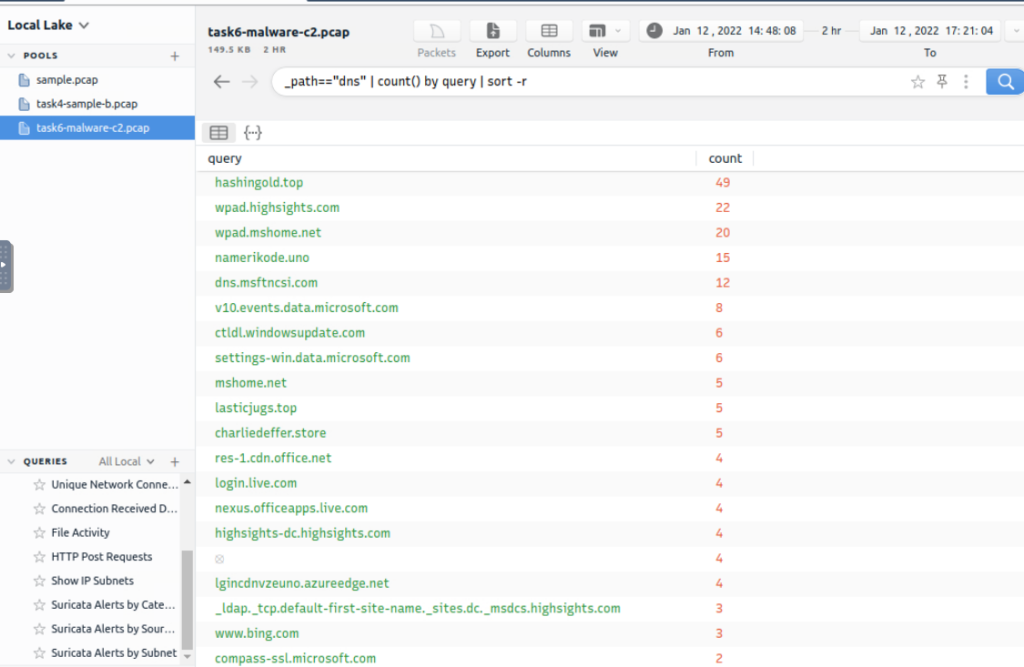

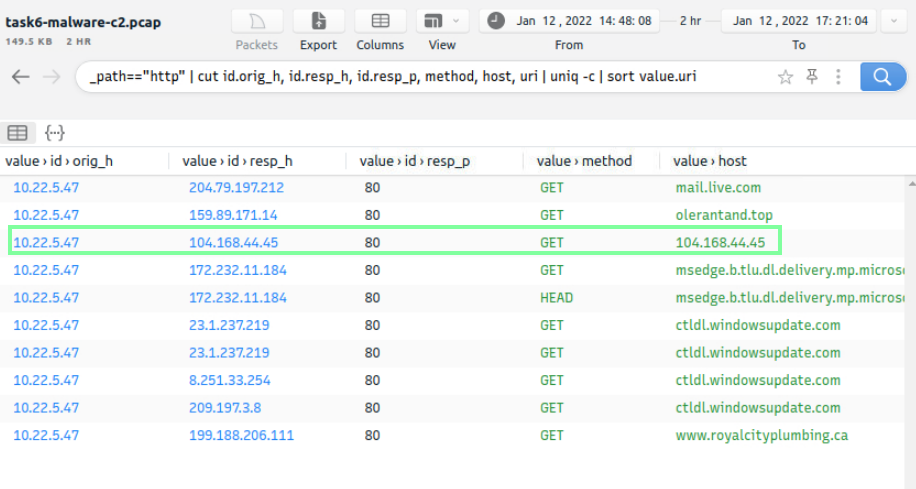
“What is the name of the file downloaded from the CobaltStrike C2 connection?”
Using filter: event_type==”alert” | count() by alert.severity,alert.category | sort count
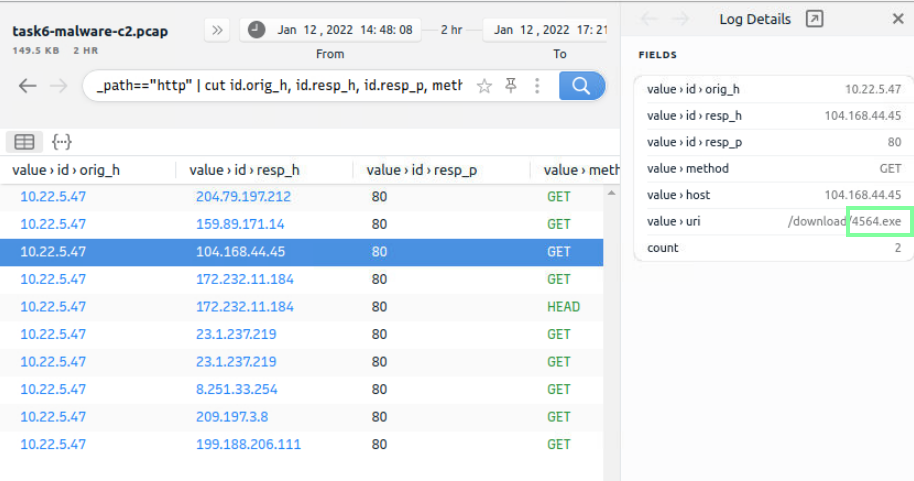
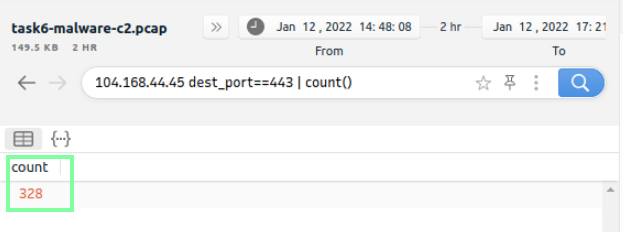
“What is the number of CobaltStrike connections using port 443?”
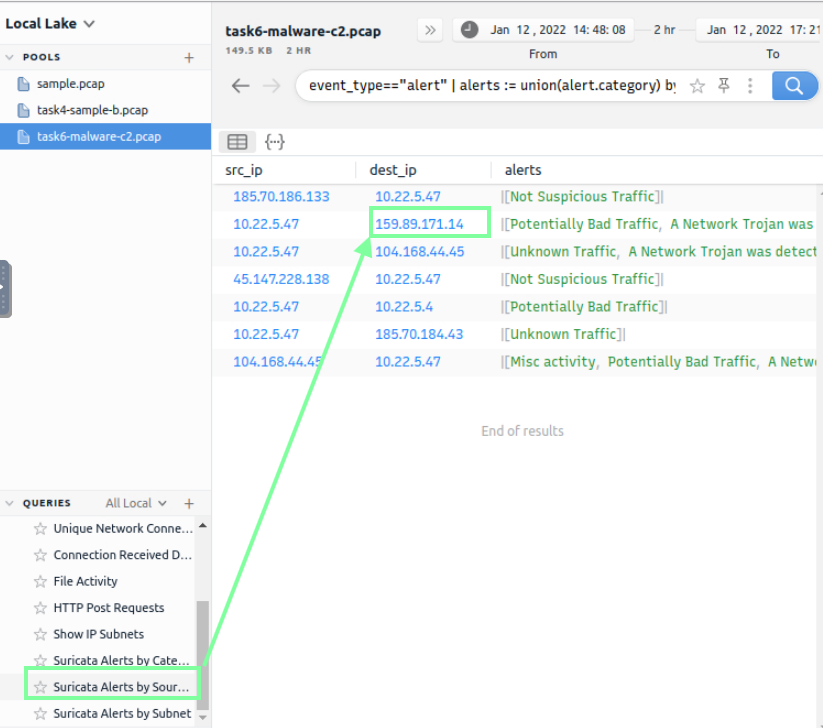
“There is an additional C2 channel in used the given case. What is the name of the secondary C2 channel?”


Our last task is involving crytpo mining! Make sure you open the pool “task7-crypto-mine.pcapng”.
“How many connections used port 19999?”
_path==”conn” | cut id.resp_p, service | sort | uniq -c | sort -r count

“What is the name of the service used by port 6666?”
Staying on this filter, we obtain our answer to this.

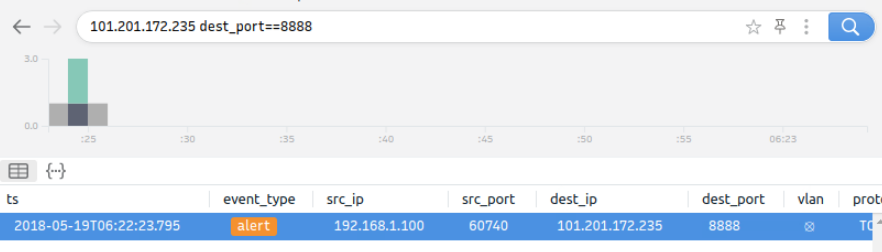
“What is the amount of transferred total bytes to “101.201.172.235:8888″?”

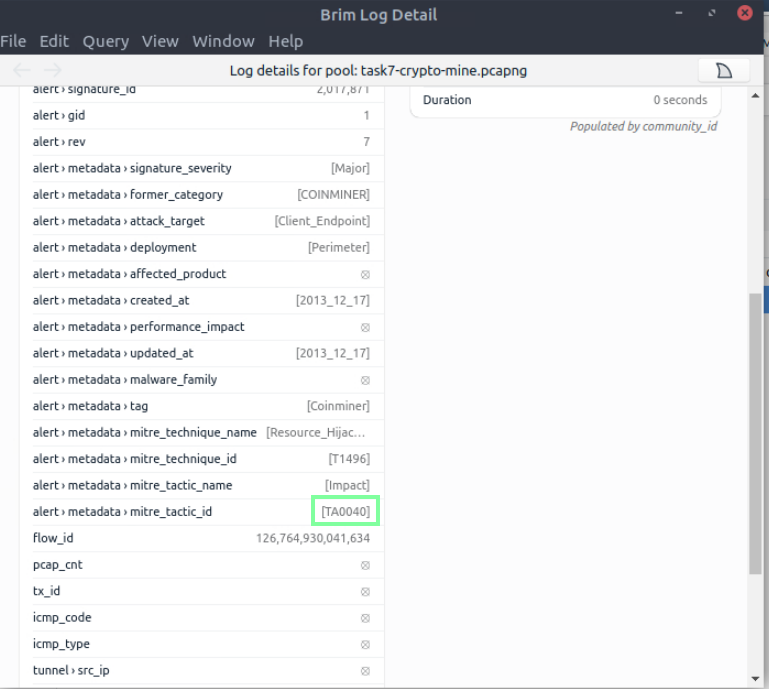
“What is the detected MITRE tactic id?”