
https://tryhackme.com/room/malmalintroductory
Created by: cmnatic
This room is not part of the SOC path, but it’s recommended prior to starting one of the rooms on that path: https://tryhackme.com/room/malwareclassification.
I peeked at this room, and it’s filled with some good content I don’t want to pass over. Let’s begin!


Task 3 covers the steps of a malware attack: Delivery(usb, pdf, etc.), Execution(encrypt files for ransomware, create a botnet, etc), Maintaining Persistence/Persistence(malware survives a reboot, backdoor malware, etc.), and lastly Propagation(spreading the virus to other hosts).

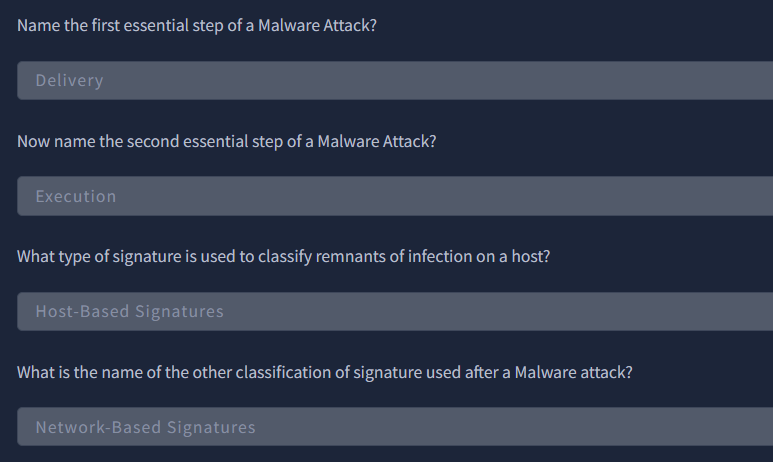
Task 4 covers Static Vs Dynamic Analysis. Per THM, Static Analysis: The process of analyzing malware without executing it in a controlled environment. Dynamic Analysis – The process of analyzing malware by running it in a controlled environment, such as a sandbox.
Task 5 lists various tools such as PE Explorer, IDA Freeware, DinDbg, and ResourceHacker. Task 6 has us launch our instance, and Task 7 we are tasked with obtaining the MD5 checksums of the task files.
“The MD5 Checksum of aws.exe”
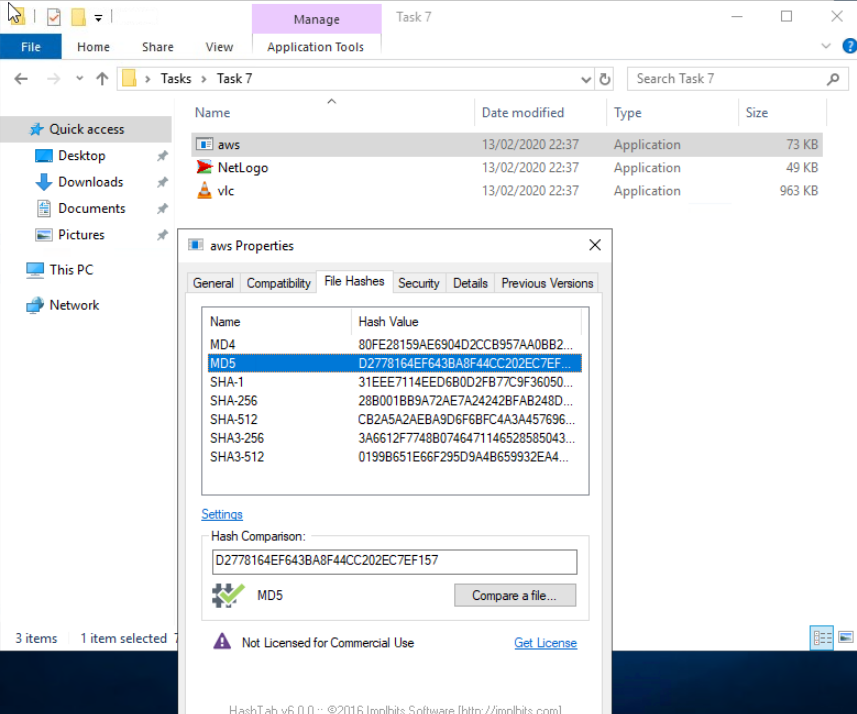
“The MD5 Checksum of Netlogo.exe”

“The MD5 Checksum of vlc.exe”

In Task 8 we tasked with going to Virustotal to look at the hashes we have obtained!
“Does Virustotal report this MD5 Checksum / file aws.exe as malicious? (Yay/Nay)”
Nay
“Does Virustotal report this MD5 Checksum / file Netlogo.exe as malicious? (Yay/Nay)”
Nay
“Does Virustotal report this MD5 Checksum / file vlc.exe as malicious? (Yay/Nay)”
Nay!
Task 9 links to a data carving site: https://filesig.search.org/. We will be using PEiD to obtain our next answer.
“What does PeID propose 1DE9176AD682FF.dll being packed with?”
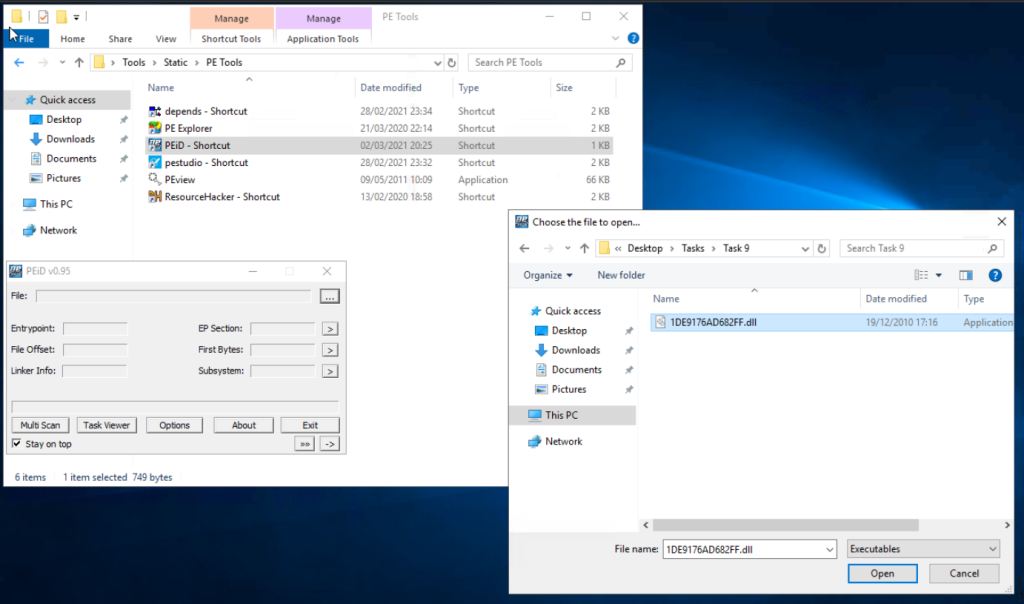
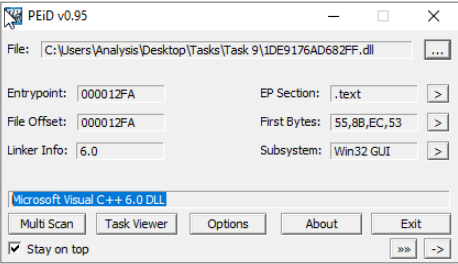
“What does PeID propose AD29AA1B.bin being packed with?” Make sure you change executable to All Files to get this to populate.”


Task 10 covers Obfuscation/Packing. The room does an ok job at explaining the differences, but I had DuckDuckGoAI do a bullet list for better comparison:

“What packer does PeID report file “6F431F46547DB2628″ to be packed with?”
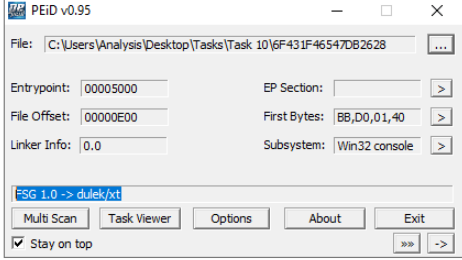
In Task 11, the author goes over the differences between packed & non-packed code. Task 12 introduces us to Strings!

“What is the URL that is output after using “strings””
cd C:\Users\Analysis\Desktop\Tools\SysinternalsSuite > strings “C:\Users\Analysis\Desktop\Tasks\Task 12\67844C01” > Scroll up!

“How many unique “Imports” are there?” 5!
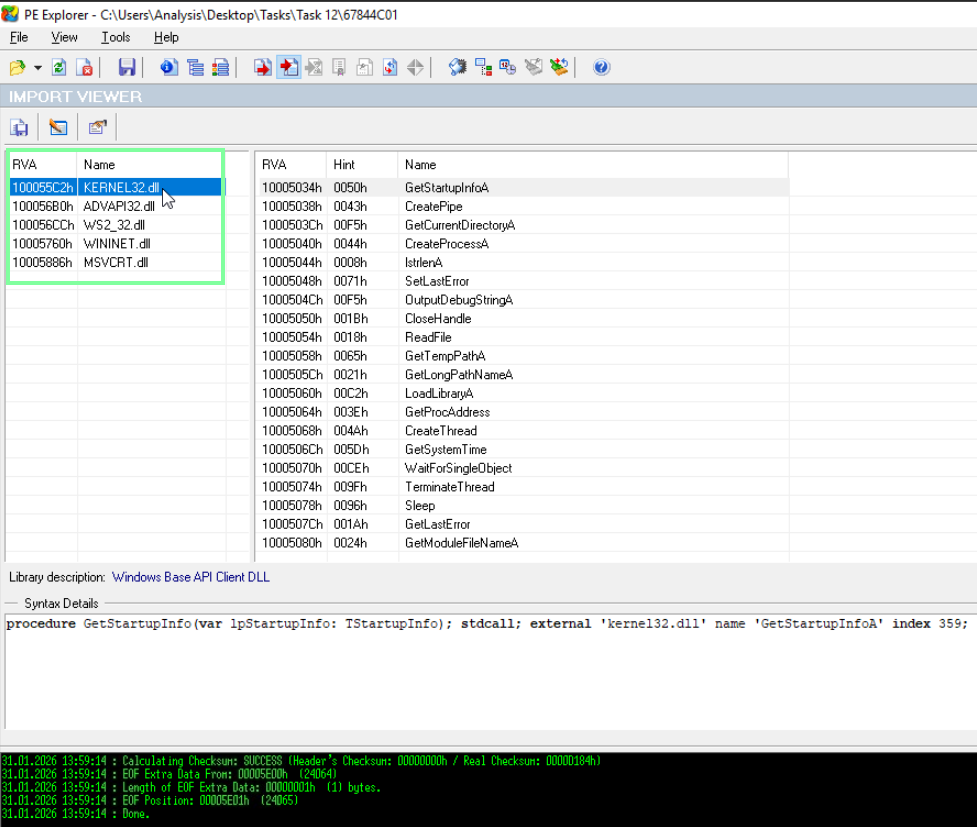
In Task 13, we will be using the IDA Freeware!
“How many references are there to the library “msi” in the “Imports” tab of IDA Freeware for “install.exe“”. I filtered this by the Name tab to make it easier to navigate.
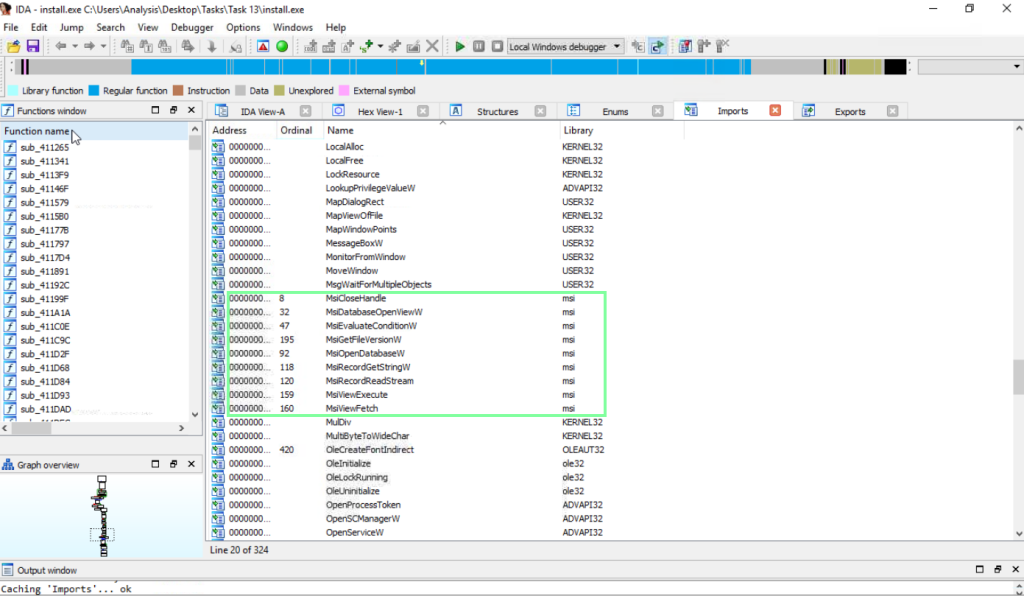
Now for Task 14, our practical summary!
“What is the MD5 Checksum of the file?”

“Does Virustotal report this file as malicious? (Yay/Nay)” Yay!

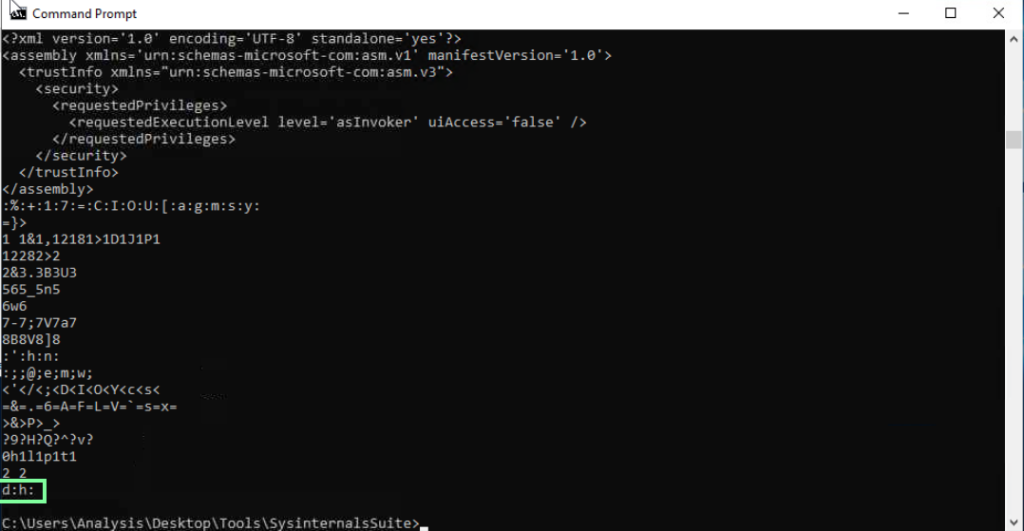
“Output the strings using Sysinternals “strings” tool.
What is the last string outputted?”
“What is the output of PeID when trying to detect what packer is used by the file?”
