https://tryhackme.com/room/windowsthreatdetection3
Created by: tryhackme, TactfulTurtle
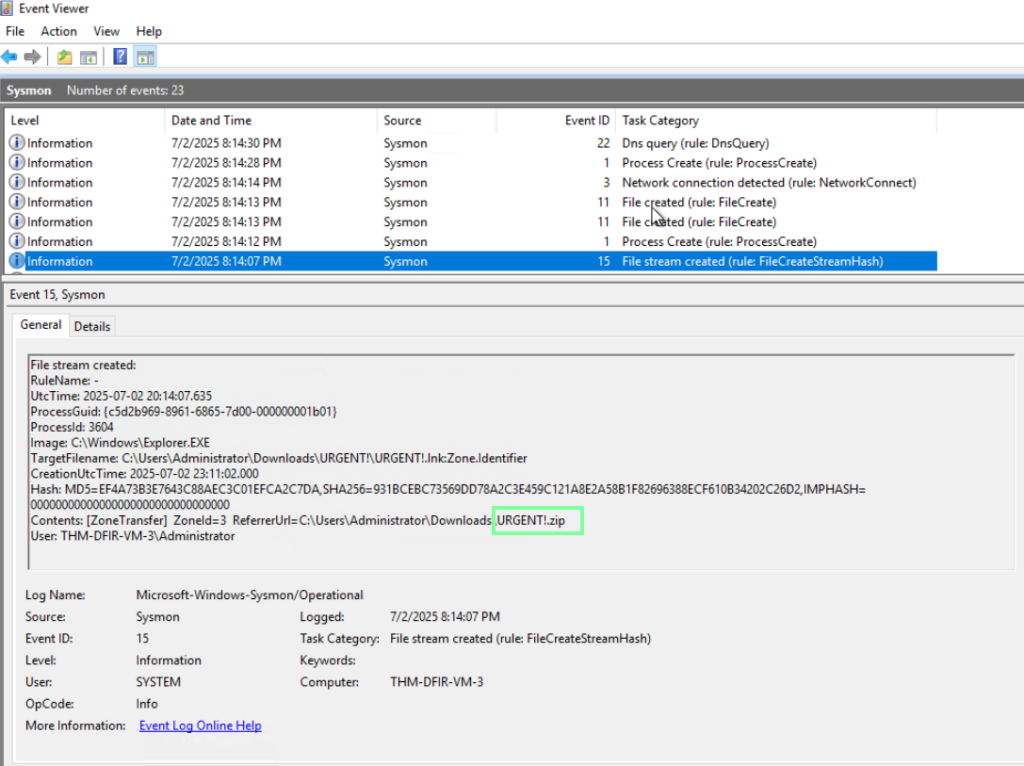
“Which suspicious archive did the user download?”
“”Where did the attackers hide the C2 malware file?”
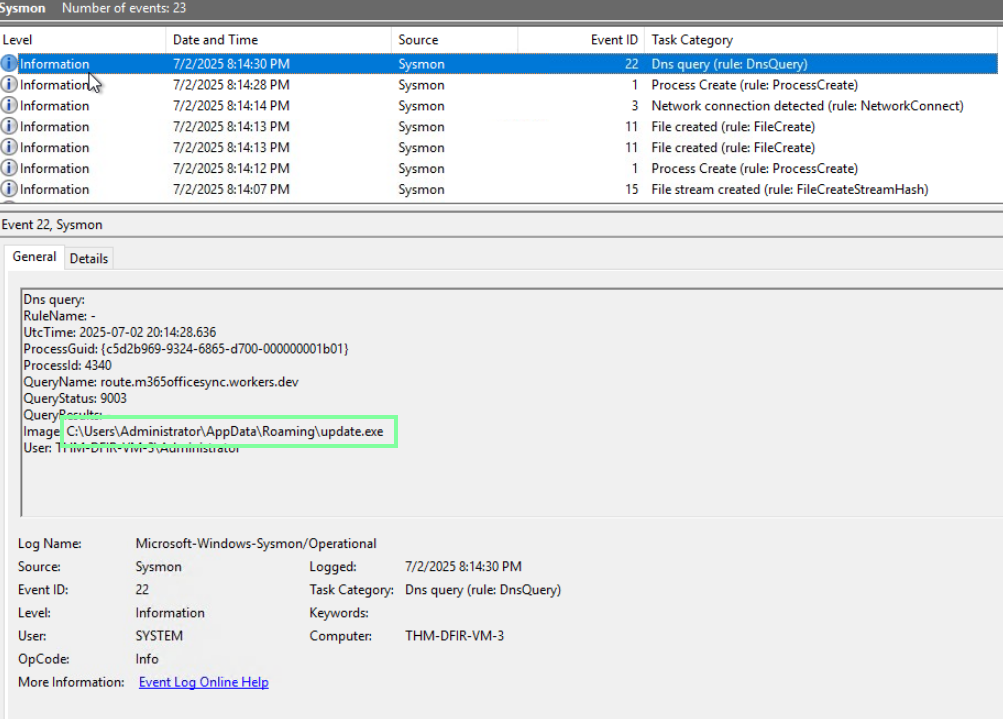
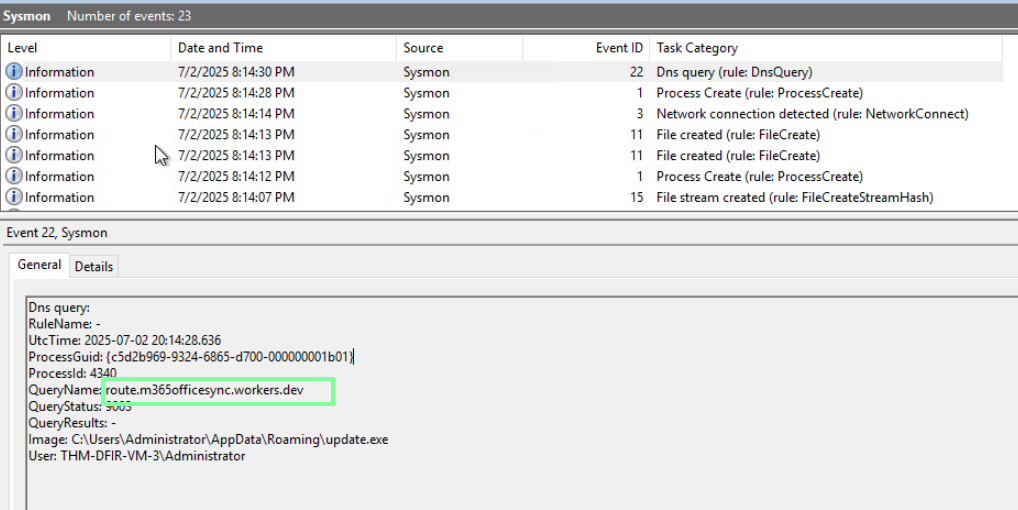
“What is the domain of the Command and Control server?”
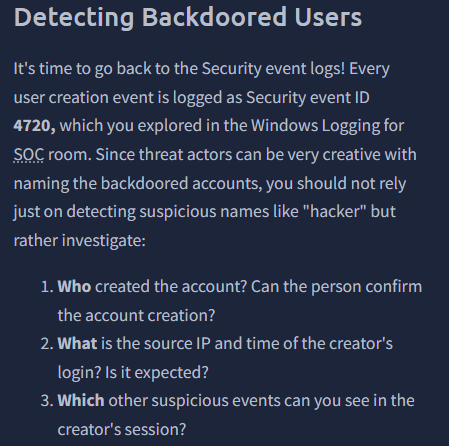
On to task 3, Persistence Overview!
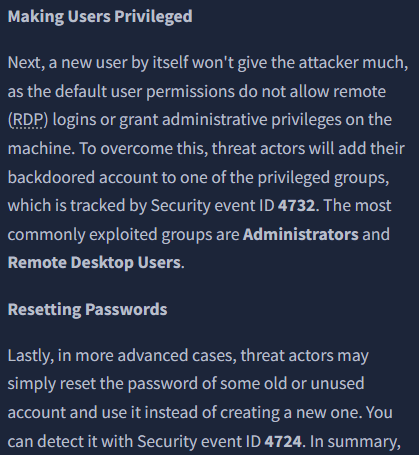
“How many times did the threat actor fail to log in to the Administrator?”
I filtered by event 4625.

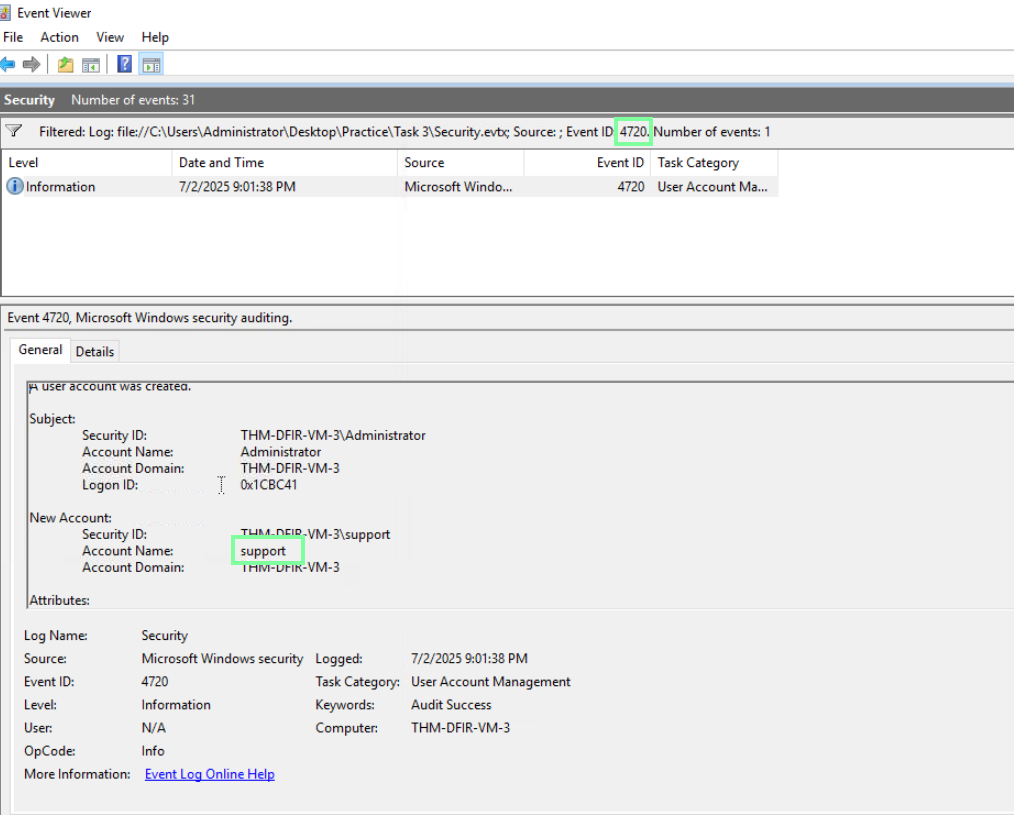
“After the successful login, which backdoor user did the attacker create?”
“Which privileged group was the backdoor user added to?”
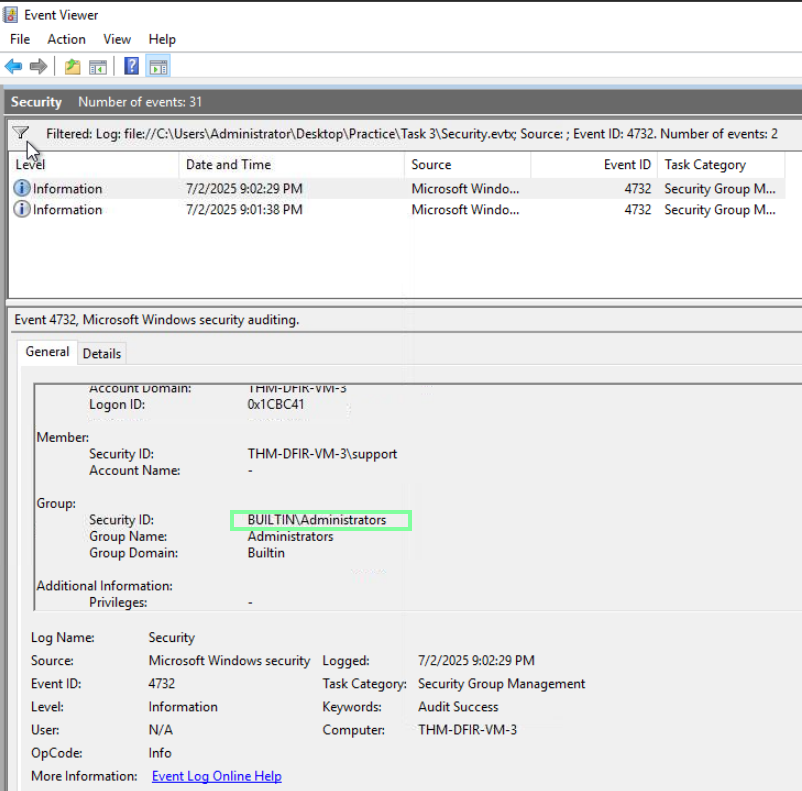
So far, so good! On to Task 4, Persistence: Tasks and Services!
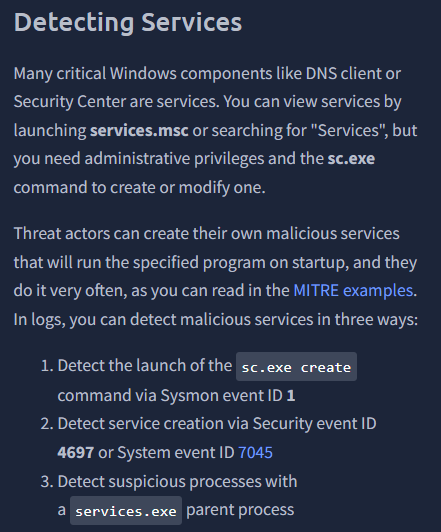

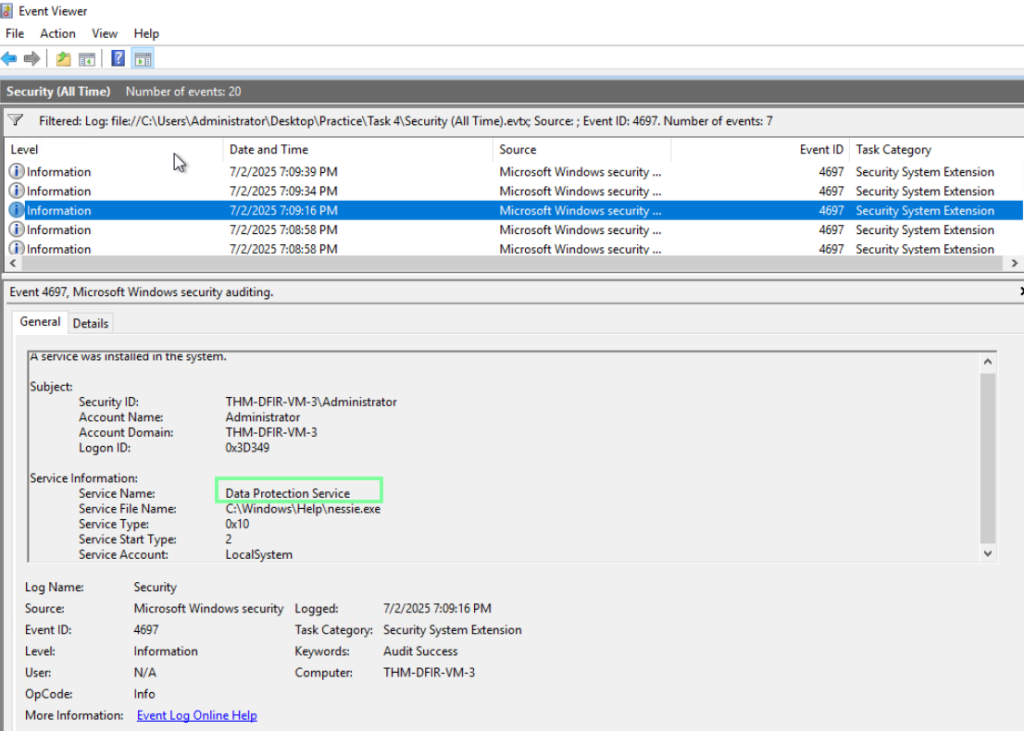
“Which Windows service was created to persist the Nessie malware?”
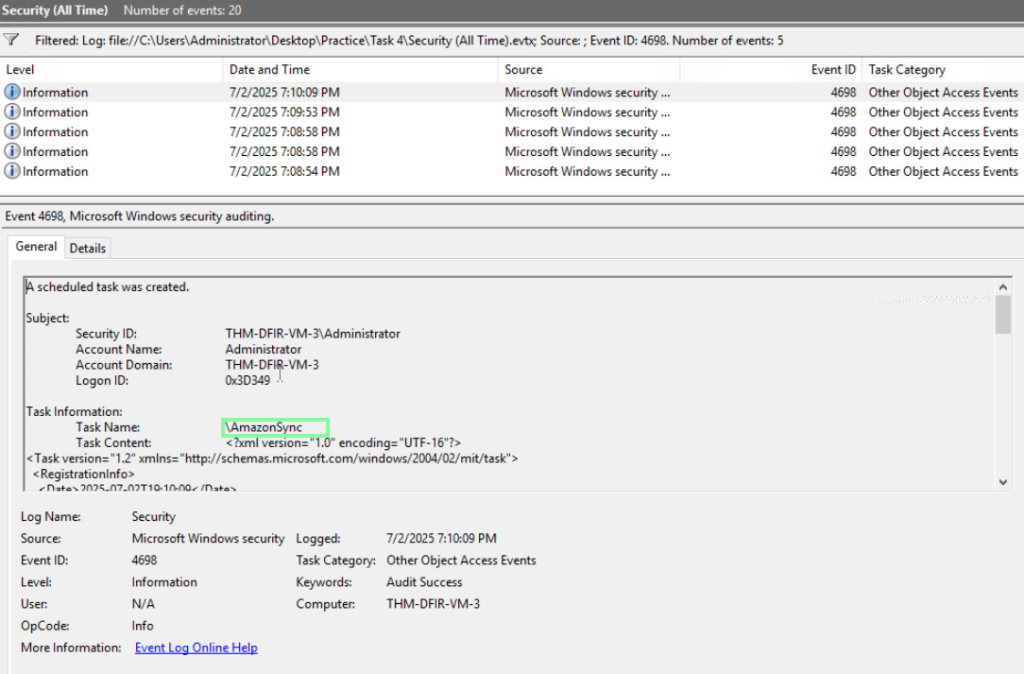
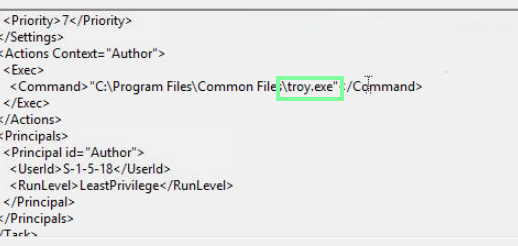
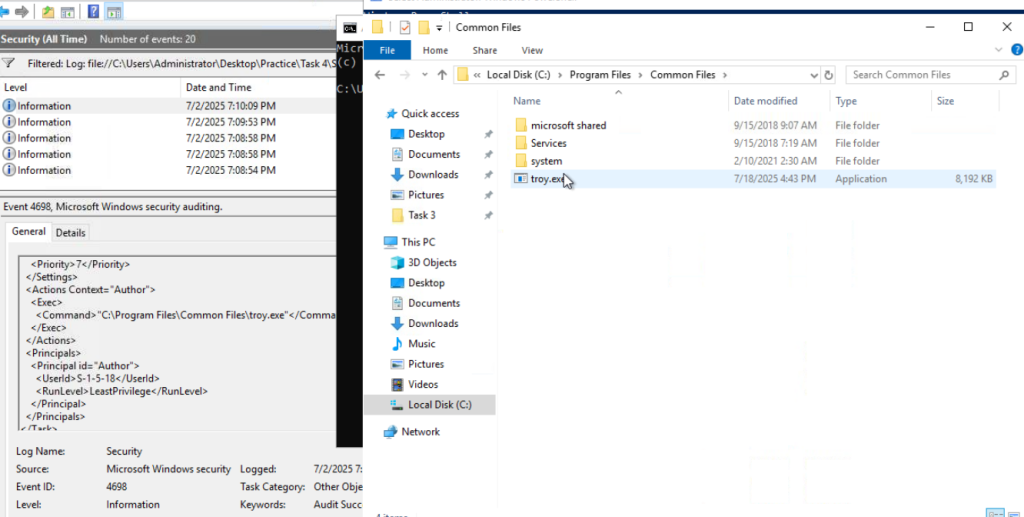
“Which scheduled task was created to persist the Troy malware?”
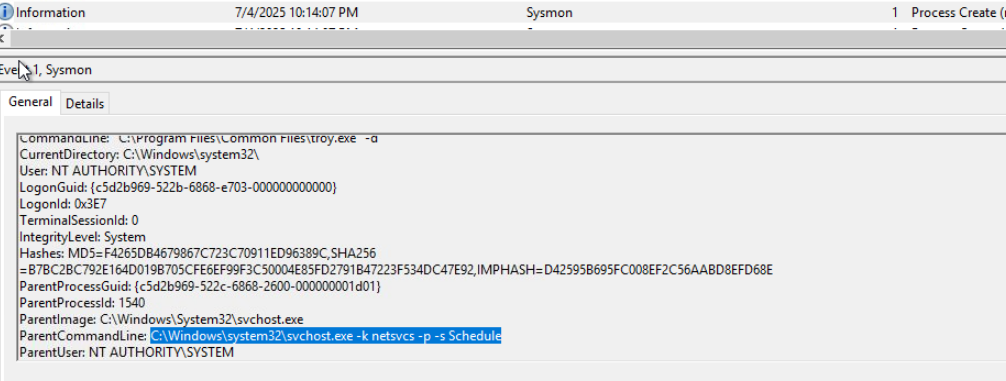
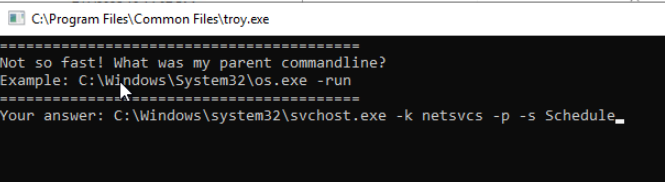
“What flag do you get after finding and running the Troy malware?” Since we know we are looking for “troy.exe”, I used the find feature to quickly locate it. In the same event with the command, scroll down to locate the ParentCommandLine.
On to Task 5, Persistence: Run Keys and Startup!
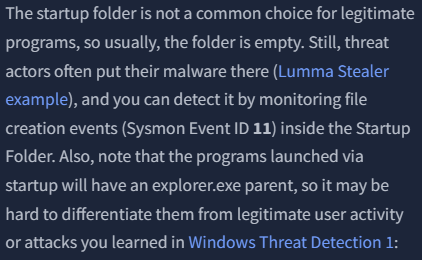
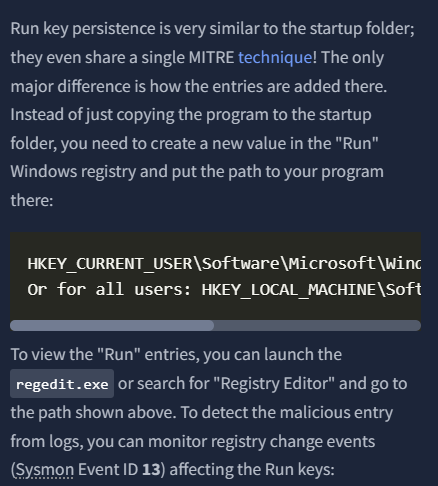
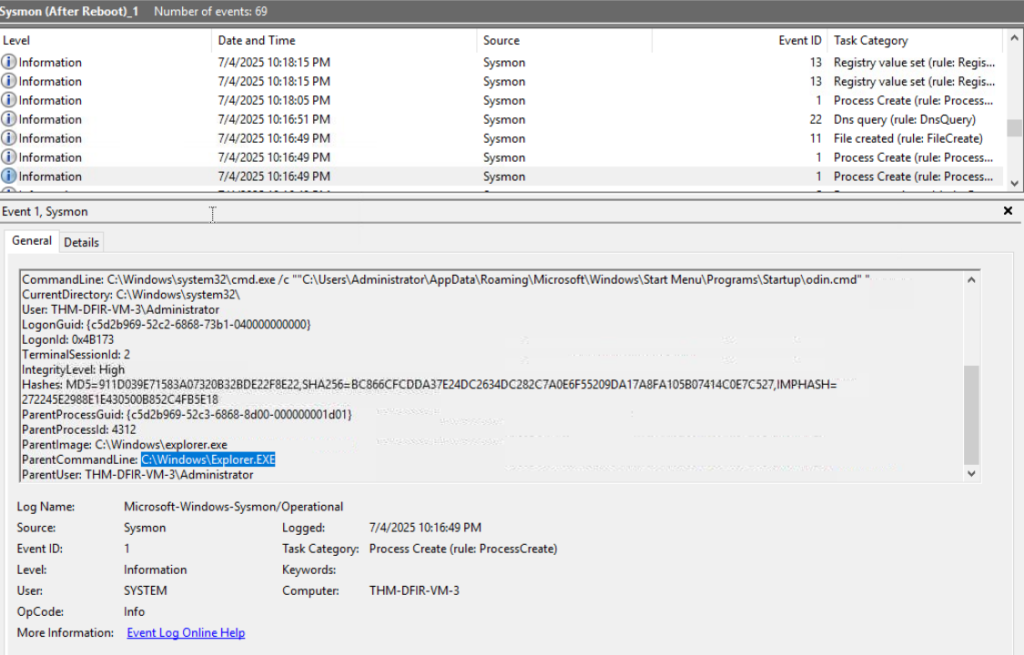
“What is the parent process image of the ‘Odin’ malware?”
Again, I use the find action to filter through and obtain this. When you locate odin in the command line, scroll down to the ParentCommandLine to obtain the answer.
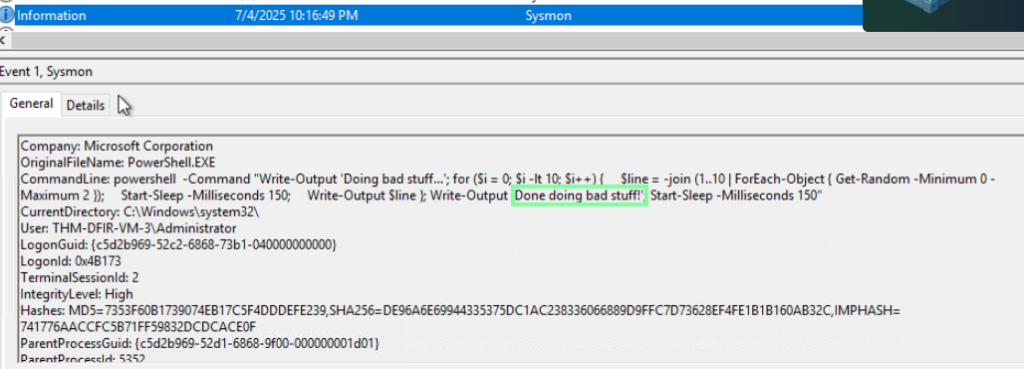
“What is the last line that the “Odin” malware outputs?”
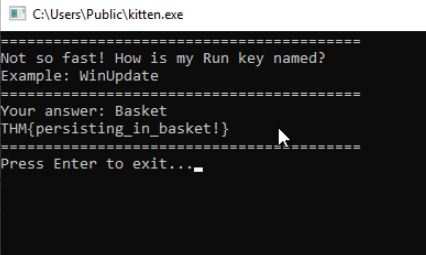
“What flag do you get after finding and running the “Kitten” malware?”
Using the find ability to locate the file and then using file explorer to navigate to it.
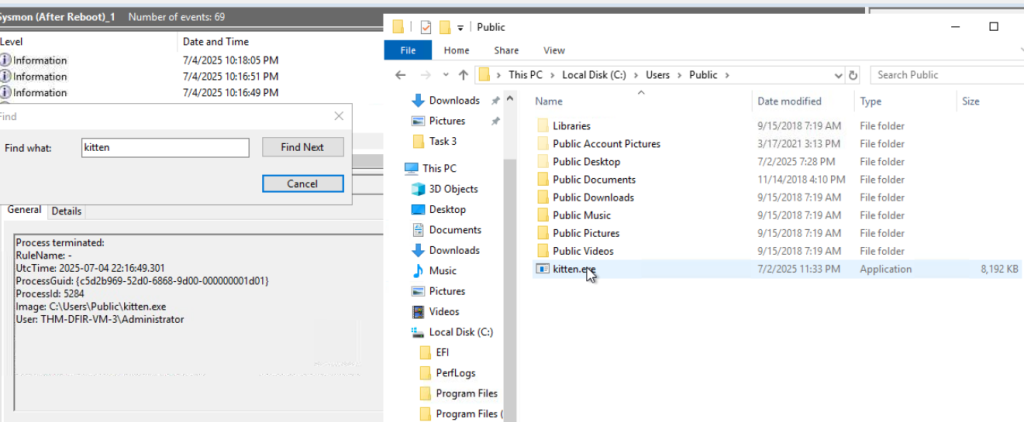
When you run the application, it will ask about a Run key. Exit out of the ‘After Restart’ file selection and go into the ‘Before Restart’ file to obtain this!

On to Task 6, Impact and Threat Detection Recap! We are done with our virtual machine tasks.