Room link: https://tryhackme.com/room/flarevmarsenaloftools/. Created by: tryhackme, magic4n6, strategos
Another blue team tool! Per THM, “FlareVM stands out as a comprehensive and carefully curated collection of specialized tools uniquely designed to meet the specific needs of reverse engineers, malware analysts, incident responders, forensic investigators, and penetration testers. This toolkit, expertly crafted by the FLARE Team at FireEye, is a powerful aid in unravelling digital mysteries, gaining insight into malware behavior, and delving into the complex details within executables.”
In the second task room, Arsenal of Tools, THM covers many of the tools inside the toolkit, with each tool categorized under specific headings, such as Reverse Engineering, Decompilers, File Analysis, and Sysinternals Suite. In the third task, “Commonly Used Tools for Investigations: Overview,” it provides more detail about some of these tools. When it comes to flags, you will be required to utilize the machines.
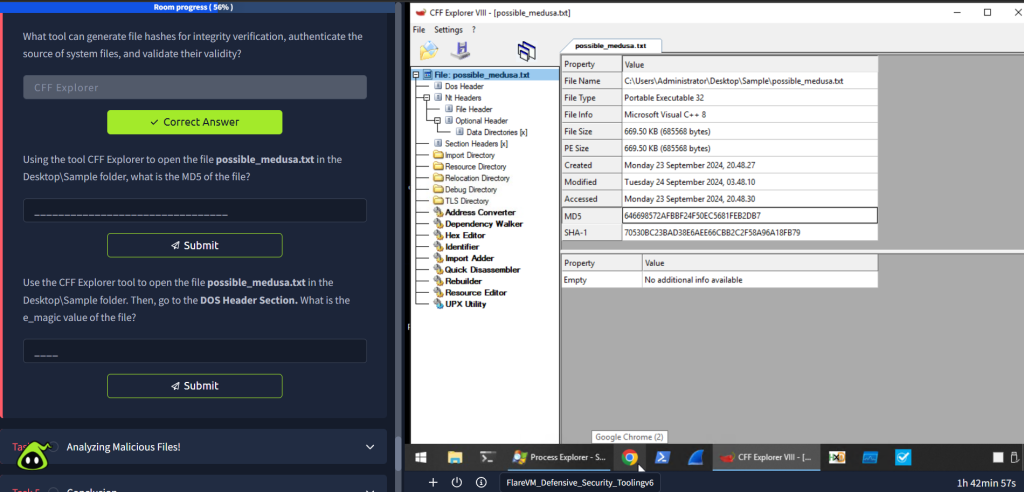
Pretty neat set of tools! Now let’s move on to task 4, Analyzing Malicious Files. The situation is as follows: “A suspicious windows.exe file was downloaded by a user on 09/24/2024 at 3:43 AM. This download was flagged as a potential threat. The monitoring team has sent you an email requesting that you perform an analysis of it. They have sent you the file, which is now in the C:\Users\Administrator\Desktop\Sample folder.”. Sounds cool!
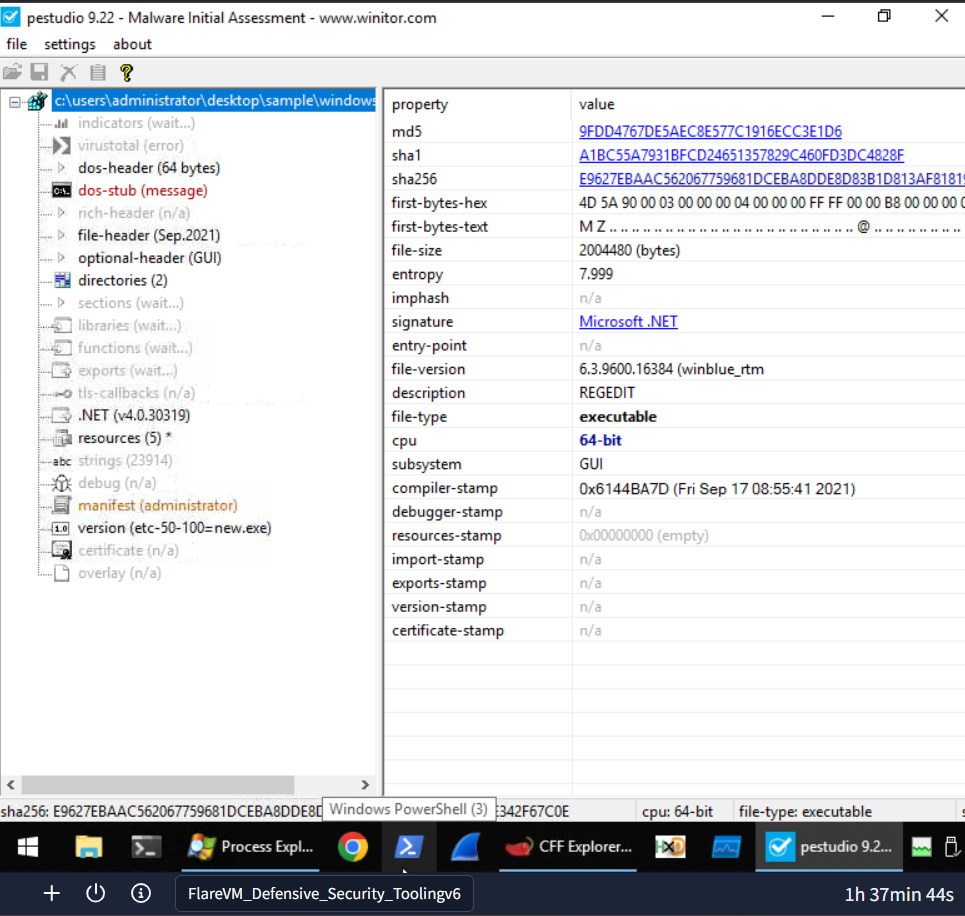
The room breaks down the file with good detail so I suggest you read that. After that, we are to launch the FLOSS command in Powershell.

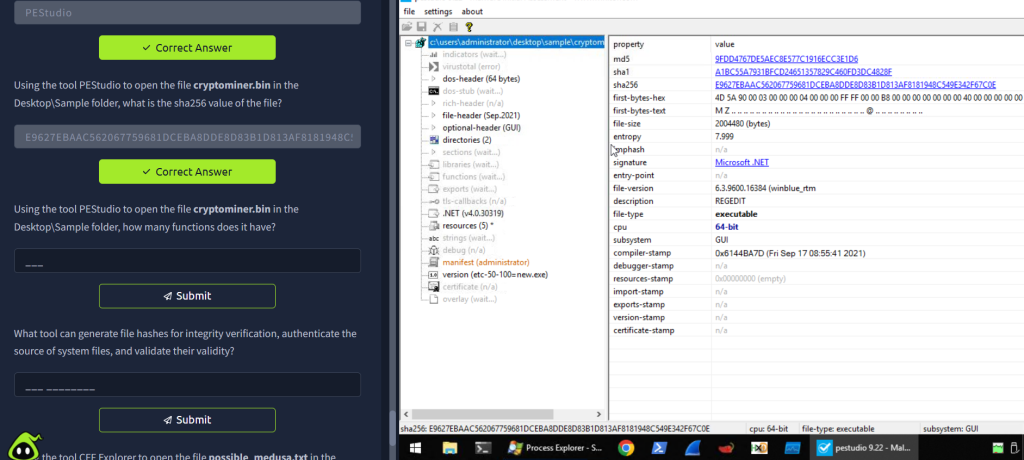
You can then open the file through PowerShell with .\windows.txt. Once you open this, THM wants you to scroll all the way down and highlight these functions in the task text. To obtain the last flags, we will be using PEStudio.

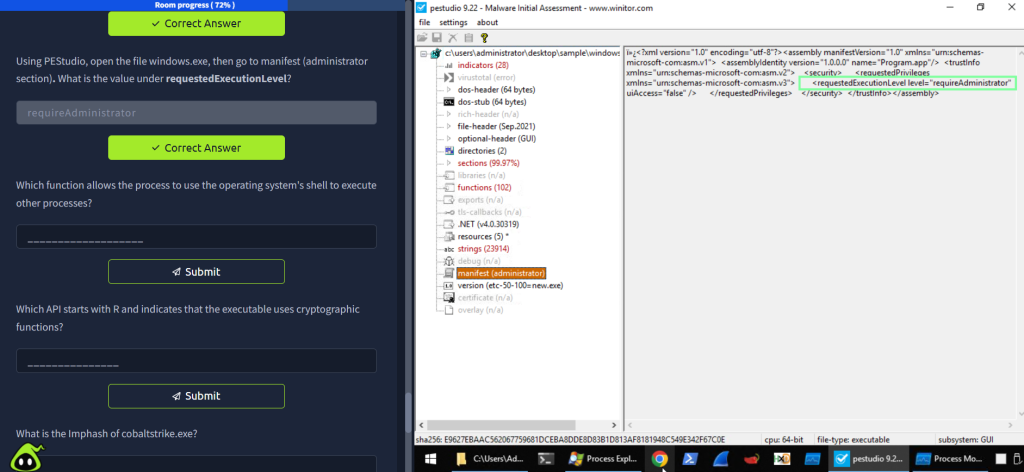
The next two flags you can find the answer in the lab text. Next the flag is require you to look into the cobaltstrike file, close out of pestudio and reopen it and this time select the cobaltstrike file. When you right click it to copy the text, make sure you click “copy value(s)”.

The lab goes over how to obtain the next flag, and the question also requires a “defanged” IP address. Refer to the flag for details on that format and its appearance. The point behind the defanged address? This helps in sharing potentially harmful links safely.

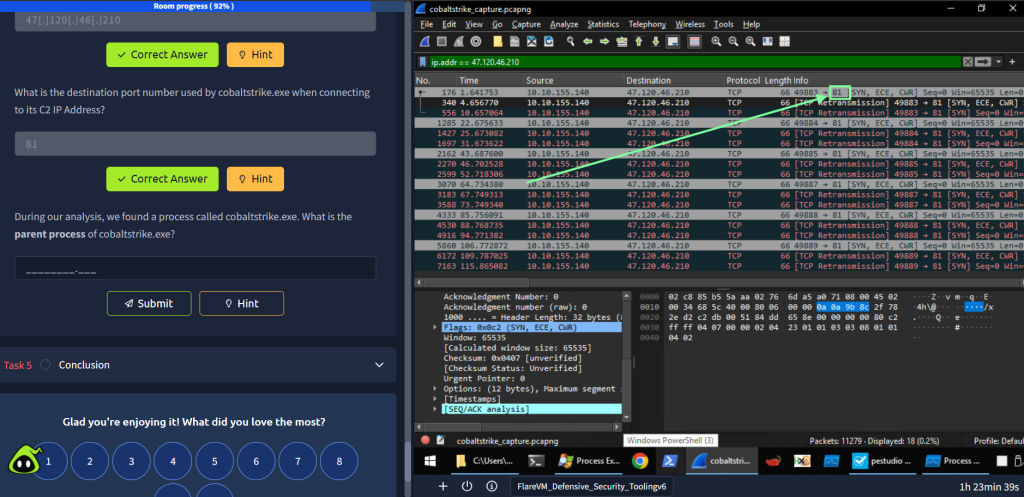
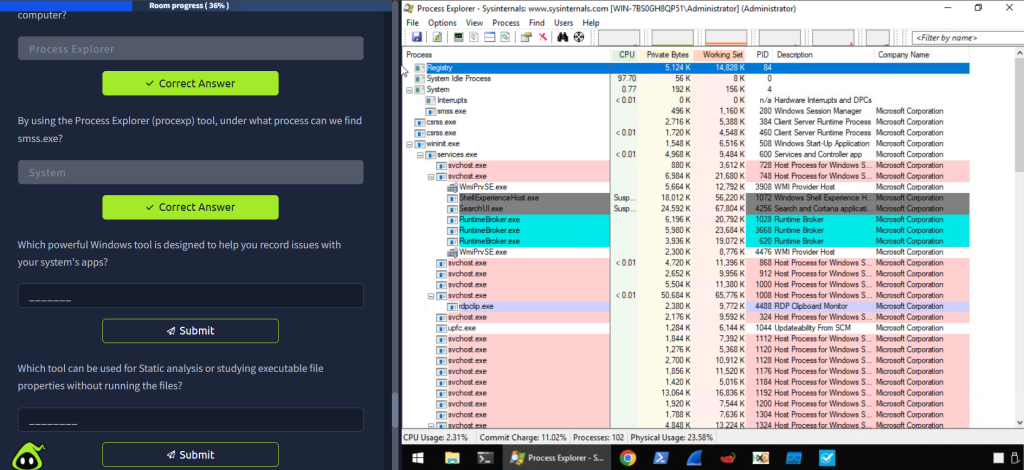
The next flag requires the use of Wireshark. You will open the Wireshark software, then select File > cobaltstrike_capture.pcapng. Then, within the “Apply a display filter” bar, apply this filter “ip.addr == 47.120.46.210”. I’ll be honest, it’s been a bit since I have used Wireshark, and the room barely covered Wireshark, so the question threw me off at first. I used the THM AI to guide me on that. But once I got into Wireshark, my brain kicked in and I knew what to do. You will then go back to Process Explorer to obtain the last flag of the room.