
https://tryhackme.com/room/networksecurityessentials
Created by: tryhackme, Dex01
“The networks are the backbone of every modern organization. Servers, workstations, applications, and security devices don’t exist in isolation; they are interconnected, forming a single ecosystem. The network perimeter is where this internal ecosystem is segregated from the external Internet, and it is often the first target for attackers.
This room is designed to introduce you to the fundamental concepts of network security from a defensive perspective. While our focus will be on the logs and data sources we encounter daily, we’ll start by building a strong understanding of how networks are structured, why they are important to protect, and why monitoring the perimeter is critical for early attack detection.”

In task 6 and 7, we learn more about the importance of securing the parameter along with using our VM for technical hands on. We are tasked with looking at the logs in the task6 folder.

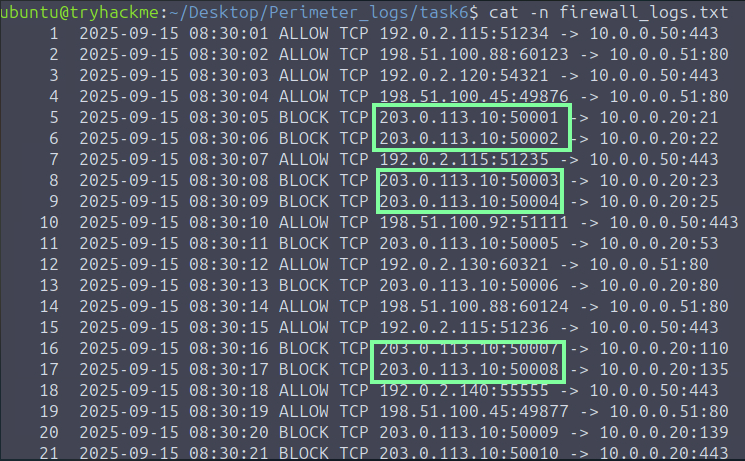
“Examine the firewall logs. Which IP address is performing the port scan?” We see that it’s this IP address that has a rapid back to back connection.
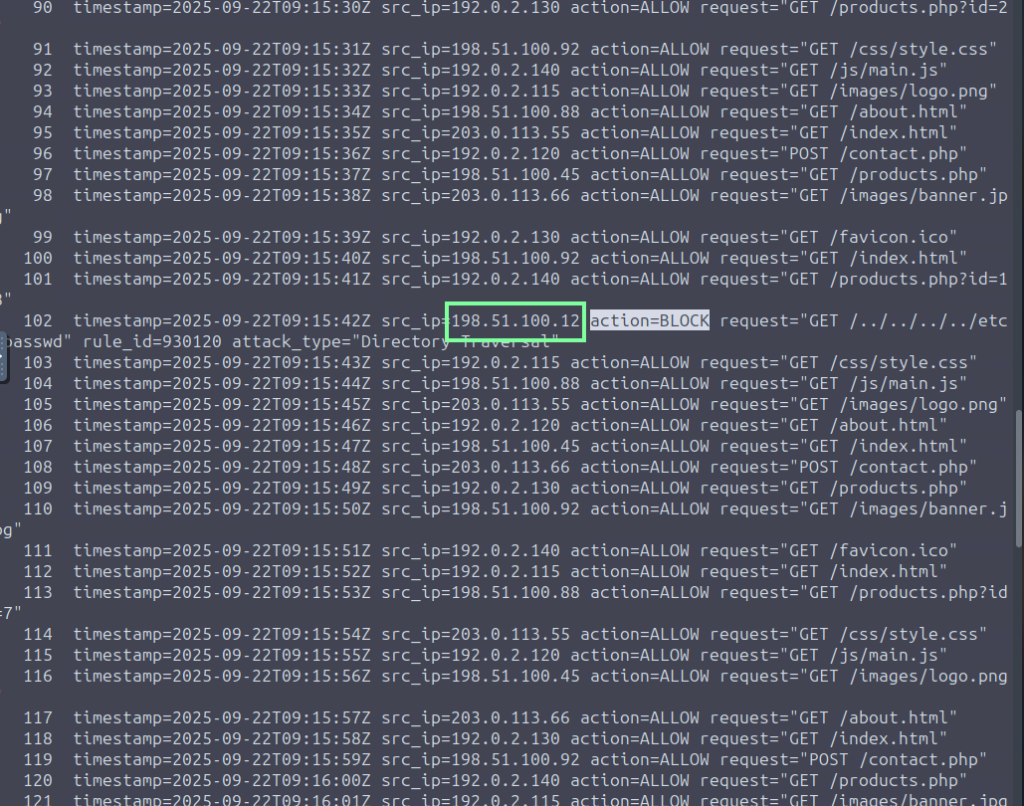
For question, “In the WAF Logs, which single source IP is responsible for all the blocked web attacks?”. Scroll to find the blocked requests. You could use grep to make this easier if you wish.

“In the VPN logs, how many brute-force attempts failed?”. In order to obtain this and make it easier for ourselves, we need to focus on the FAILED_AUTH. There are too many to count so lets use grep to do the job for us.
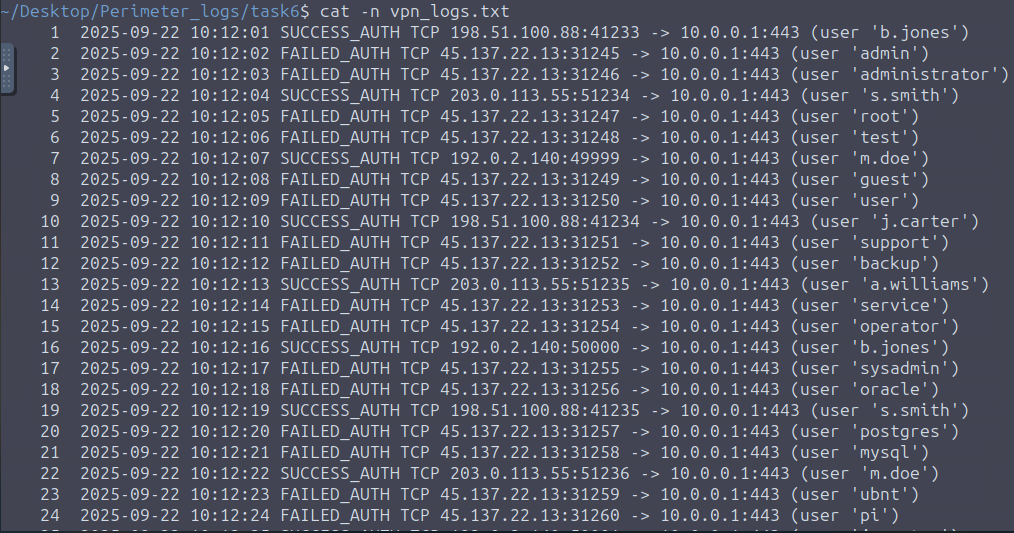

For “Which suspicious IP address was found attempting the brute-force attack against the VPN gateway?” we already have our answer from the snippet above.

In Task 7, we are given an incident scenario with three sets of logs we are to look into. We can do this either manually through the CLI or through Splunk. I am going to do both and split the answers for the rest of the questions! When doing it the manual way, I suggest typing in the commands instead of copying to get more Linux practice. THM guides us with supplying commands, but when it comes to their given “redacted,” you will need to replace that with what you see on your end, for example…
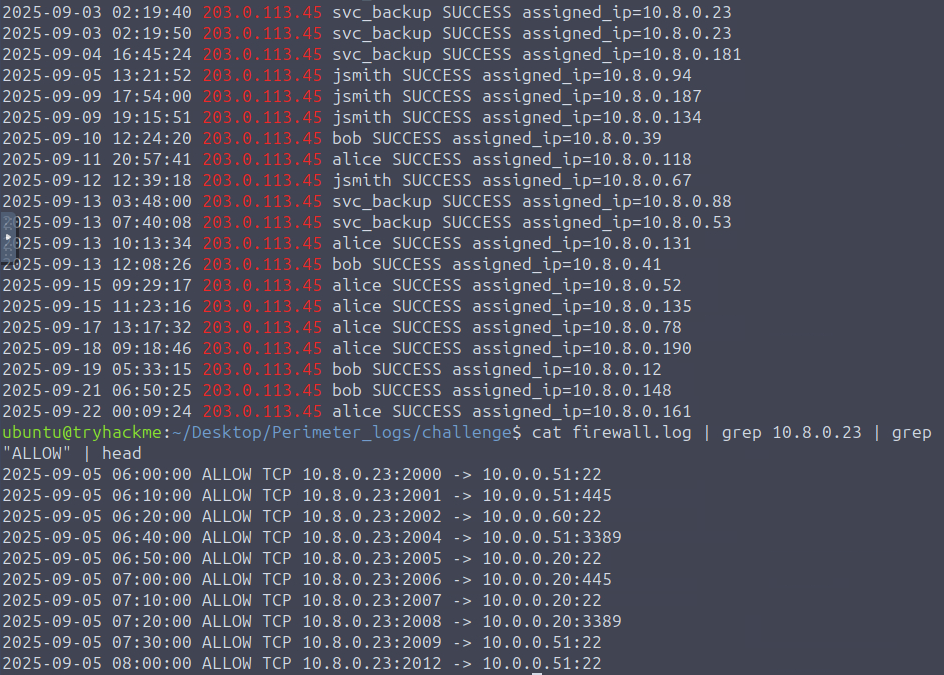

If you use Splunk, ensure that you change the Time range to ‘All time’, as it will not populate any results otherwise. This will be the case in future THM labs regarding Splunk, FYI.
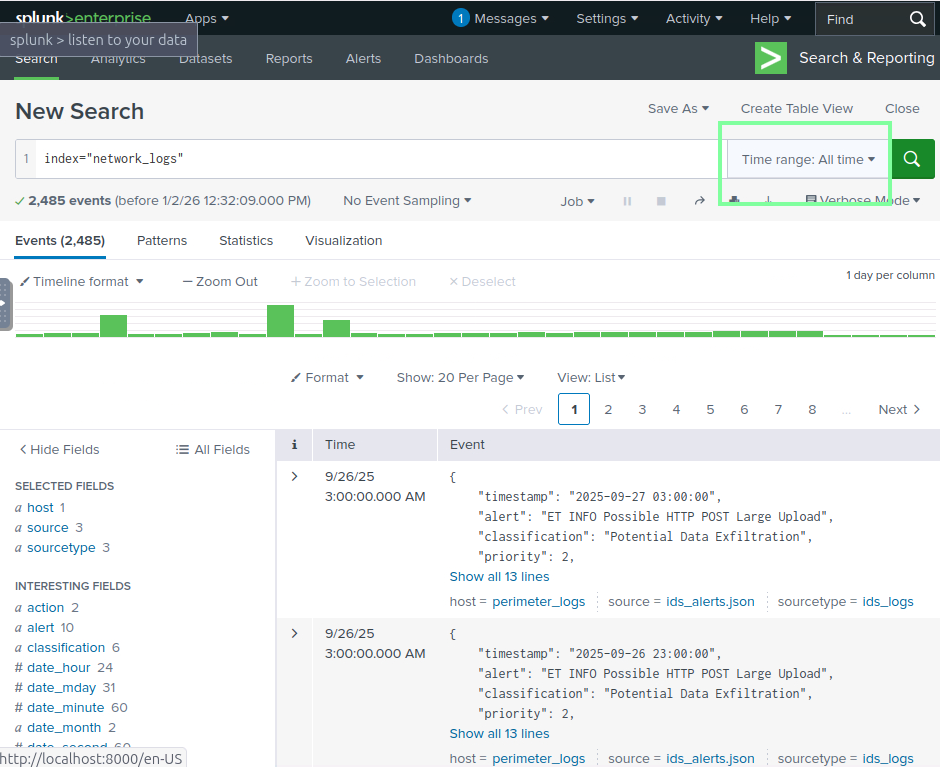
“Examine the firewall logs. What external IP performed the most reconnaissance?”

“In the firewall log, Which internal host was targeted by scans?”

“Which username was targeted in VPN logs?” Ignore the 203 box; it will be the underlined text.

“What internal IP was assigned after successful VPN login?”

“Which port was used for lateral SMB attempts?”

“In the IDS logs, which host beaconed to the C2?”
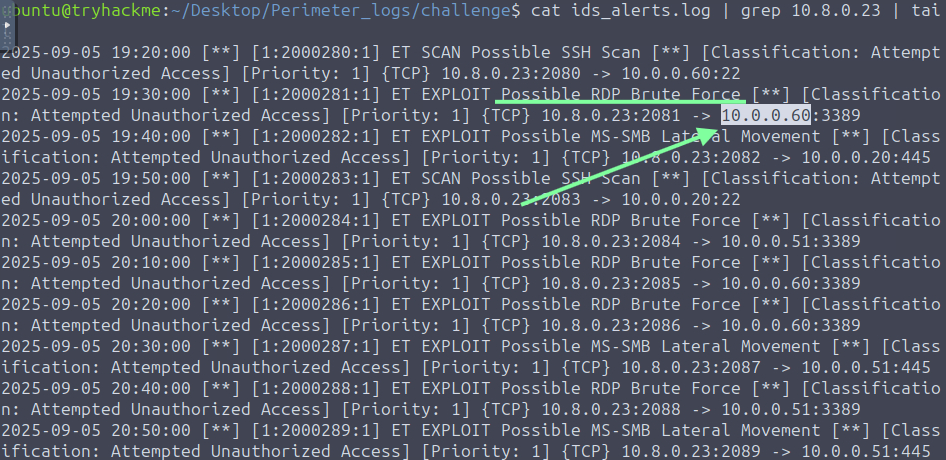
“During the investigation, which IP was observed to be associated with C2?”

“Which host showed the exfiltration attempts?”
